AI/By Erfan Soleymanzadeh//6 min read
How AI is changing immersive experiences (and where it is not)
AI gives XR experiences perception, conversation, adaptation and generated content. Where it adds value, how to architect it, and where it still falls short.
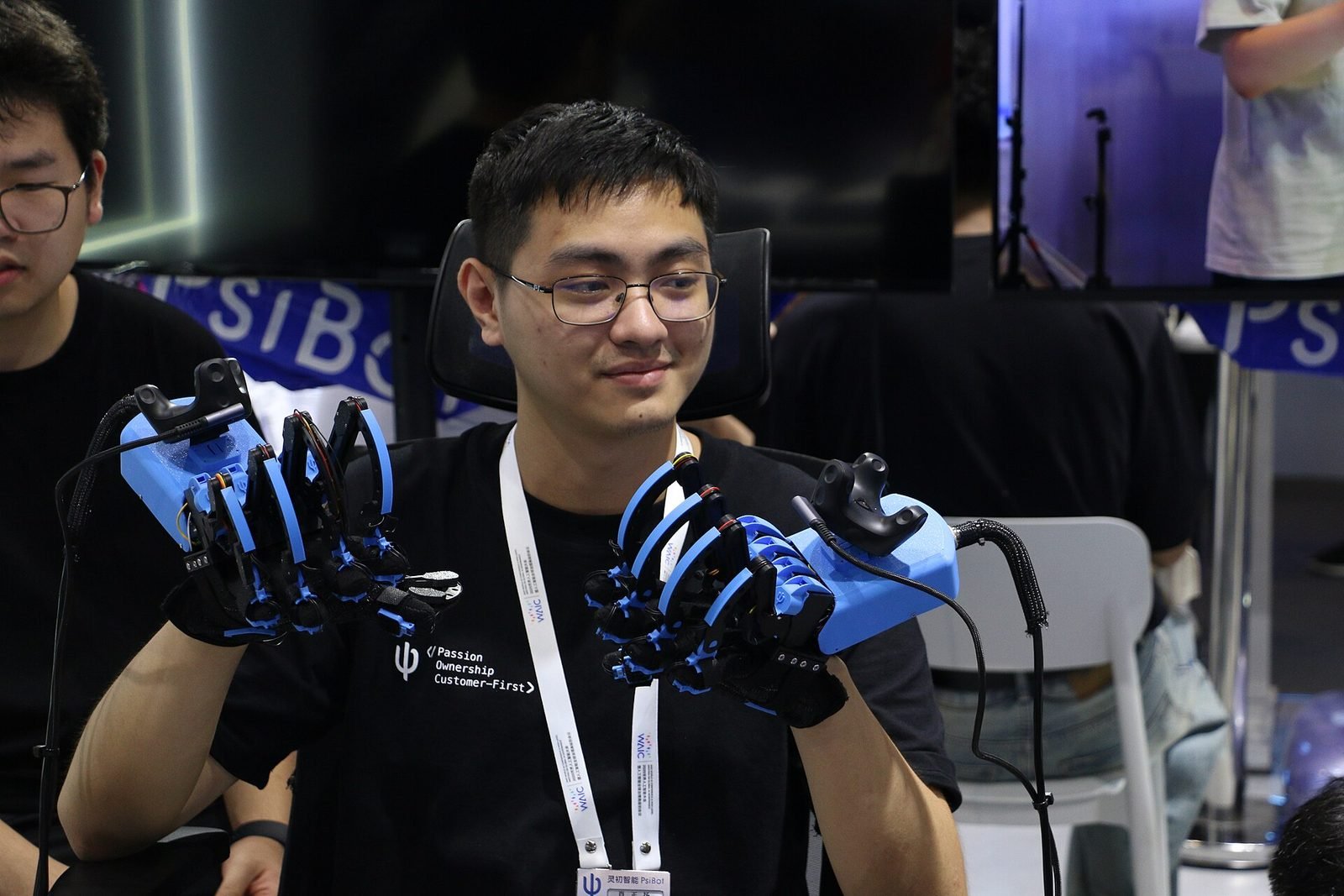
AI is changing immersive experiences in four concrete ways: it lets an application understand the scene it is in, lets people talk to the experience in natural language, adapts narrative and difficulty to the individual, and generates content that would be too expensive to author by hand. Each is real and shipping today. What AI is not doing is replacing the design of the experience, guaranteeing correct answers, or running comfortably inside a headset's render loop.
This article covers where models fit in an XR architecture, the trade-offs between on-device and cloud processing, how to keep a language model honest, and what an agent inside a spatial environment involves. It draws on self-initiated R&D at VeleStudio, where AI and XR meet.
Four roles AI plays in XR
Perception: understanding the scene
Headsets and phones already run computer vision to track their own position. Perception models go further: recognising which object a visitor is looking at, segmenting a room into floor, walls and furniture, reading a label, or estimating a person's pose in front of an installation. This is the layer that lets content attach to the world without markers and react to what is physically present. Most of it runs on the device, with Core ML, TensorFlow Lite or Unity Sentis, because it has to keep up with the camera.
Conversation: a guide that sees what you see
Large language models let people ask a question in their own words and get an answer in their own language. Combined with perception, the model can be told what the user is looking at, where they stand and what they have already seen, turning a chatbot into a situated guide. Our self-initiated spatial conversational guide prototype explores exactly this: a voice interface in a headset that answers questions about the object in front of the user, drawing on curated interpretation rather than general knowledge.
Adaptation: narratives and difficulty that respond
Rule-based branching has existed for decades; models add the ability to adapt on dimensions nobody scripted. A training scenario can adjust its pacing to a learner's hesitation, a museum story can go deeper for a visitor who keeps asking about materials, and a game can rebalance difficulty continuously. The design task is to define the space of acceptable variation so the experience stays coherent and testable.
Generation: environments, audio and assets
Generative models produce textures, skyboxes, 3D geometry, ambient soundscapes and speech. In production this is most useful for background and variation rather than hero content: filler environments, procedural detail, placeholder assets during prototyping, and multilingual voice-over from approved scripts. Hero content still needs an artist, for quality and for rights clarity.

Architecture: on-device or cloud
The first engineering decision is where each model runs.
- On-device inference has no network latency, works offline and keeps camera data on the device, which matters for privacy and for venues with poor connectivity. It is limited by battery, thermal headroom and memory, all already under pressure from rendering.
- Cloud inference gives access to the largest language and generation models and can be updated without shipping a new build. It adds round-trip latency, a cost per request, a dependency on connectivity and the obligation to handle personal data properly.
The practical pattern is a split: perception and anything that must react within a frame stays on the device; language understanding and generation go to a server; and a slow or missing answer degrades gracefully rather than freezing the application. Headsets render at 72 to 120 frames per second, and a model that stalls the render thread for even a few frames is felt immediately. AI work belongs on background threads or remote services, never in the frame loop.
Latency targets follow from human conversation. A spoken reply that begins within about a second feels responsive; several seconds of silence feels broken unless the interface shows it is thinking. Streaming the answer as it is generated, with speech synthesis starting on the first sentence, does most to make a cloud model feel present.
Grounding answers in curated content
A language model asked about a fourteenth-century altarpiece will answer confidently whether or not it knows anything true about that object. In a cultural, medical or industrial setting this is unacceptable. The remedy is grounding: the model is given the approved text for the object the user is looking at, with instructions to answer only from that material and to say when it does not cover the question.
In practice this means a small, curated knowledge base, usually the interpretation texts a curator or trainer already maintains, indexed so the right passages can be retrieved for a given object and question, with logging of what the model was shown so any wrong answer can be traced and the source corrected. Perception supplies the context (which object, which room); retrieval supplies the facts; the model supplies the language. Treated this way, the model becomes a very good reader and translator of material the institution already stands behind.
AI agents inside immersive environments
An agent is a model that can take actions, not just answer. In a spatial environment that can mean a character that walks to the exhibit it is describing, highlights the part of a machine it is explaining, relights a reconstruction for a different period, or guides a visitor along a route. The agent receives a description of the scene and a set of tools (move here, highlight this, play that) and chooses among them.
What makes this work is strict constraint: a short list of safe, reversible actions; a view of the scene taken from the application's own state rather than from interpreting pixels; and every action visible and interruptible. The agent is a performer following a brief, not an autonomous system. Built this way it can turn a static exhibit into something closer to a knowledgeable host, and design shifts from scripting every path to defining a character, a scope and a set of behaviours.
Where AI is not changing immersive experiences
- It does not solve comfort, ergonomics or legibility. Those are spatial UX problems that stay in the designer's hands.
- It does not remove the need for content. Grounded systems are only as good as the texts, models and media they are grounded in.
- It does not run freely on standalone headsets. Large models are remote, with cost and connectivity constraints a venue has to plan for.
- It is not a substitute for testing with real people. Variability in model output makes testing more necessary, not less.
- It does not resolve rights and data questions. Camera streams, voices and the provenance of generated assets need a clear policy before launch.
How VeleStudio approaches AI in XR
At VeleStudio we start from the experience and ask which single capability a model would add that nothing else can, then prototype it on the target device with real content. We keep perception local, ground language models in material the client controls, and measure latency and failure modes before expanding scope. If you are considering a conversational guide, an adaptive narrative or an agent for a spatial experience, talk to us and we will say plainly where AI helps and where it does not.
FAQ
Common questions
01How is AI used in virtual and augmented reality?
02Can an AI guide in a museum give wrong information?
03Should AI models run on the headset or in the cloud?
Related work
01Mixed Reality, Cultural Heritage·Studio prototype, 2026
Object Stories: a mixed reality guide prototype for museum collections
A Quest 3 passthrough prototype that recognises museum objects and anchors stories, exploded views and provenance to each one, tested in the studio with replicas.
- Unity
- C#
- Meta Quest SDK
- OpenXR
02AI, XR·Studio prototype, 2026
Spatial Guide: an AI agent that answers questions about what you are looking at
A headset prototype where a visitor looks at an object, asks a question by voice and gets an answer grounded only in a curated knowledge base, pinned to the object.
- Unity
- C#
- OpenXR
- Meta Quest SDK
Keep reading
How museums can use AR and XR: a practical guide for cultural heritage
How museums and heritage sites use AR, VR and mixed reality: use cases, phones versus loan devices, curatorial constraints, content pipelines and pilots.
What is spatial computing?
Spatial computing is computing that senses, maps and uses the physical space around a device, so digital content and interaction happen in place.

What is spatial UX? Designing interfaces for spatial computing
Spatial UX is the design of interfaces that live in the 3D space around a user. How it differs from 2D UX, and the principles that keep it comfortable.