Service · Geospatial experiences
Geospatial AR development for experiences anchored to real places
VeleStudio develops location-aware augmented reality experiences using Unity, AR Foundation and the ARCore Geospatial API, content anchored to streets, buildings and sites, not to a marker.
What it is
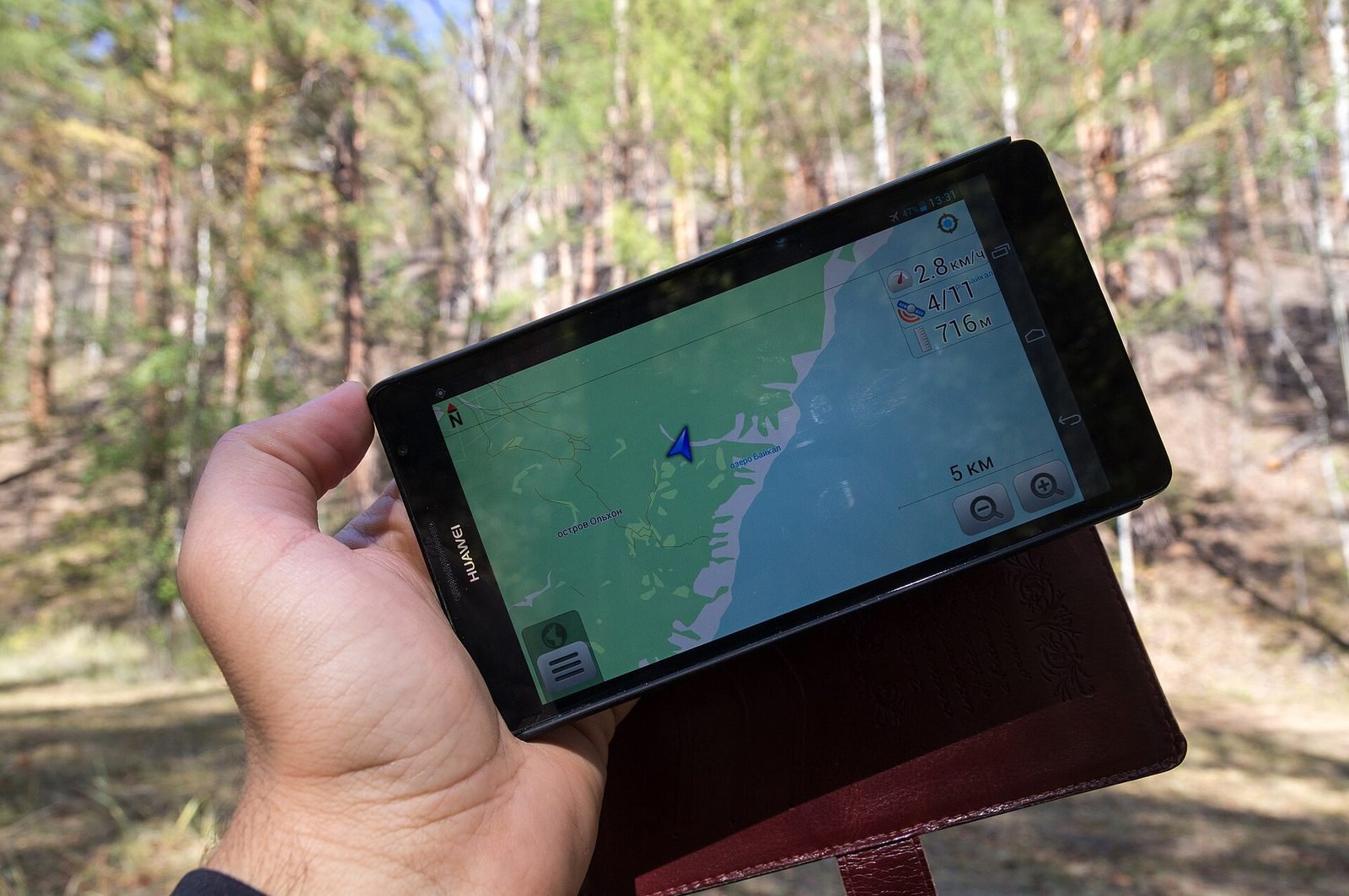
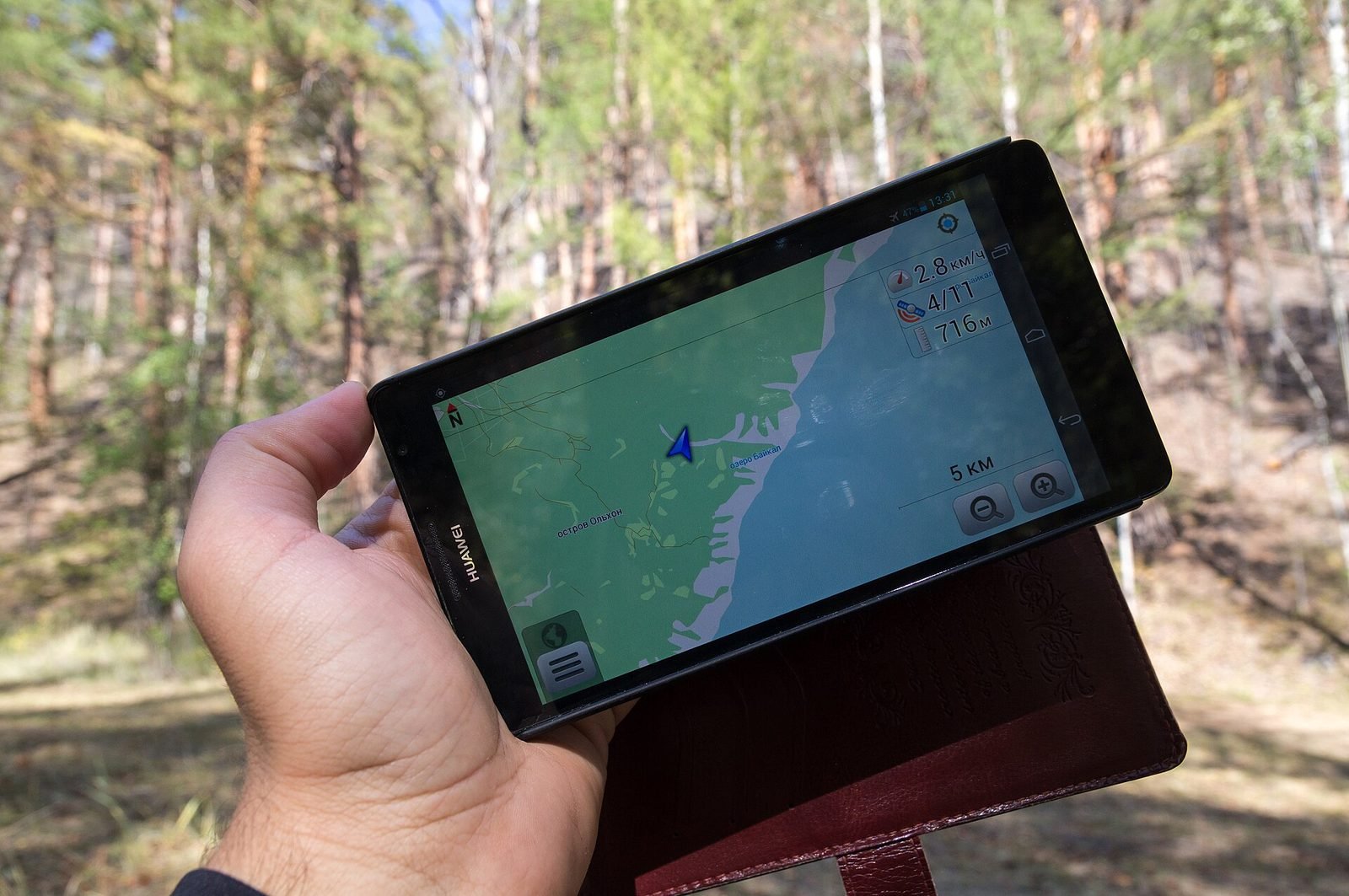
Geospatial AR places digital content at real-world coordinates so that it stays fixed to a building, a square or a landscape when seen through a phone or headset. Instead of recognising a printed marker, the device matches what its camera sees against a visual map of the area (Google's Visual Positioning System, used by the ARCore Geospatial API) and combines it with GPS, compass and motion sensors to know where it is to within a metre and which way it faces.
This makes it possible to build experiences that only exist in a place: a reconstruction of a demolished façade seen from the pavement in front of it, a walking route with directions that appear on the actual street, or a story told by objects that appear exactly where the events happened.
VeleStudio designs and builds geospatial AR experiences end to end, from site surveys and anchor placement to the Unity application, the content pipeline and the measurements that tell you whether the experience actually works outdoors.
What problems it solves
- 01
Content that drifts or floats
Naive GPS-based AR places objects metres from where they belong. We combine geospatial anchors, terrain anchors and visual localisation so that content stays where it was placed, and we design fallbacks for when accuracy drops.
- 02
Experiences that cannot scale beyond one marker
Marker and image-based AR works at a single spot. Geospatial anchors cover a whole route, neighbourhood or archaeological site without installing anything physical.
- 03
Places with stories nobody can see
Lost buildings, past events, underground infrastructure and future plans are invisible on site. Geospatial AR puts them back in front of the people standing there.
- 04
Wayfinding that breaks when people look up from the map
AR navigation overlays directions onto the real street, which is easier to follow than a 2D map for visitors who do not know the area.
Who it is for
- Cultural heritage sites, museums and archaeological parks
- Cities, destination organisations and tourism boards
- Architecture studios and real-estate developers showing future or past buildings in situ
- Universities and research groups studying places and public space
- Agencies producing location-based campaigns and city games
Example applications
- Historical reconstructions
- Buildings, streets and events reconstructed at their original location, with layers for different periods.
- AR walking tours
- Multi-stop routes with on-street directions, triggered content and offline fallbacks for low-connectivity areas.
- Architecture and planning previews
- Proposed buildings and public-space interventions viewed at full scale from the actual site, for consultation or sales.
- Site interpretation
- Explanatory 3D content and annotations for archaeological sites and natural landscapes where signage is limited.
- City games and campaigns
- Collectable, time-limited or social AR content placed across a city for festivals and brands.
How we approach Geospatial AR projects
01
Site survey
We check VPS coverage, lighting, sky visibility and typical accuracy at each point of interest before committing to a concept.
02
Anchor and content map
Each piece of content gets coordinates, altitude, an anchor type (geospatial, terrain or rooftop) and a fallback behaviour.
03
Interaction design
How people find content, how they are guided to look in the right direction, and what happens when the device is uncertain.
04
Unity prototype
A first build on real devices at the real site, usually within weeks, to test the experience against reality.
05
Content pipeline
Tools so that curators or editors can add and move content without a developer.
06
Field testing and release
Measured sessions across weather and times of day, then app-store or web distribution.
Technology we use
Tools chosen for the experience, not the other way round. The full ecosystem is on the expertise page.
Related work
All work →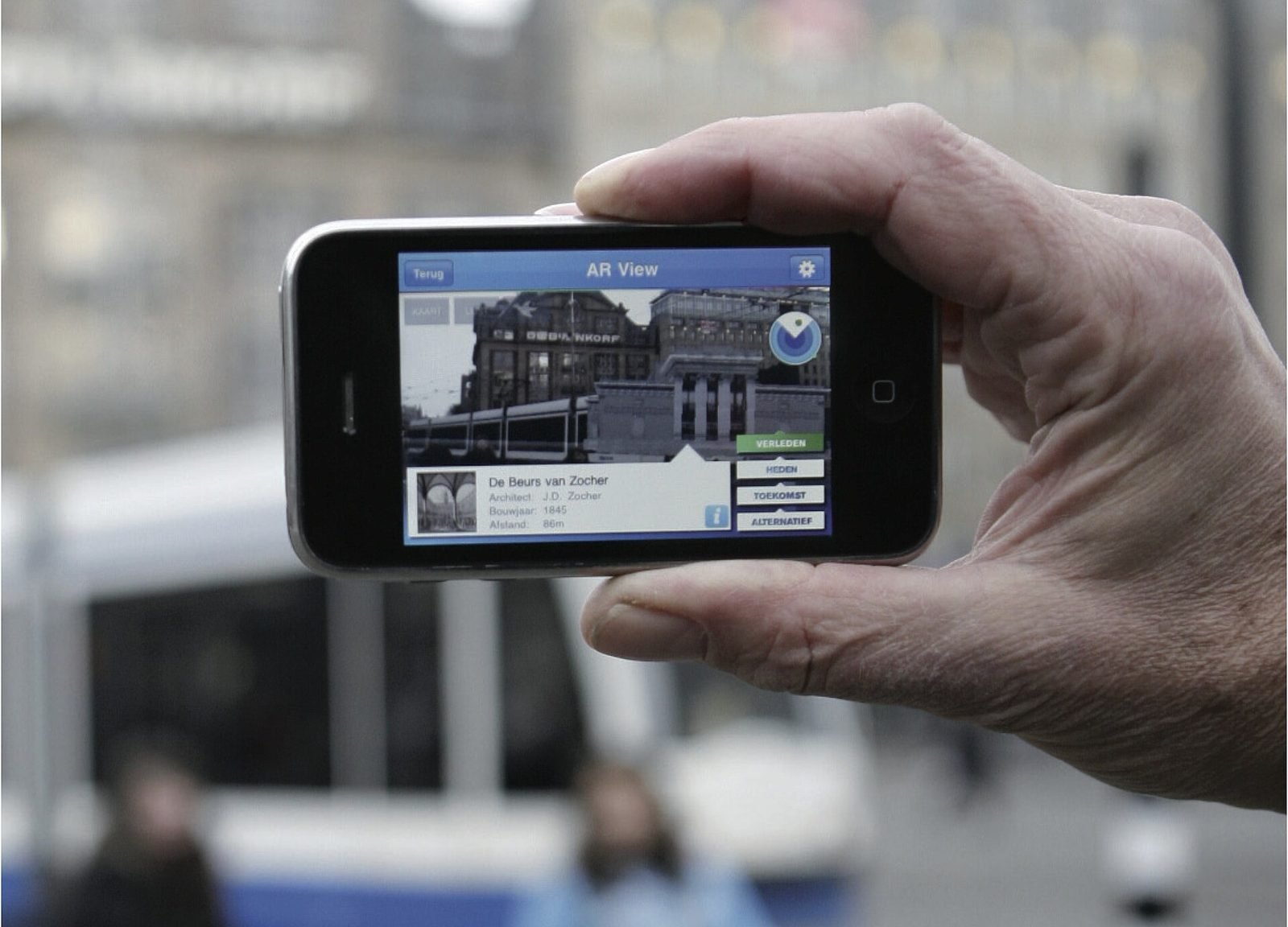
Further reading
How does geospatial AR work?
Geospatial AR fuses GPS, motion sensors and visual positioning against a map of real streets to place content at exact coordinates. Each step explained.
How museums can use AR and XR: a practical guide for cultural heritage
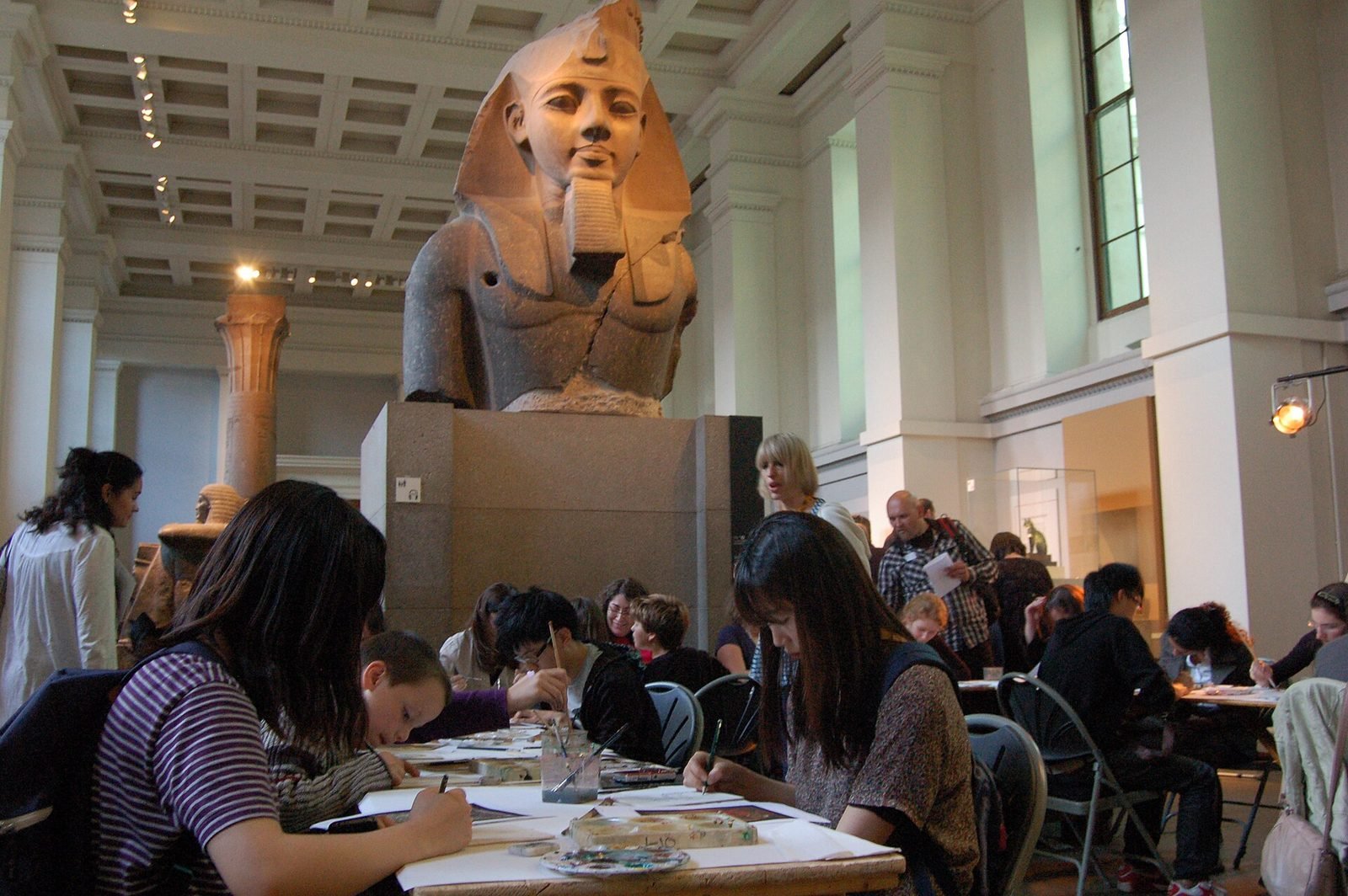
How museums and heritage sites use AR, VR and mixed reality: use cases, phones versus loan devices, curatorial constraints, content pipelines and pilots.
How to design an AR experience
A practical process for designing AR: define the job of the AR layer, choose anchoring, guide attention, handle uncertainty and test in real conditions.
FAQ