Service · Real-time 3D
Spatial computing applications for visionOS, Quest and enterprise headsets
VeleStudio builds spatial computing applications that sense, map and anchor to real 3D space, on visionOS, Meta Quest and HoloLens-class devices, using Unity and OpenXR.
What it is
Spatial computing is computing in which the machine understands and operates in three-dimensional physical space: it senses the environment with cameras and depth sensors, builds a map of surfaces and objects, anchors digital content to positions in that map, and lets people interact with that content through where they look, point and move. It is the general capability underneath mixed reality, geospatial AR and many robotics and digital-twin systems. A spatial computer knows where it is and what is around it; a conventional computer does not.
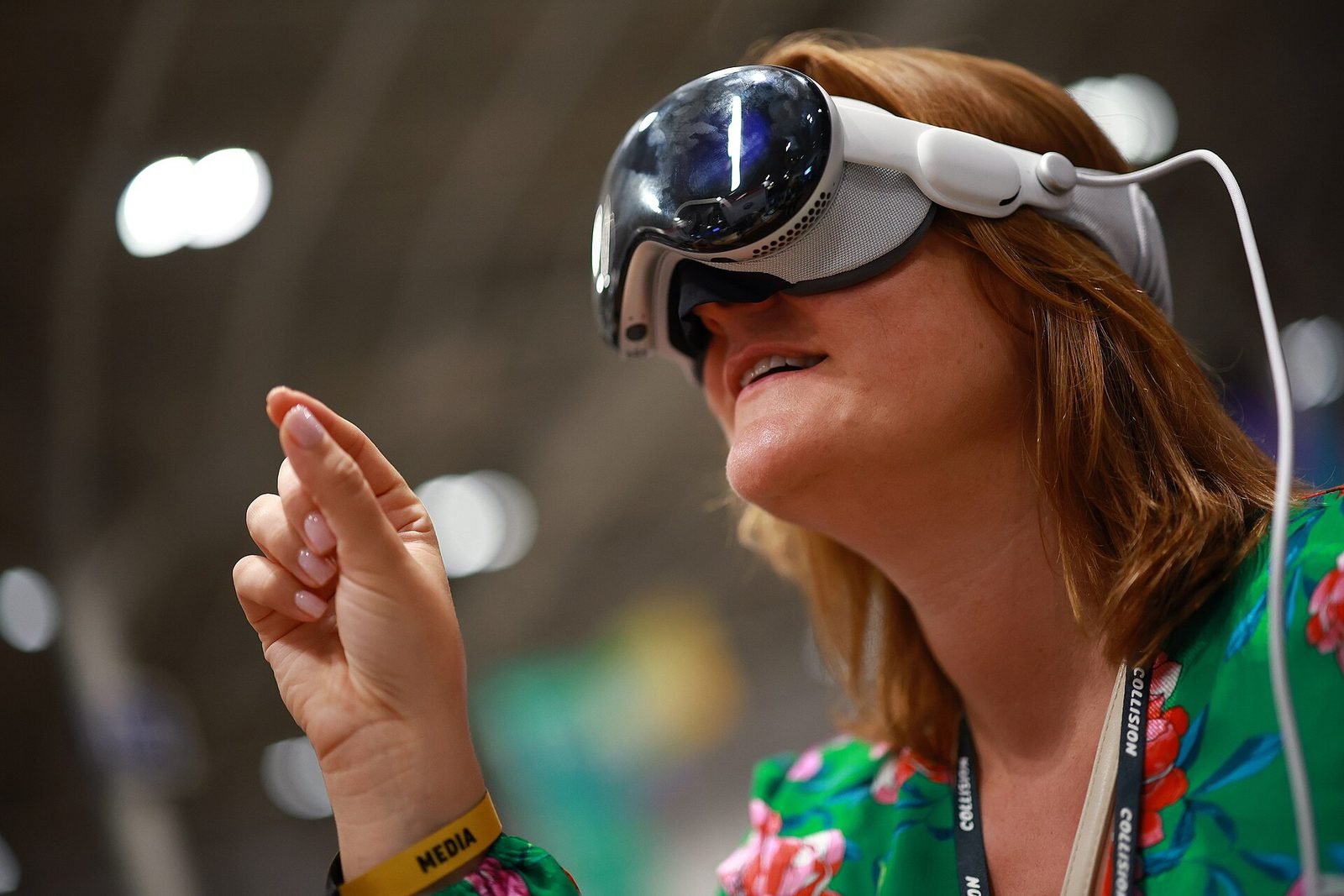
In practice the term covers a family of devices and software stacks. Apple Vision Pro and visionOS treat the room as the desktop and apps as volumes within it, while Meta Quest 3 provides scene understanding, passthrough and spatial anchors through its SDK and OpenXR. HoloLens-class enterprise headsets established spatial mapping and hands-free interfaces on industrial sites. Phones with ARKit and ARCore are spatial computers too, and much of the underlying mapping and anchoring technology is shared across all of them.
VeleStudio designs and develops spatial computing applications and the spatial user experience that makes them usable: how information is laid out in a room, how a hand or a glance selects it, how a digital twin lines up with the physical equipment it describes. We work with organisations in industry, culture and research who need software that lives in a place rather than on a screen.
What problems it solves
- 01
Information that lives on a screen when the work happens in a space
Technicians, curators, surgeons and planners look at a place and then away at a tablet. Spatial computing puts the data at the point in the room it refers to, so the two views become one.
- 02
2D interface habits transplanted into 3D
Floating windows and menus copied from desktop software are tiring and hard to use with hands and eyes. We design spatial interfaces around reach, gaze, comfort and the physical layout of the room.
- 03
Digital twins nobody can relate to the real thing
A twin viewed on a monitor is a diagram. Aligned to the physical asset through a headset, it becomes an inspection tool, with live data and history exactly where the component is.
- 04
Content that does not persist or cannot be shared
Spatial content that forgets its place between sessions, or that only one person can see, undermines most workplace uses. We build on spatial anchors and shared coordinate systems so content stays put and is visible to the whole team.
Who it is for
- Manufacturers, utilities and facilities operators with physical assets to inspect and maintain
- Museums, libraries and archives presenting collections in space
- Architecture, engineering and construction firms working on site
- Healthcare and medical-education institutions
- Technology companies and research groups prototyping spatial products
Example applications
- Spatial digital twins
- Live data, documentation and maintenance history anchored to the real machine, building or installation it describes.
- Spatial interfaces for work
- Hands-free dashboards, checklists and controls positioned where the task happens, for operators who cannot hold a device.
- visionOS applications
- Native and Unity PolySpatial apps for Apple Vision Pro that use windows, volumes and immersive spaces appropriately.
- Spatial collections and archives
- Objects, documents and media from a collection arranged and explored in a room, at scale, alone or in groups.
- Spatial prototypes for product teams
- Rapid proof-of-concept builds that let a company evaluate a spatial version of its product before committing to a platform.
How we approach Spatial Computing projects
01
Spatial problem framing
Which decisions or tasks actually benefit from being in 3D space, which do not, and what the user is holding, wearing and looking at while they do them.
02
Environment and data survey
The physical space, its lighting and layout, plus the data sources that must be brought into it: building models, sensor feeds, collection databases.
03
Spatial UX design
Placement, scale, reading distance, gaze and hand interaction and comfort over time, designed and tested in the headset rather than on paper.
04
Platform and architecture
visionOS, Quest or enterprise headsets selected on the use case, with a Unity or native architecture that separates spatial logic from device specifics.
05
Working prototype in situ
A build running in the real environment with real or representative data, typically within a few weeks, to validate alignment, legibility and workflow fit.
06
Hardening and roll-out
Persistence, multi-user alignment, security and device management addressed, then staged deployment with training for the people who will use it.
Technology we use
Tools chosen for the experience, not the other way round. The full ecosystem is on the expertise page.
Related work
All work →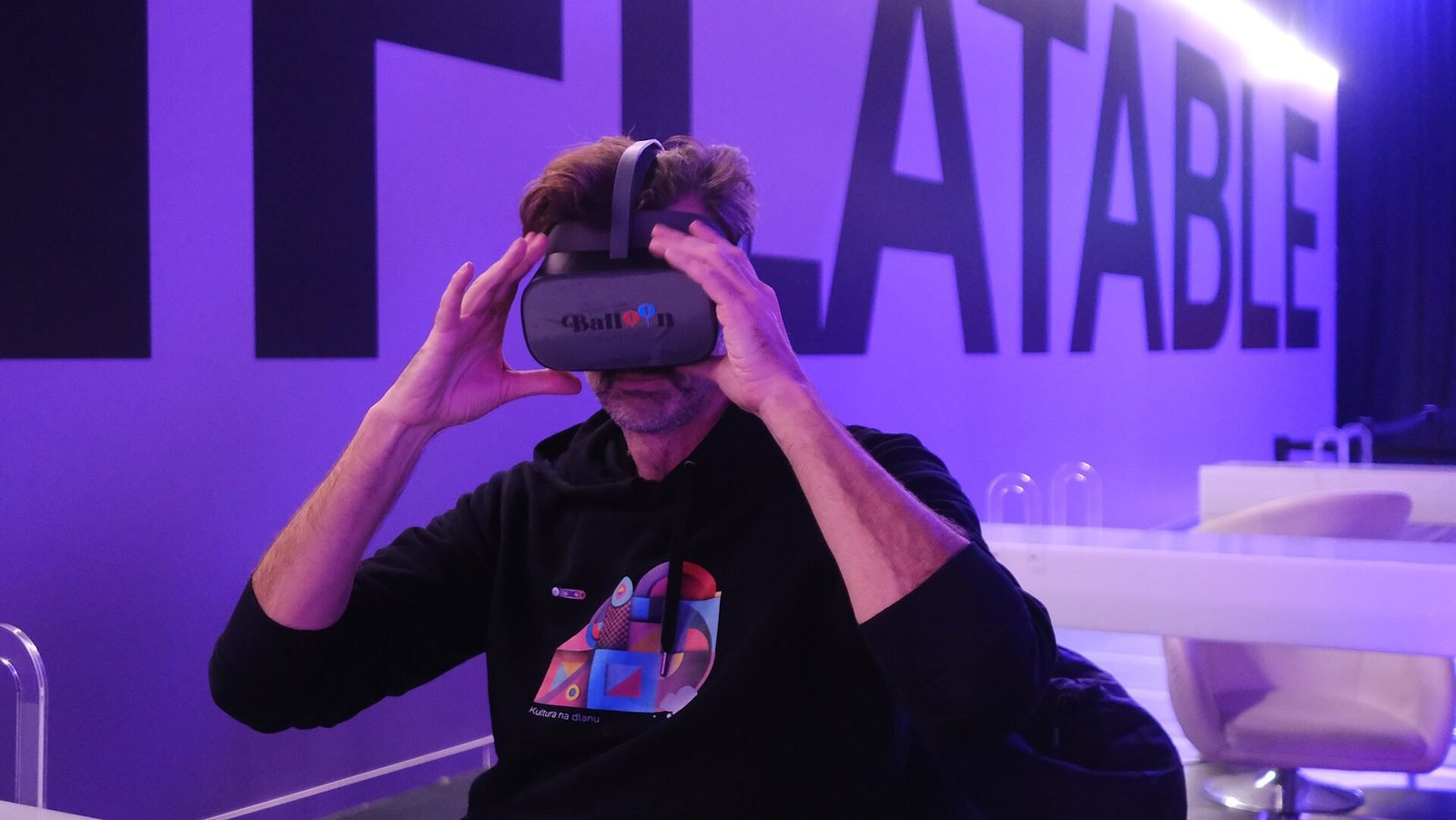
01Mixed Reality, Cultural Heritage·Studio prototype, 2026
Object Stories: a mixed reality guide prototype for museum collections
A Quest 3 passthrough prototype that recognises museum objects and anchors stories, exploded views and provenance to each one, tested in the studio with replicas.
- Unity
- C#
- Meta Quest SDK
- OpenXR
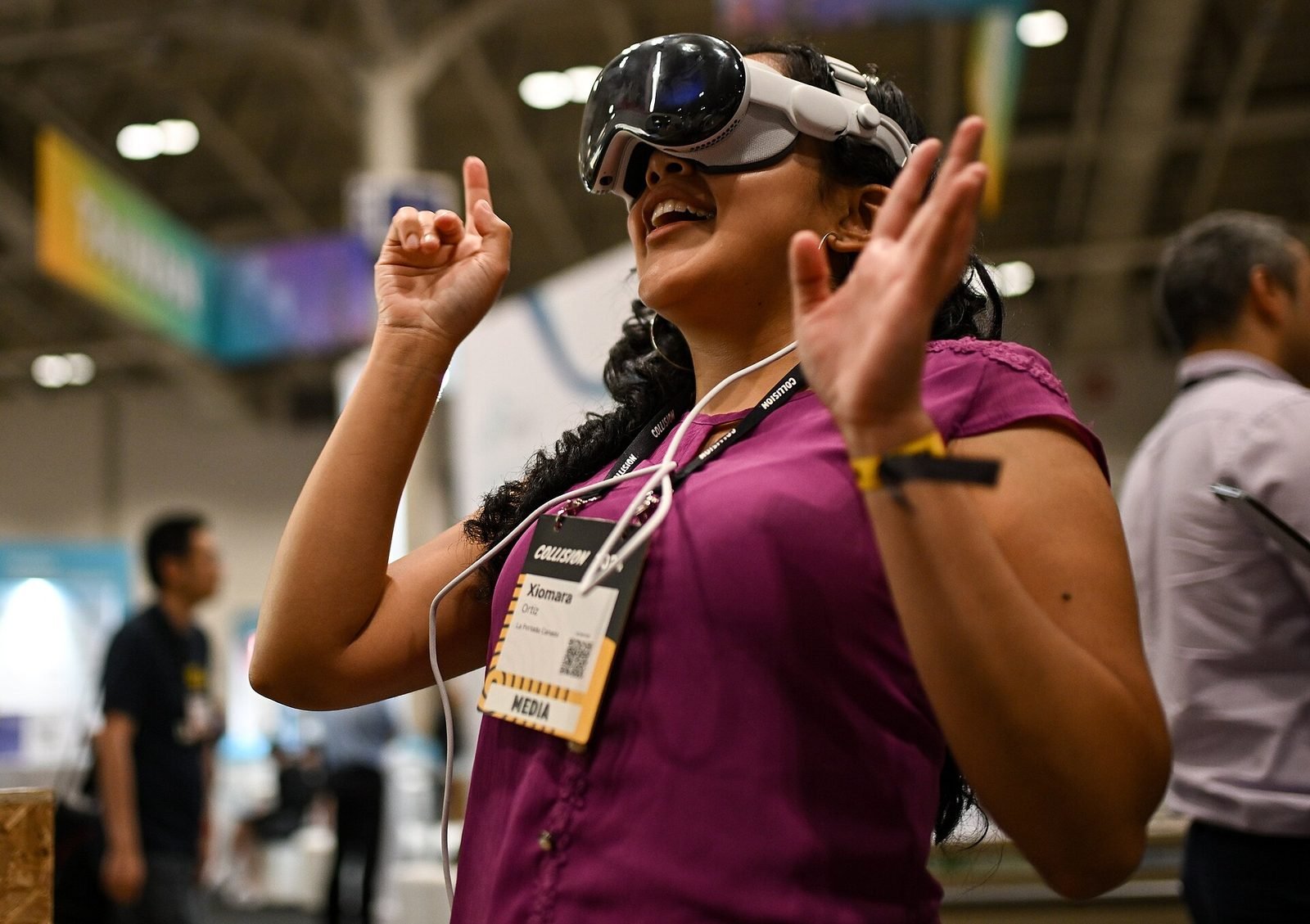
02AI, XR·Studio prototype, 2026
Spatial Guide: an AI agent that answers questions about what you are looking at
A headset prototype where a visitor looks at an object, asks a question by voice and gets an answer grounded only in a curated knowledge base, pinned to the object.
- Unity
- C#
- OpenXR
- Meta Quest SDK
Further reading
AR vs VR vs Mixed Reality: what is the difference?
AR overlays content on the real world, VR replaces it, and mixed reality lets virtual and real objects interact. A practical guide to choosing between them.
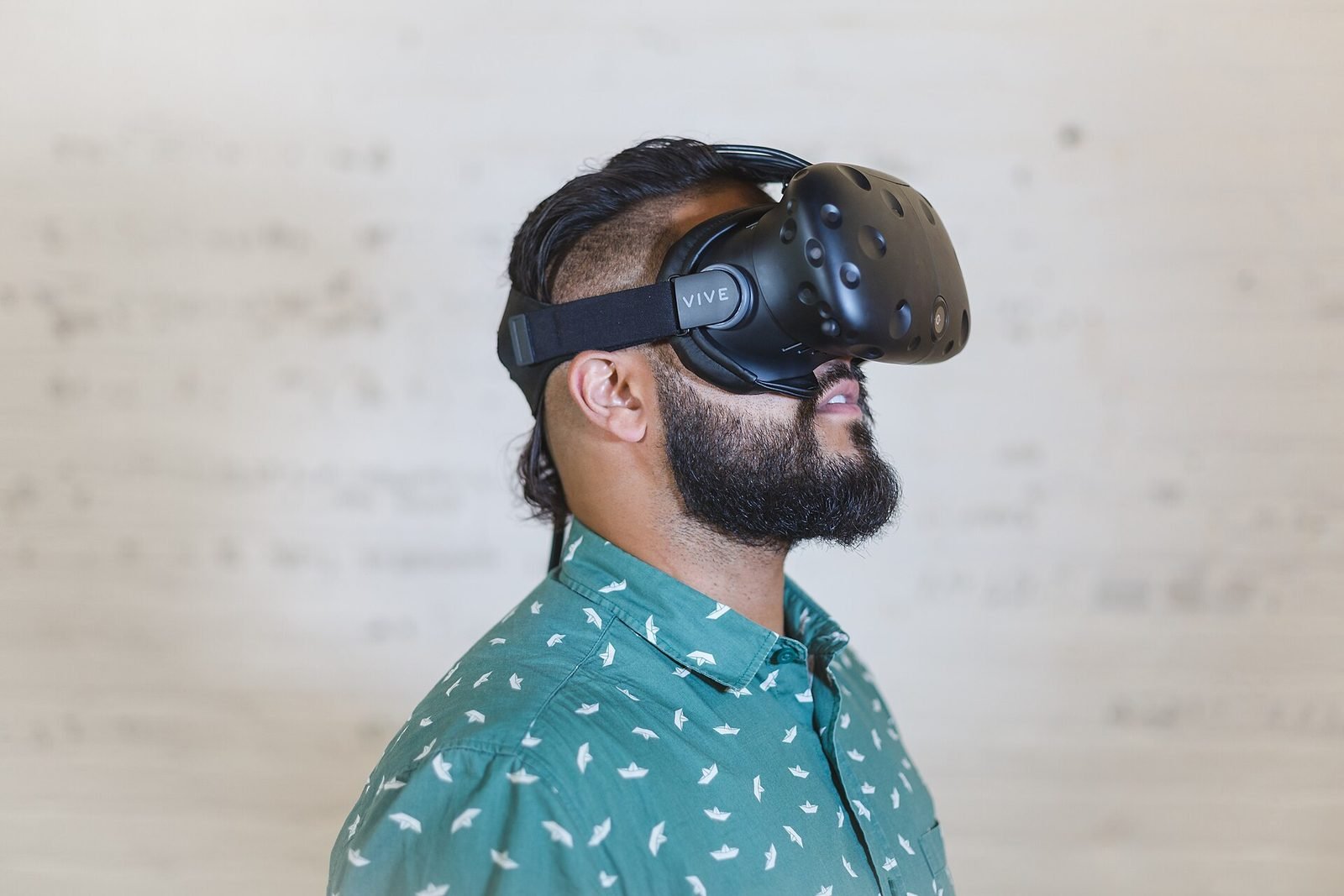
What is Human-Computer Interaction (HCI)?
Human-Computer Interaction is the study and design of how people use computing systems. What it covers, how it differs from UX, and why it matters for XR.
What is spatial computing?
Spatial computing is computing that senses, maps and uses the physical space around a device, so digital content and interaction happen in place.
What is spatial UX? Designing interfaces for spatial computing
Spatial UX is the design of interfaces that live in the 3D space around a user. How it differs from 2D UX, and the principles that keep it comfortable.
FAQ