Service · XR & immersive experiences
XR development for AR, VR and mixed reality on phones and headsets
VeleStudio is an XR development studio building AR, VR and mixed-reality applications in Unity for iOS, Android, Meta Quest and Apple Vision Pro.
What it is
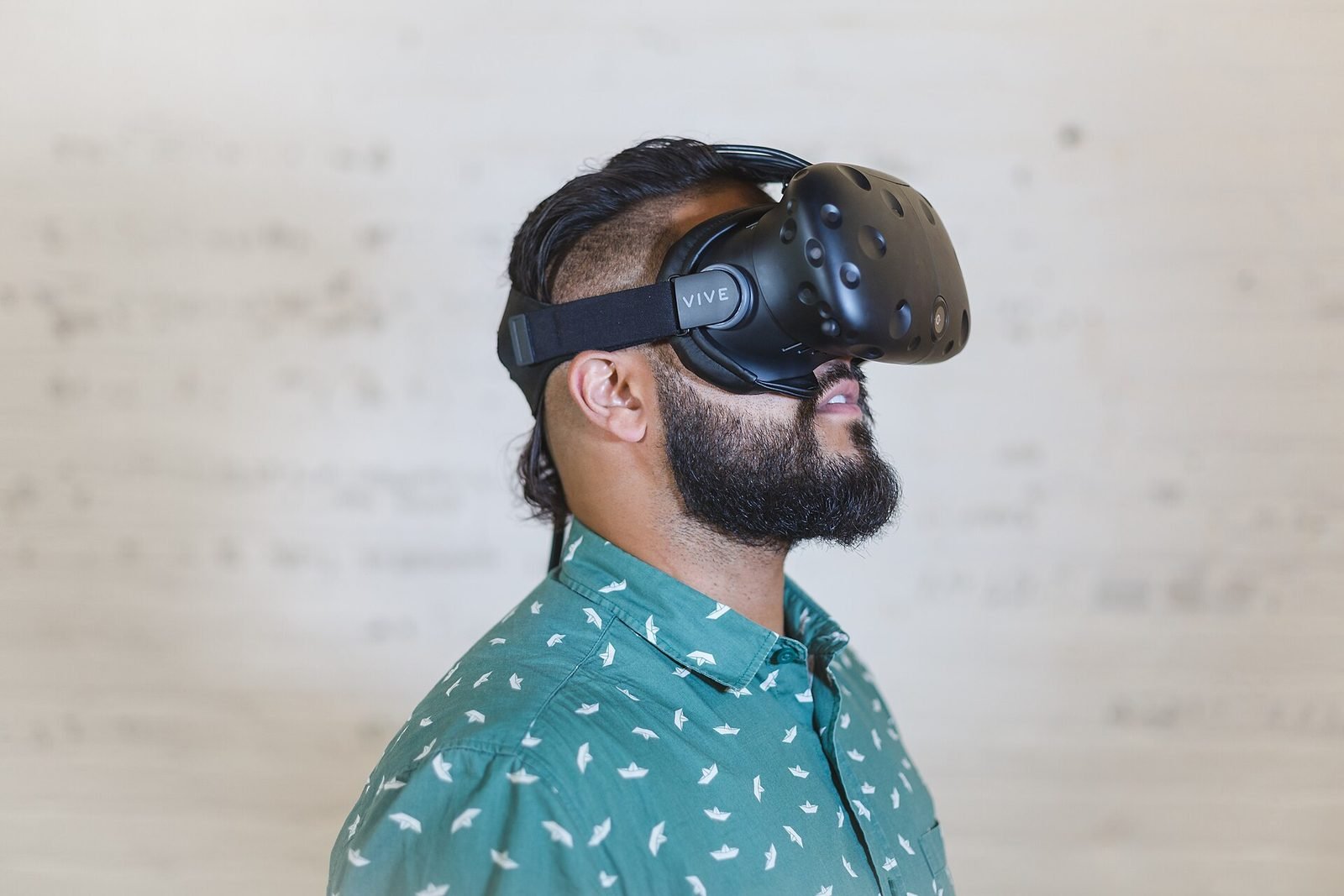
XR development is the design and engineering of applications that blend digital content with physical space, whether by overlaying it on the camera view of a phone (augmented reality), replacing the surroundings entirely in a headset (virtual reality) or mixing rendered objects with a live view of the room (mixed reality). The term covers the whole spectrum because the same engines, tracking systems and design questions run through all three. An XR development studio turns a brief into a working application on a specific device and takes responsibility for how it behaves in real conditions.
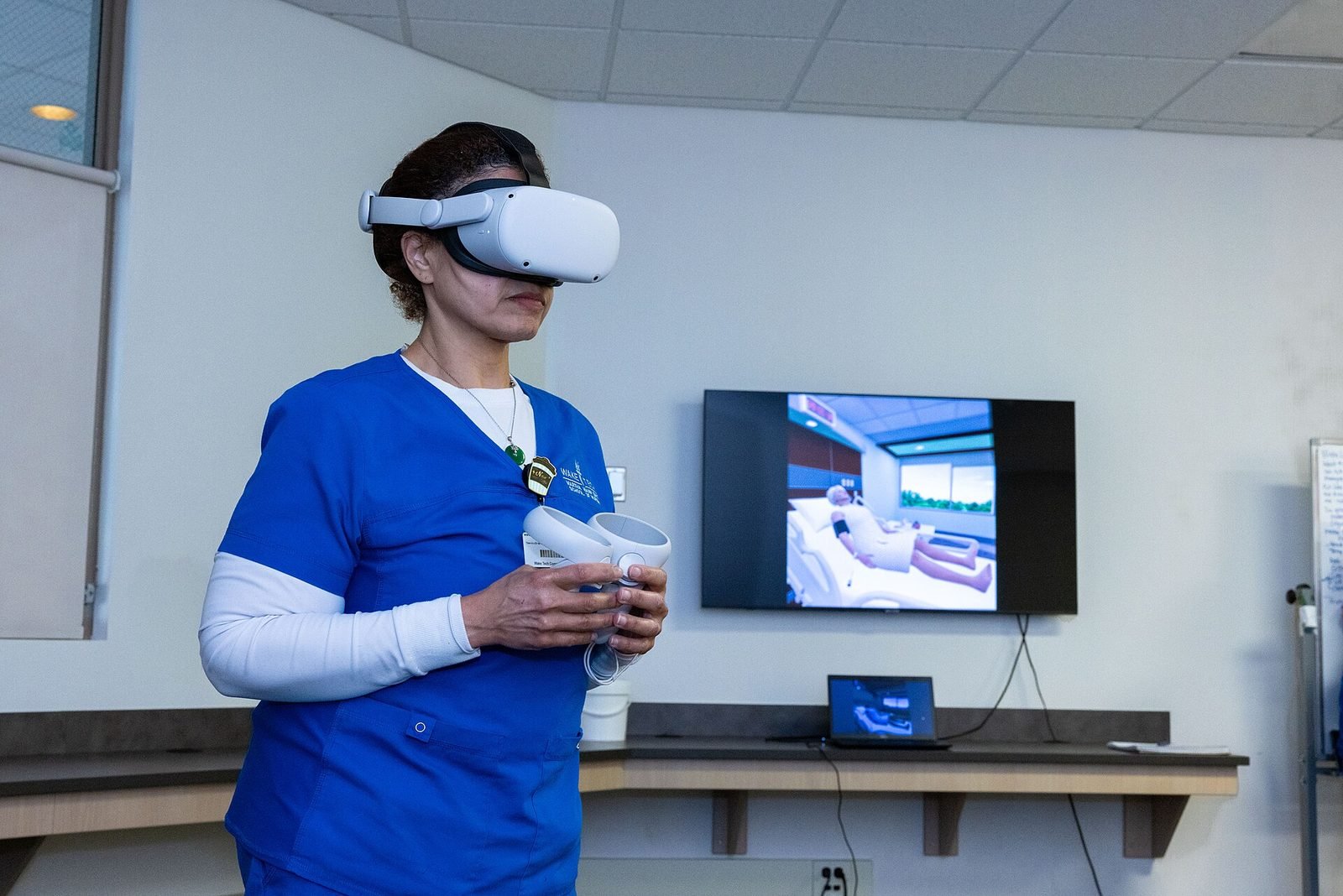
The current device landscape is broader than it was a few years ago. Phones and tablets with ARKit and ARCore reach the largest audience and need nothing installed at a venue. Meta Quest 3 offers affordable passthrough mixed reality and fully immersive VR in one headset. Apple Vision Pro brings high-resolution spatial computing with eye and hand input through visionOS, and HoloLens-class enterprise headsets remain in use on factory floors and in medical settings where hands-free guidance matters.
VeleStudio builds across this whole range from a single Unity codebase where that makes sense, and natively where it does not. The first question we ask on every brief is which reality the problem actually needs: a phone AR layer, a room-scale mixed-reality app and a fully virtual environment are three different products with different costs, audiences and failure modes, and choosing between them early is most of the work of getting an XR project right.
What problems it solves
- 01
Choosing a device before choosing a problem
Many XR projects start with a headset someone has bought and look for a use afterwards. We start from the audience and the setting, then recommend the device class that reaches them, which is sometimes a phone and sometimes no XR at all.
- 02
Prototypes that never become products
A demo that works in a lab and a stable application that works for the public are separated by tracking edge cases, onboarding, performance and distribution. We plan for that gap from the first sprint rather than discovering it at the end.
- 03
Fragmented platforms and SDKs
ARKit, ARCore, Meta Quest SDK, visionOS and OpenXR each move on their own release cycle. We abstract what can be shared and isolate what cannot, so a change on one platform does not stall the others.
- 04
Experiences people cannot learn in thirty seconds
XR has few conventions users already know. We design interactions that teach themselves in the first moments, because a visitor in a museum or a worker on a shift will not read a manual.
Who it is for
- Museums, cultural institutions and heritage sites
- Manufacturers and industrial companies needing training or guided procedures
- Brands, agencies and event producers
- Architecture, engineering and real-estate firms
- Universities, research centres and education providers
Example applications
- Mobile AR applications
- iOS and Android apps that recognise places, objects or printed material and layer 3D content, video or instructions on top of them.
- Mixed-reality headset applications
- Quest 3 and Vision Pro apps that place interactive objects in the user's real room, with hand tracking and scene understanding.
- Virtual reality training and simulation
- Fully immersive environments for rehearsing procedures, exploring places that are closed or dangerous, or evaluating designs at full scale.
- WebAR and WebXR experiences
- Browser-based AR and VR that start from a QR code or a link, for campaigns and venues where installing an app is a barrier.
- XR for exhibitions and public spaces
- Headset and tablet experiences deployed in a gallery or at an event, with the operational support that unattended public use requires.
How we approach XR Development projects
01
Brief and reality selection
We work out who the users are, where they will be and what they must be able to do, then recommend AR, VR or mixed reality and a target device class, with the reasoning written down.
02
Feasibility check
Short technical tests of the risky parts: tracking in the real venue, a performance budget on the target headset, an SDK capability we have not used before.
03
Experience and interaction design
Storyboards, spatial layouts and interaction flows reviewed on the device, not on slides, because distance, scale and comfort cannot be judged on a screen.
04
Vertical slice
One complete path through the application at production quality, used to confirm the direction with stakeholders and real users before the full build.
05
Full build and device testing
Iterative development with regular builds on every target device, automated checks where possible and sessions with people who have never used a headset.
06
Release and support
App-store submission, enterprise distribution or on-site installation, followed by updates as platforms and operating systems change.
Technology we use
Tools chosen for the experience, not the other way round. The full ecosystem is on the expertise page.
Related work
All work →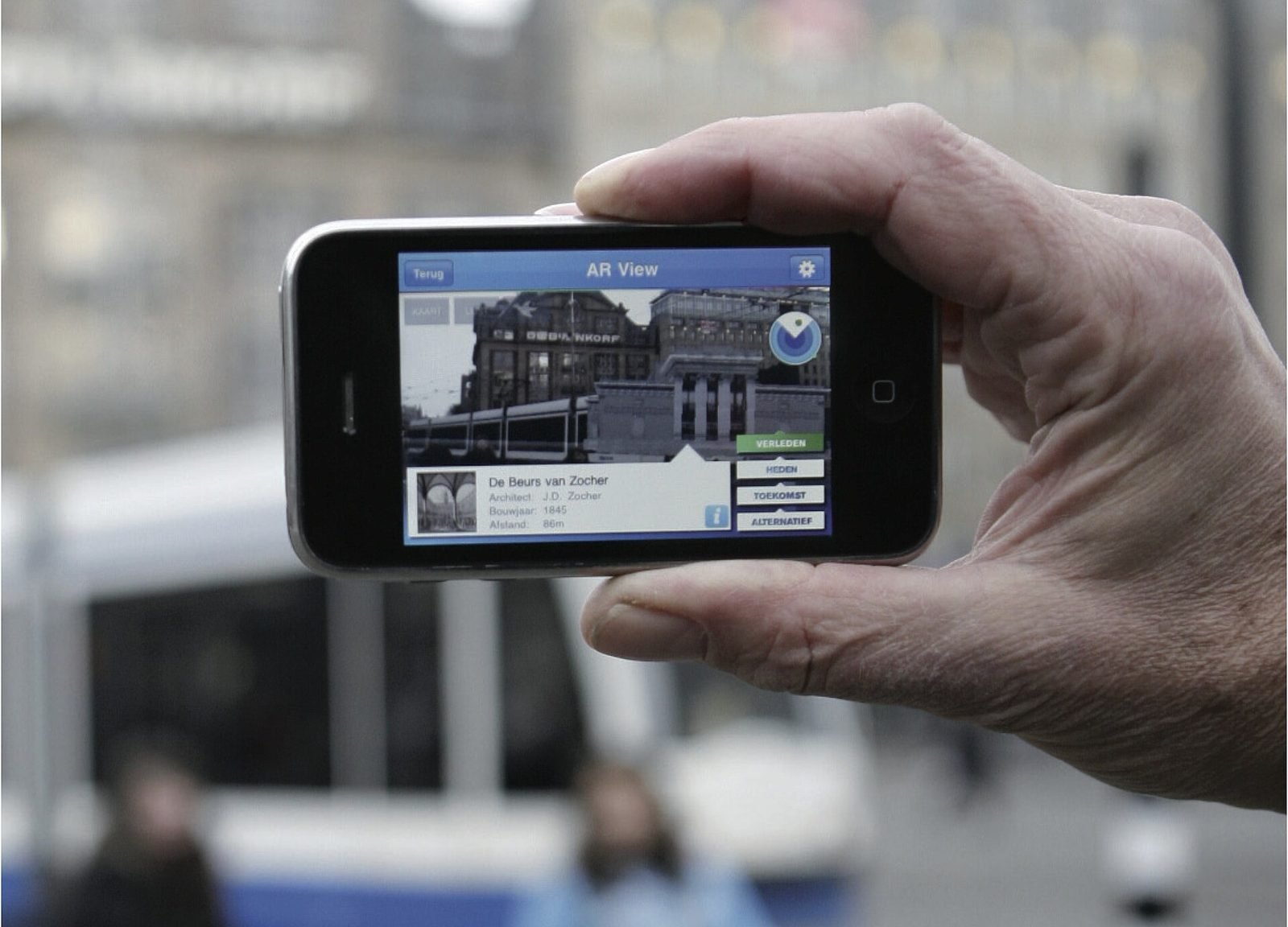
01AR, Geospatial·Studio prototype, 2026
City Layer: a geospatial AR prototype for historic streets
A self-initiated prototype that anchors reconstructed facades, period photographs and narrated stops along a route in a historic Italian city centre.
- Unity
- C#
- AR Foundation
- ARCore Geospatial API
02Mixed Reality, Cultural Heritage·Studio prototype, 2026
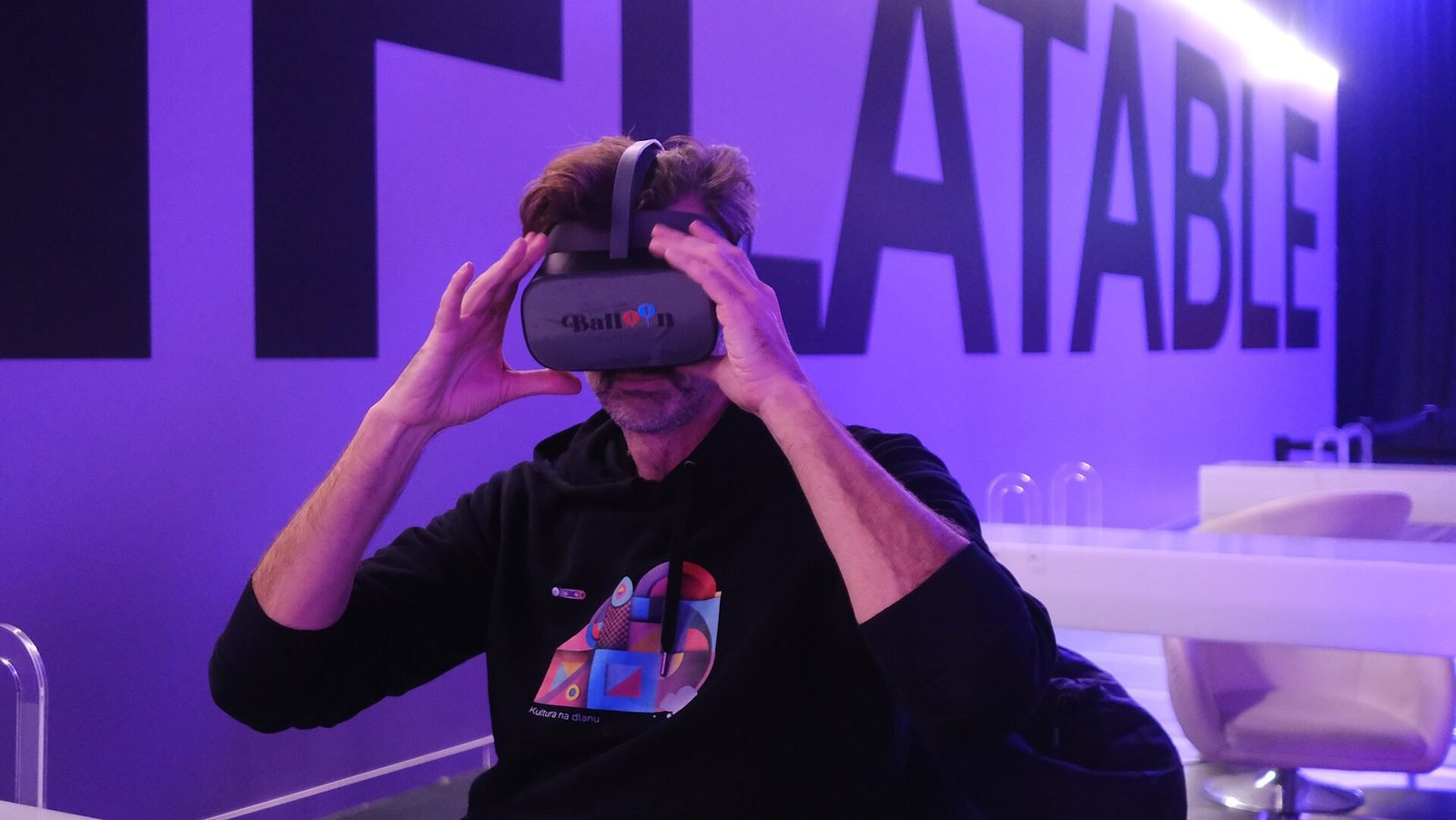
Object Stories: a mixed reality guide prototype for museum collections
A Quest 3 passthrough prototype that recognises museum objects and anchors stories, exploded views and provenance to each one, tested in the studio with replicas.
- Unity
- C#
- Meta Quest SDK
- OpenXR
Further reading
AR vs VR vs Mixed Reality: what is the difference?
AR overlays content on the real world, VR replaces it, and mixed reality lets virtual and real objects interact. A practical guide to choosing between them.
How to prototype an XR experience
Why XR projects start with a prototype: a fidelity ladder from bodystorming to on-device slice, what to test at each stage and how to reach production.
Unity vs Unreal Engine for XR development
Unity and Unreal Engine compared for XR: platform support, mobile AR, visual fidelity, scripting, licensing, standalone headset performance and team skills.
FAQ