Service · Real-time 3D
Unity development for XR applications, installations and interactive 3D
VeleStudio is a Unity development studio building XR apps, installations and digital twins in C# with AR Foundation, OpenXR, PolySpatial, Sentis and WebGL builds.
What it is
Unity development is the use of the Unity engine and the C# language to build real-time interactive software: applications that render 3D scenes, respond to input and sensors, and run on phones, headsets, desktops, browsers and installation hardware. Unity is the most widely used engine for XR because its AR Foundation, OpenXR and platform packages cover ARKit, ARCore, Meta Quest, Apple Vision Pro (through PolySpatial) and enterprise headsets from one project. It also drives installation screens, digital twins and WebGL experiences, which makes it a common backbone for a studio like ours.
Good Unity work is engineering, not just scene assembly. It means a clean architecture that separates application logic, input and platform code; performance budgets set for the weakest target device and measured on every build; version control and continuous builds; and asset pipelines that keep artists and developers from blocking each other. On-device machine learning through Unity Sentis, networking for shared experiences and native plugins in C++ extend the engine when a project needs it.
VeleStudio uses Unity as its primary engine for XR applications, interactive installations, digital twins and real-time 3D products. We work both as the whole development team and as a specialist unit inside a client's existing team, where we bring XR and real-time expertise, respect the codebase we find and leave it in a state others can maintain.
What problems it solves
- 01
An XR idea with no engineering team to build it
Design agencies, museums and product companies often have the concept and the content but not the real-time developers. We provide the Unity engineering, from architecture to store submission.
- 02
Prototypes that collapse under real performance demands
A scene that runs on a workstation can stutter on a Quest or a mid-range phone. We set frame-time and memory budgets per device at the start and profile against them continuously, rather than optimising in a panic at the end.
- 03
Codebases only one person understands
Projects built quickly by a single developer become unmaintainable when that person leaves. We work with version control, code review, documented architecture and automated builds so the project survives staff changes.
- 04
Content that cannot be updated without a programmer
Hard-coded text, models and sequences mean every change is a release. We separate content from code with data-driven scenes, addressable assets and editor tools for non-developers.
Who it is for
- Companies with in-house development teams needing XR or real-time 3D specialists
- Design and creative agencies without engine developers
- Museums and exhibition designers commissioning interactive software
- Industrial and engineering firms building digital twins and simulators
- Start-ups and product teams building spatial or 3D applications
Example applications
- XR applications
- AR, VR and mixed-reality apps for iOS, Android, Meta Quest, Apple Vision Pro and OpenXR headsets, from a shared Unity codebase.
- Interactive installation software
- Long-running, sensor-driven Unity applications for exhibitions and public spaces, with remote monitoring and automatic recovery.
- Digital twins and simulators
- Real-time 3D models of equipment, buildings and sites connected to live data, for training, monitoring and planning.
- WebGL and browser 3D
- Unity scenes published to the web for configurators, virtual showrooms and interactive explainers that need no install.
- Tools and pipelines
- Editor extensions, content tools and asset pipelines that make a client team faster inside their own Unity project.
How we approach Unity Development projects
01
Technical discovery
Target platforms, existing code and assets, team structure and the non-negotiable constraints such as frame rate, offline use or security, gathered before any architecture decision.
02
Architecture and budgets
Project structure, package choices (AR Foundation, OpenXR, PolySpatial, Sentis as needed), performance budgets per device and the branching and build strategy, agreed in writing.
03
Vertical slice
One feature built end to end at production quality and profiled on the slowest target device, to validate the architecture before scaling the team or the scope.
04
Iterative development
Short cycles with builds on real devices, code review on every change, automated tests where they pay off and regular demos to stakeholders.
05
Device testing and optimisation
Profiling on each target, memory and thermal checks on headsets and phones, and a release-candidate pass with people outside the team.
06
Handover or continuation
Documented repository, build instructions and architecture notes, then either a maintained release schedule or a clean handover to your team.
Technology we use
Tools chosen for the experience, not the other way round. The full ecosystem is on the expertise page.
Related work
All work →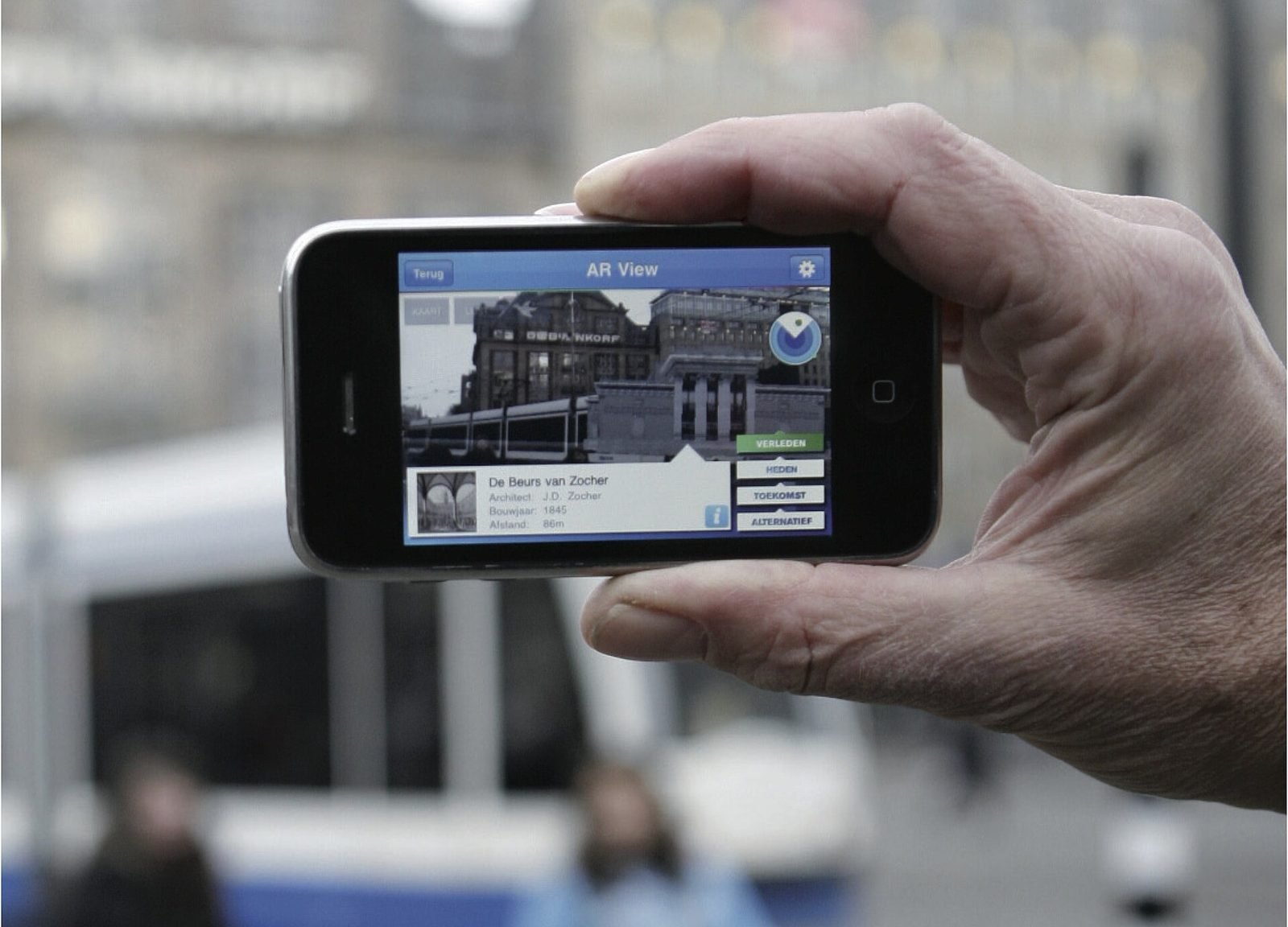
01AR, Geospatial·Studio prototype, 2026
City Layer: a geospatial AR prototype for historic streets
A self-initiated prototype that anchors reconstructed facades, period photographs and narrated stops along a route in a historic Italian city centre.
- Unity
- C#
- AR Foundation
- ARCore Geospatial API
02Mixed Reality, Cultural Heritage·Studio prototype, 2026
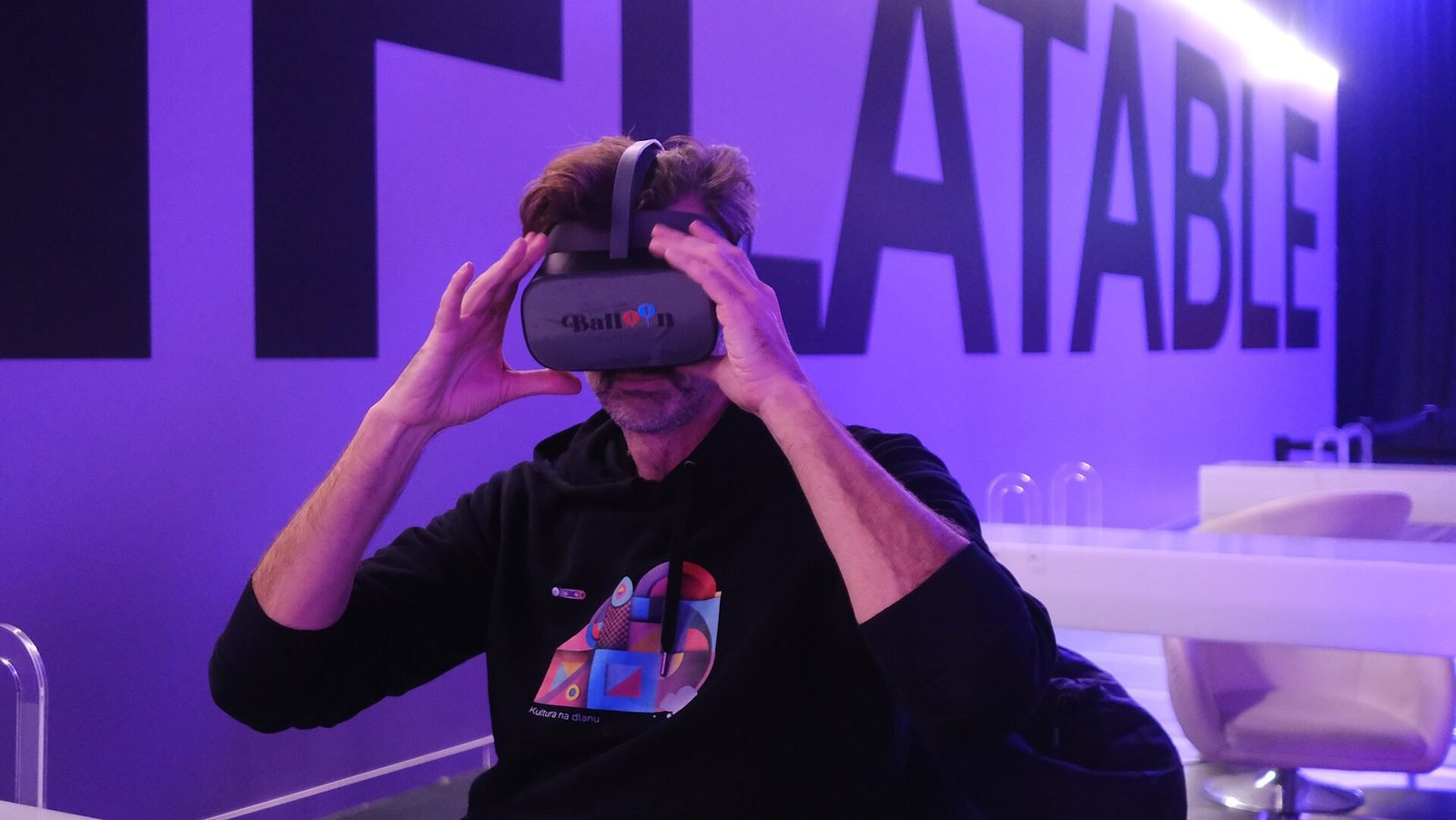
Object Stories: a mixed reality guide prototype for museum collections
A Quest 3 passthrough prototype that recognises museum objects and anchors stories, exploded views and provenance to each one, tested in the studio with replicas.
- Unity
- C#
- Meta Quest SDK
- OpenXR
03Interactive Installation, HCI·Studio prototype, 2025
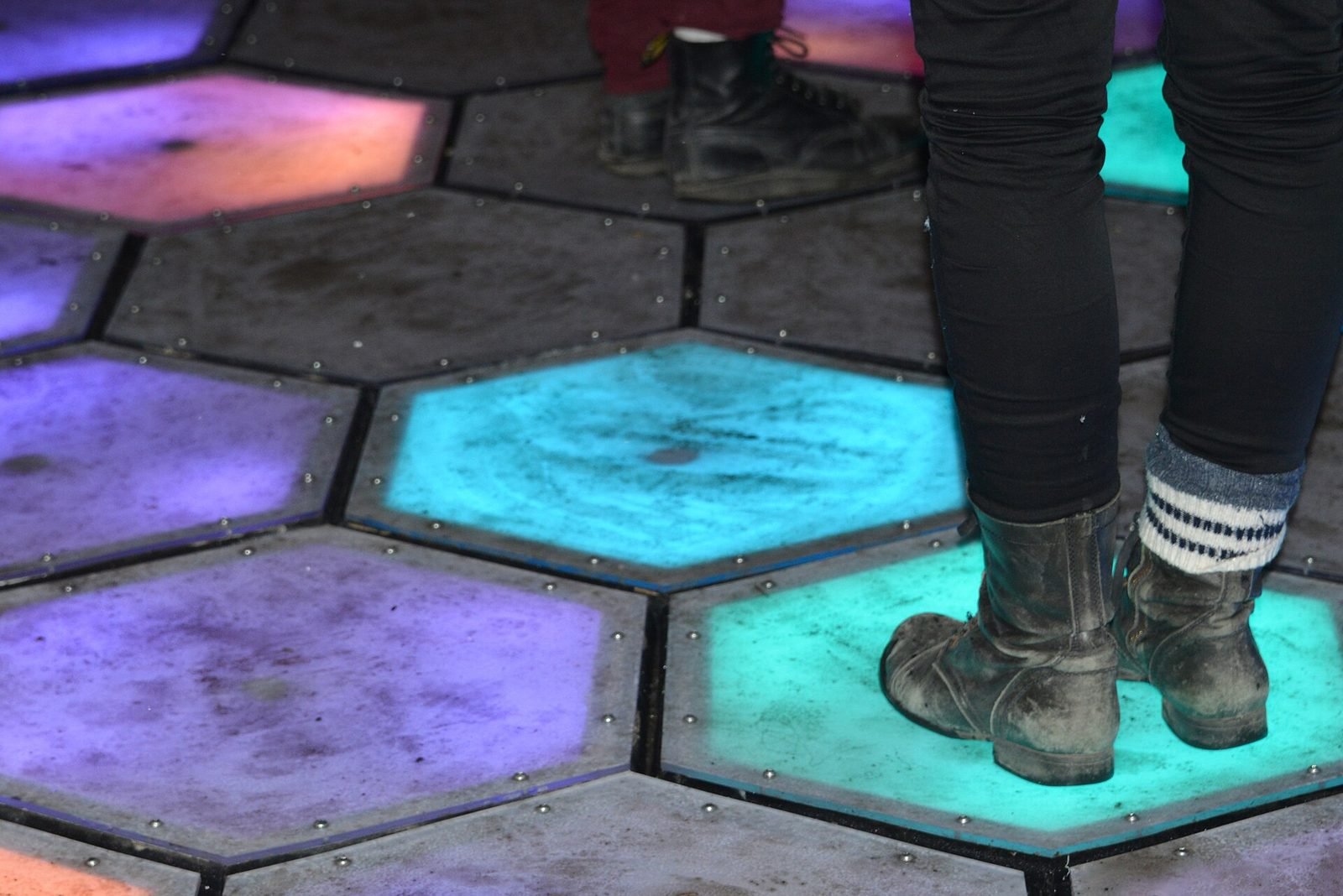
Presence Field: a body-reactive projection installation
A wall-scale particle field driven by a depth camera, where bodies displace and attract points and lines and several people create interference patterns.
- Unity
- C#
- Depth cameras
- Hand & body tracking
Further reading
How to prototype an XR experience
Why XR projects start with a prototype: a fidelity ladder from bodystorming to on-device slice, what to test at each stage and how to reach production.
How Unity is used for XR development
How Unity is used for AR, VR and mixed reality: AR Foundation, XRI, OpenXR, URP and PolySpatial, performance budgets, and where it is the wrong tool.
Unity vs Unreal Engine for XR development
Unity and Unreal Engine compared for XR: platform support, mobile AR, visual fidelity, scripting, licensing, standalone headset performance and team skills.
FAQ