Service · Interactive technology
Interactive installations that respond to bodies, gestures and objects
VeleStudio builds interactive installations driven by depth cameras, projection mapping, Unity and TouchDesigner for museums, exhibitions, brands and public space.
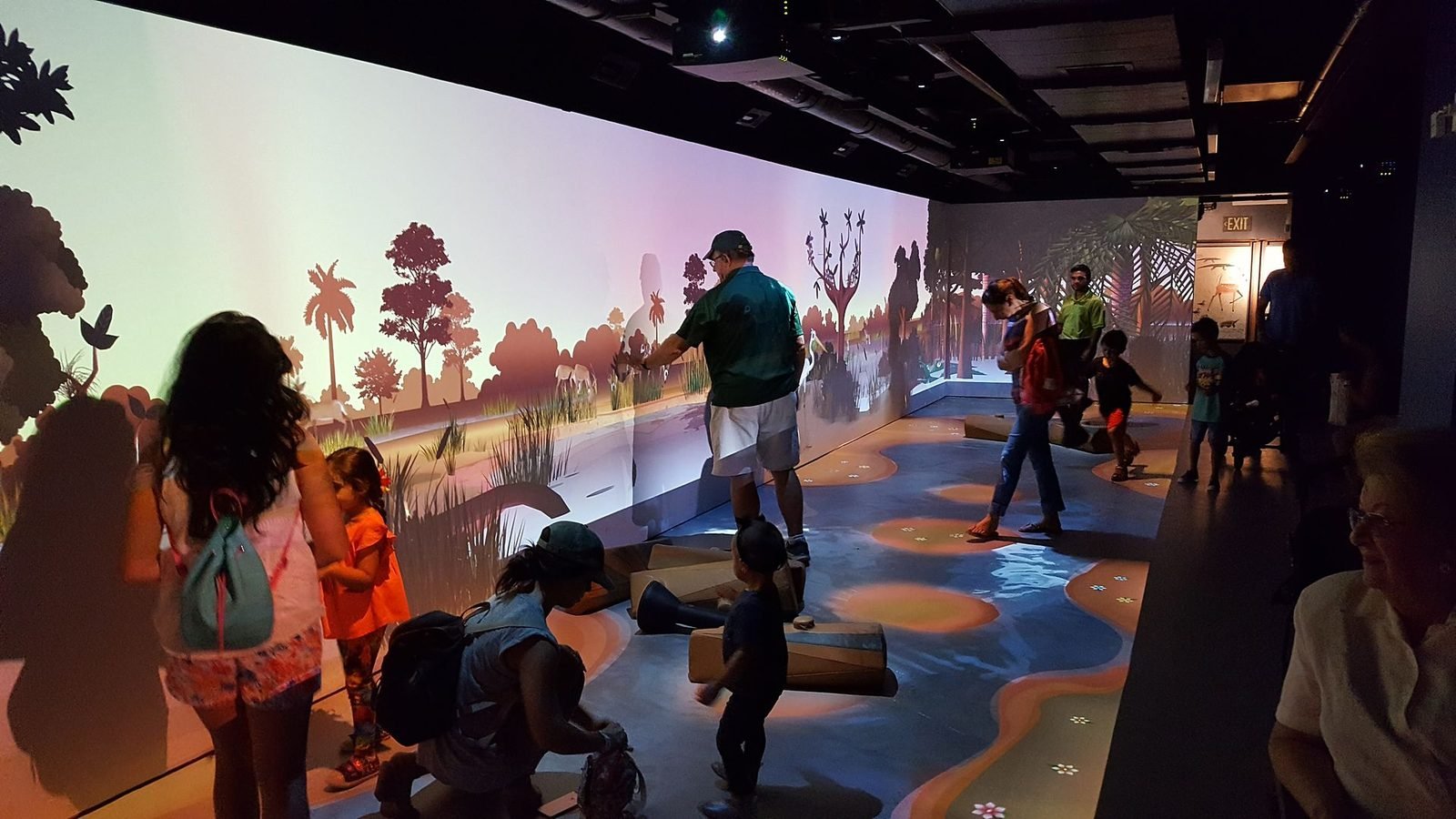
What it is
An interactive installation is a physical space or object that senses people and responds to them in real time through light, projection, sound, motion or screens. Unlike a screen application it has no cursor and often no instructions: a visitor walks in, moves, points, touches or places an object, and the space reacts. VeleStudio designs and builds installations of this kind for exhibitions, museums, brand spaces, events and public places.
Technically an installation is a pipeline: sensors (depth cameras, cameras with computer vision, pressure or proximity sensors, RFID) feed a real-time engine such as Unity or TouchDesigner, which drives outputs (projectors, LED, speakers, motors) through protocols such as OSC, MQTT, DMX or direct hardware control. The design work is deciding what the space notices, how it answers, and how it behaves when nobody is there.
Because an installation runs unattended for weeks or years, we treat robustness as a feature: automatic start-up, watchdogs, remote monitoring, documented maintenance and a calibration procedure that venue staff can perform. VeleStudio stays involved through installation on site and the first weeks of operation.
What problems it solves
- 01
Spaces that do not invite participation
Visitors walk past things they do not understand. We design the attract state, the first response and the moment of recognition so that people see the room is reacting to them within seconds.
- 02
Interactions that work for one person and fail for a crowd
Many installations are demonstrated alone and deployed to groups. We design and test for multiple bodies, children, wheelchair users and the person who stands in front of the sensor to take a photo.
- 03
Technology that breaks after the opening
Lighting changes, a cleaner unplugs a cable, a software update reboots a machine. We build for unattended operation and plan for failure modes before the first visitor arrives.
- 04
Content that cannot be updated
Exhibitions evolve. We separate content from code so that curators or venue staff can change text, media or parameters without a developer on site.
Who it is for
- Museums, science centres and visitor attractions
- Exhibition designers, scenographers and fit-out contractors
- Brands and retail spaces commissioning experiential environments
- Event and festival producers
- Municipalities and cultural foundations working in public space
Example applications
- Body-reactive projection
- Floors, walls and objects that respond to position, movement and gesture, tracked with depth cameras and mapped with projectors.
- Object-triggered exhibits
- Picking up, placing or rotating a physical object changes what is shown, using RFID, computer vision or sensors embedded in the object.
- Data and generative environments
- Rooms whose light, sound and imagery are driven by live data or by generative systems reacting to the people present.
- Multi-user tables and surfaces
- Shared horizontal displays where several visitors explore content together, with touch, tangible tokens or gesture input.
- Permanent public-space works
- Weather-resistant, remotely monitored installations in squares, stations and on facades, designed for years of operation.
How we approach Interactive Installations projects
01
Brief and site
We visit or model the space, check light levels, sightlines, power, network and floor, and establish how many people will be present at once.
02
Concept and behaviour design
The core idea, the way the space notices people, the responses, and the states (attract, engage, reward, reset) that make it legible to a passer-by.
03
Technical design
Sensor choice and placement, compute, outputs, protocols and a bill of materials, with fallbacks for each failure mode.
04
Prototype at scale
A working section at real size in our space or yours, to test tracking, latency and how the interaction feels before fabrication begins.
05
Production and integration
Software, content, hardware assembly and coordination with fabricators, electricians and AV integrators.
06
Installation, commissioning and support
On-site calibration, staff training, documentation and a support period that covers the first weeks of real operation.
Technology we use
Tools chosen for the experience, not the other way round. The full ecosystem is on the expertise page.
Related work
All work →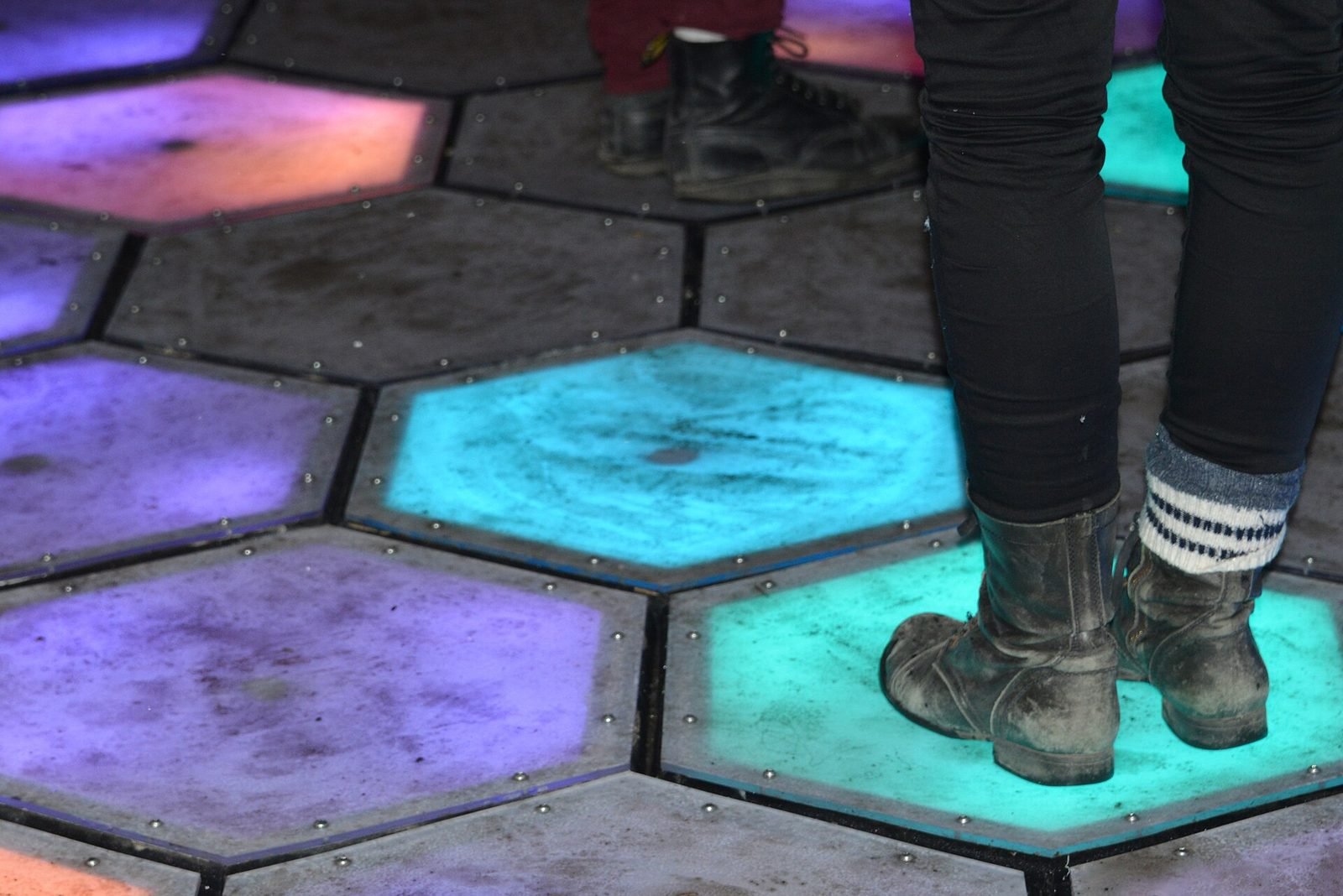
01Interactive Installation, HCI·Studio prototype, 2025
Presence Field: a body-reactive projection installation
A wall-scale particle field driven by a depth camera, where bodies displace and attract points and lines and several people create interference patterns.
- Unity
- C#
- Depth cameras
- Hand & body tracking
Further reading
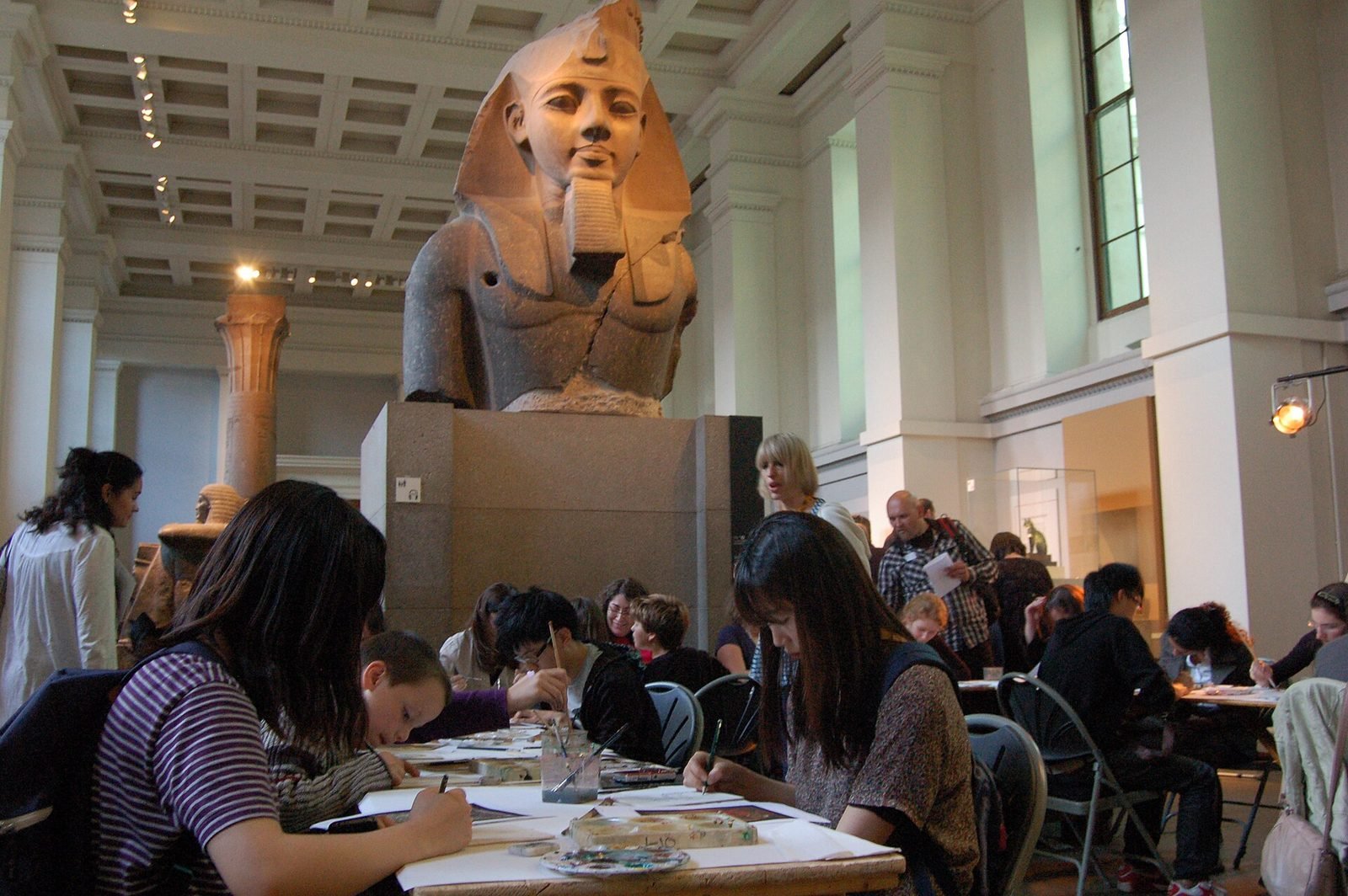
How museums can use AR and XR: a practical guide for cultural heritage
How museums and heritage sites use AR, VR and mixed reality: use cases, phones versus loan devices, curatorial constraints, content pipelines and pilots.
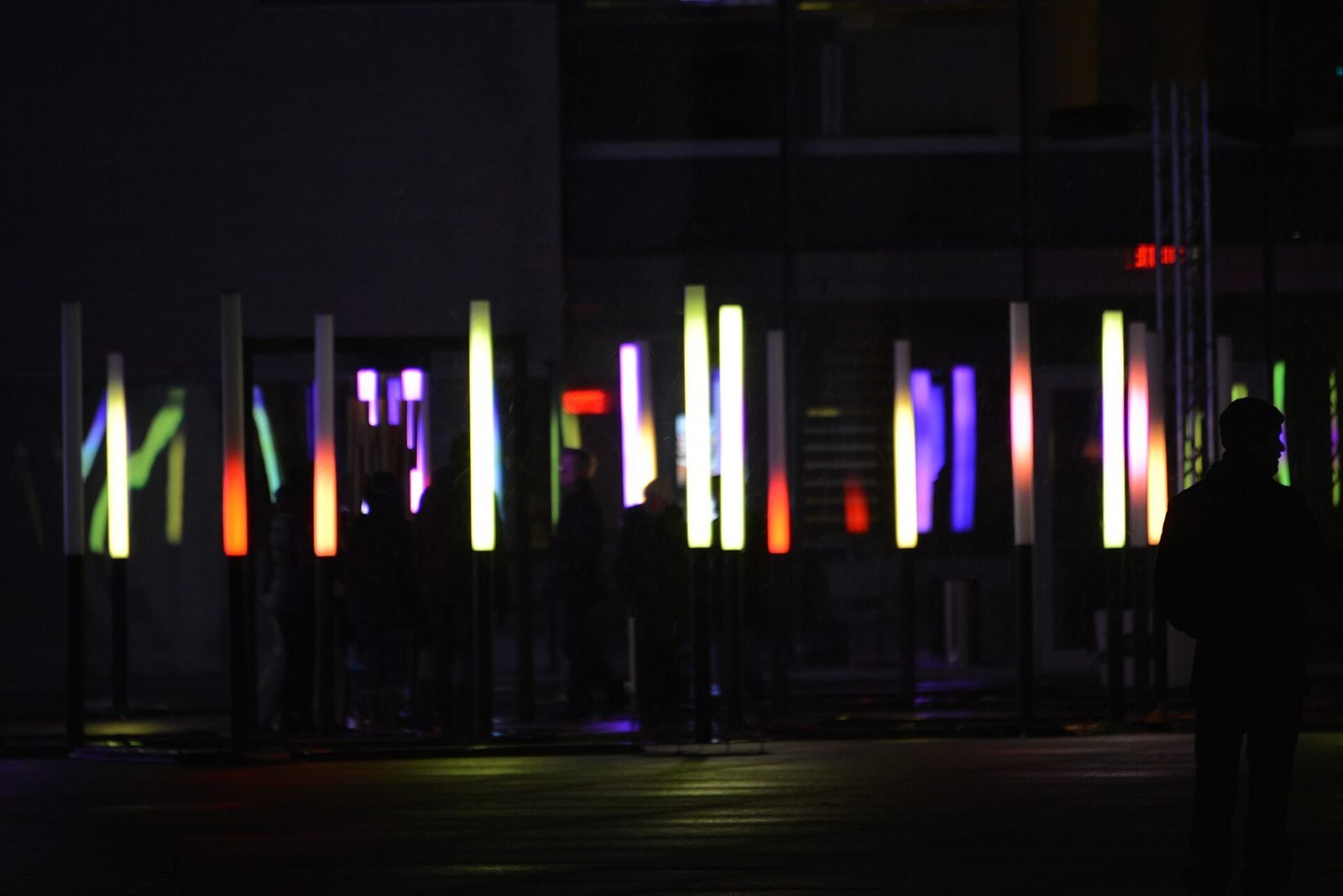
How to build an interactive installation
A practical guide to interactive installations: concept, sensing, software, hardware, calibration, robustness when unattended, and what drives cost.
What is spatial UX? Designing interfaces for spatial computing
Spatial UX is the design of interfaces that live in the 3D space around a user. How it differs from 2D UX, and the principles that keep it comfortable.
FAQ