Cultural Heritage/By Erfan Soleymanzadeh//6 min read
How museums can use AR and XR: a practical guide for cultural heritage
How museums and heritage sites use AR, VR and mixed reality: use cases, phones versus loan devices, curatorial constraints, content pipelines and pilots.
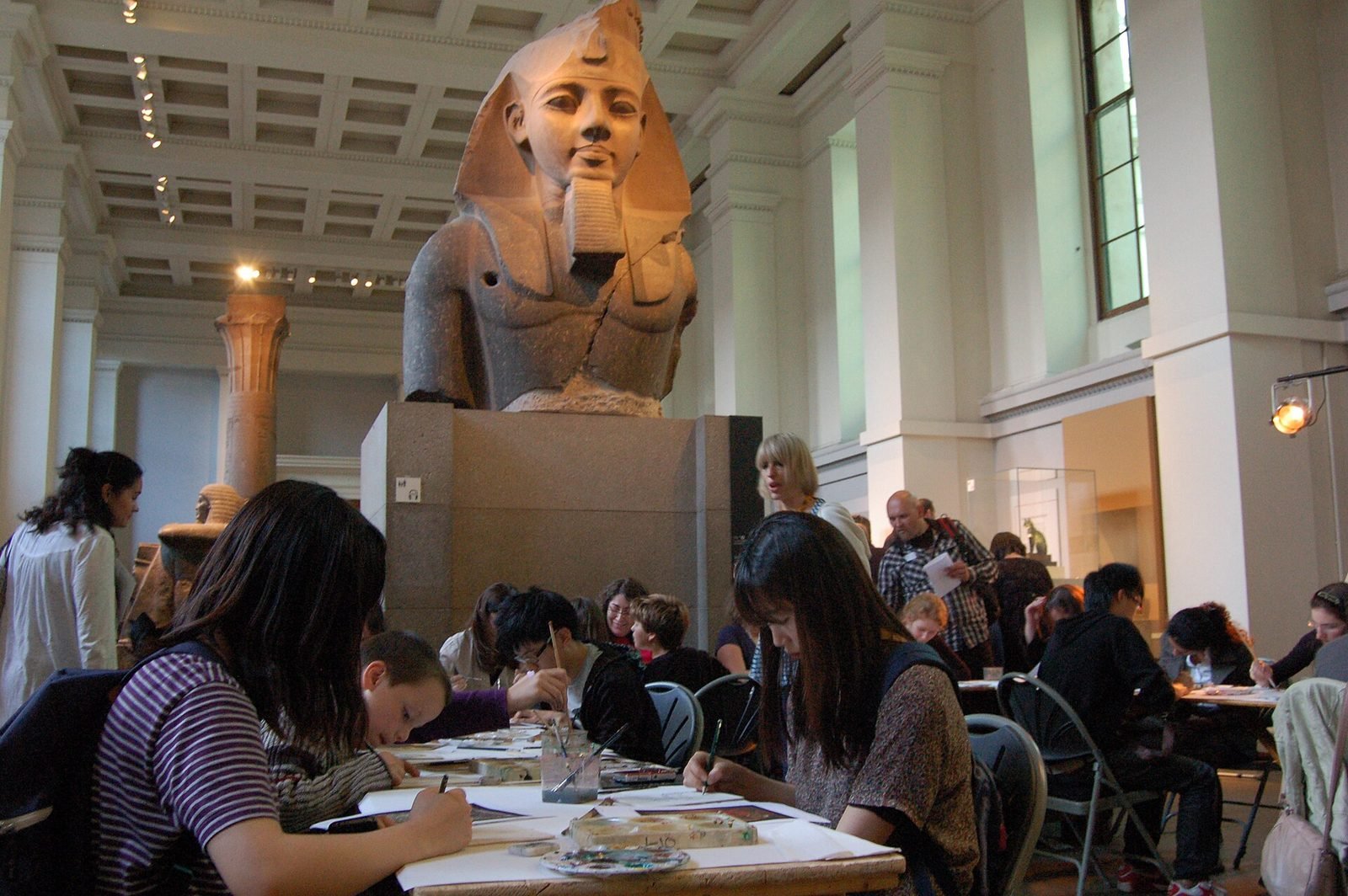
Museums can use AR and XR to show what cannot be displayed: a building as it stood, the colours an object has lost, the interior of a sealed tomb, or the context a fragment came from. The technology works best when it is anchored to real objects and places, maintained by the people who already manage interpretation, and introduced through a small pilot that can be evaluated honestly before anything is scaled.
This guide is written for curators, educators and digital teams rather than developers. It covers the use cases that have held up, the choice between visitor phones, loan devices and installations, the constraints that conservation and curatorial practice impose, and how to start. It reflects how we approach cultural heritage XR at VeleStudio.
Use cases that hold up
Reconstructions in place
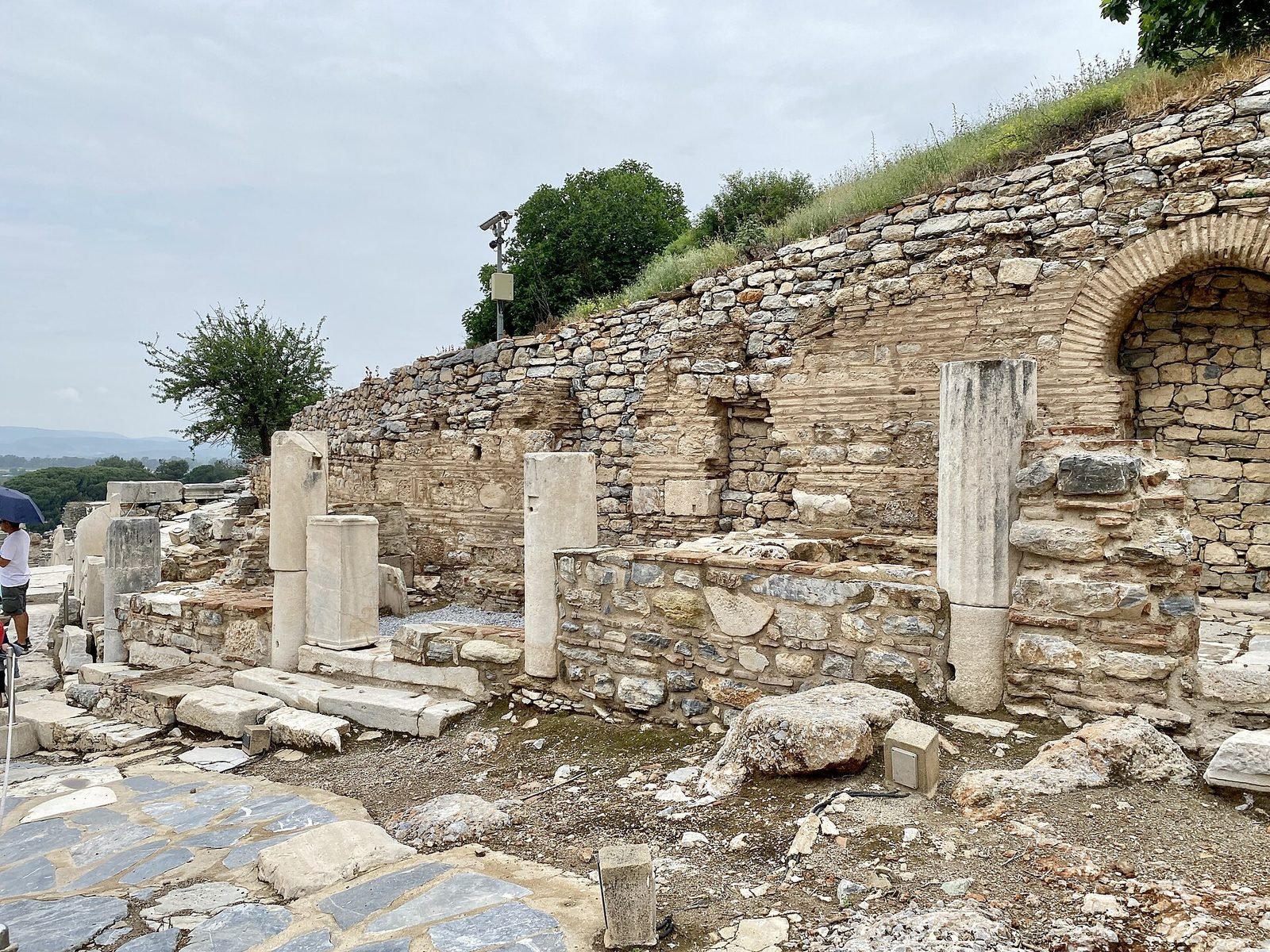
Showing a ruined or altered structure as it was, from the spot where the visitor stands, is the most convincing use of AR in heritage. The value is the comparison between what is there and what was there, which a screen in a gallery cannot provide. It works for architecture, polychromy on sculpture, lost wall paintings and furnished interiors.
Object-anchored interpretation
Pointing a device or looking through a headset at an object and seeing its layers, its original context, how it was used or what the X-ray revealed. This replaces or extends labels without adding text to the wall, and it can be switched by language and by audience (children, specialists). It is the premise of our self-initiated museum mixed reality guide prototype.
Inaccessible places
Crypts, scaffolded frescoes, storage, fragile rooms and underwater sites can be visited virtually, either in a VR room at the museum or through a mixed reality view that lets visitors step into a reconstruction while remaining aware of the gallery. VR is a good fit here because the real place is not available anyway.
Multilingual and accessible layers
The same spatial content can carry audio description for blind and partially sighted visitors, sign-language video, simplified text and any number of languages, selected per visitor. For institutions with international audiences this is often the most practical justification for the investment.
Outdoor sites and landscapes
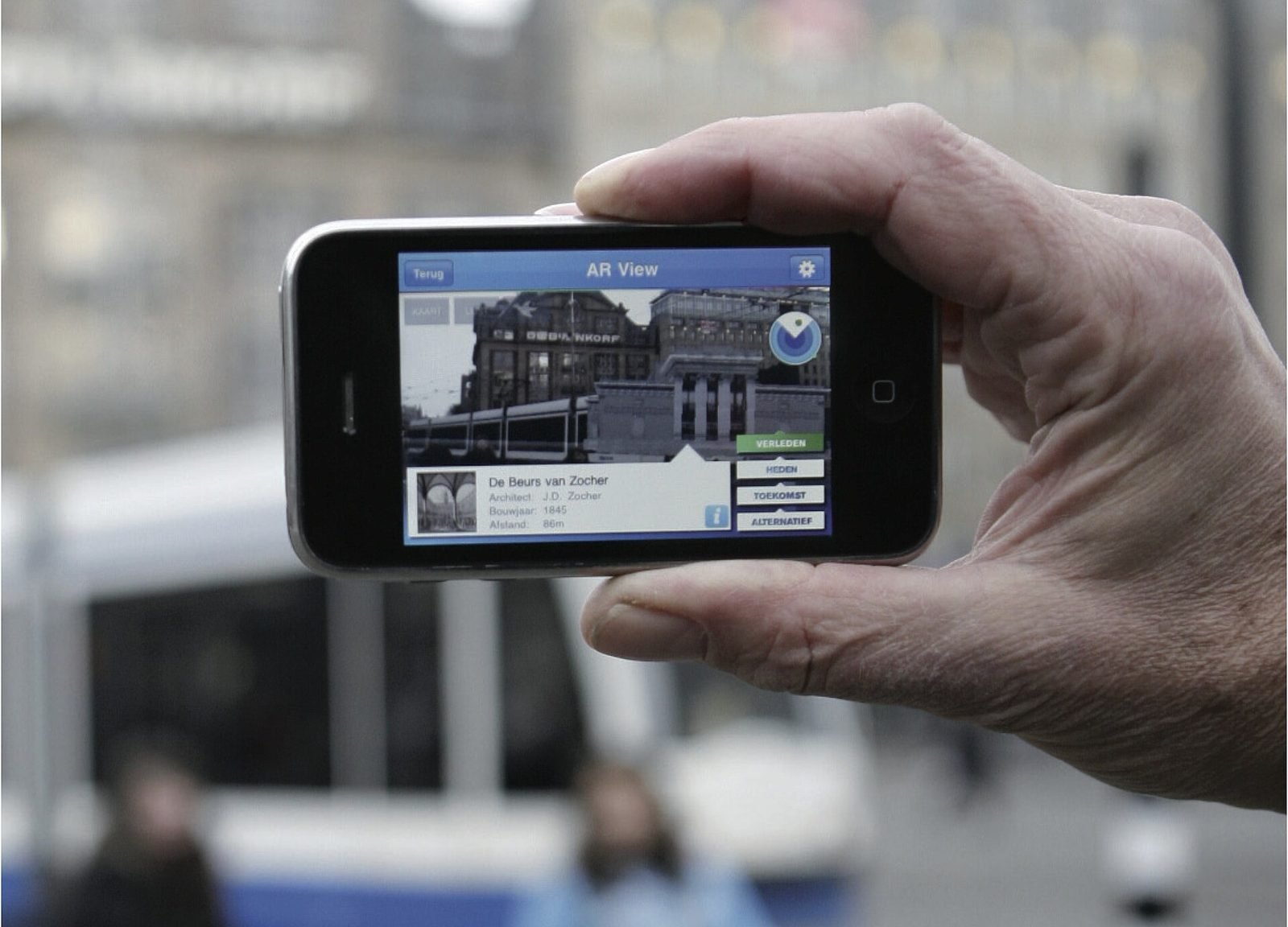
Archaeological parks, historic urban fabric and battlefields have little to display and a lot to explain. Geospatial AR anchors reconstructions and routes to real coordinates across a whole site without installing hardware, which is explained in how geospatial AR works and explored in our self-initiated geospatial city layer prototype.
Formats: phones, loan devices or installations
| Format | Suits | Advantages | Constraints |
|---|---|---|---|
| Visitors' own phones (app or web AR) | Large audiences, outdoor sites, multilingual layers | No hardware to manage; scales; works off site | Variable devices; download friction; small screen; no shared experience |
| Loan devices (tablets, AR or VR headsets) | Premium experiences, controlled routes, mixed reality | Consistent quality; curated hardware; hands-free with headsets | Cleaning, charging, staff, loss; limited throughput; higher running cost |
| Fixed installations (screens, projection, VR rooms) | Reconstructions in one spot, groups, accessibility | No personal device; social; robust once built | Fixed location; space and power; maintenance like any exhibit |
Web AR deserves a mention: it runs in the browser from a QR code with nothing to install, which removes the biggest barrier to phone-based use, at the cost of some tracking quality and features compared with a native app. For many museums a web AR layer plus one or two installation moments is a sensible first configuration.
Conservation and curatorial constraints
Technology in a gallery is subject to the same rules as everything else in it.
- Nothing attaches to objects. Anchoring uses image or object recognition, spatial anchors or geospatial positioning, not markers on artefacts. Printed markers on plinths or floors are acceptable where design permits.
- Light levels are set by conservation. Camera-based tracking needs some light; the design has to work at the gallery's actual lux levels, which can be very low for textiles and works on paper.
- Visitor flow is a safety matter. People looking at screens or wearing headsets move unpredictably; routes, stopping points and sightlines need to be designed with front-of-house staff.
- Every reconstruction is an interpretation. Curators must be able to review and approve, mark uncertainty visually (for example by rendering conjectural parts differently) and cite sources. A reconstruction presented as fact is a curatorial problem, not a technical one.
- Rights and data. Photography of some objects is restricted; camera-based apps that process images of visitors raise data-protection obligations. These need resolving before design, not after.
Content pipelines curators can maintain
The most common long-term failure is an experience that nobody in the institution can change. Labels get rewritten, objects move, loans end, and an app that hard-codes its content becomes wrong within a year. The pipeline should therefore separate content from the application: texts, audio, translations and object positions live in a system the museum controls (a simple web tool or an existing collection management export), and the application reads from it. Curators edit text; educators add a children's layer; a developer is only needed for new features.
3D content follows the same logic. Photogrammetry and scanning produce assets that should be stored in open formats such as glTF or USD with their metadata, so that they outlive the current app and the current engine.
Evaluation and common failure modes
Evaluating whether it works
Define success before the pilot and in terms the museum cares about: dwell time at the object, proportion of visitors who complete the experience, comprehension of a specific interpretive point, uptake among non-native speakers, staff time required per day. Measure with a mix of analytics from the application and short observational studies and interviews on the floor. Aggregated, anonymous analytics are enough; there is rarely a reason to collect personal data.
Common failure modes
- The technology is the subject. If the experience is remembered as the AR thing rather than for the object or story, it has failed curatorially.
- Download friction. Native apps that must be installed at the door lose most of their potential audience; QR-launched web experiences or loan devices avoid this.
- Reading on a screen. Long texts in AR are unreadable; the medium suits looking, listening and comparing.
- No owner. Without a named person responsible for content and daily checks, the experience decays.
- Pilots that cannot fail. A pilot whose results nobody is prepared to act on is a launch in disguise.
How to start with a pilot
Pick one object or one spot with a strong question of what was here or what is inside, one audience and one format. Build a prototype on real devices in the real gallery, test it with visitors for a few weeks, evaluate against the success criteria, and only then decide whether to extend to more objects, more languages or more sites. The pilot should also prove the content pipeline: a curator should make a change to the live experience during the pilot period.
Funding for this kind of work exists. EU cultural and digital programmes and national heritage schemes regularly support digitisation and digital interpretation projects, and a well-defined pilot with evaluation criteria is the kind of proposal those programmes tend to favour. Check the current calls that apply to your country and institution type; we do not list specific programmes here because eligibility and deadlines change.
How VeleStudio approaches heritage projects
We start from the curatorial question, not the device, and we prefer a short, evaluated pilot to a large launch. We build so that the institution owns its content and can maintain it, and we are candid when a simpler solution, such as a well-written audio guide, would serve better than XR. For a comparison of the technologies involved see AR vs VR vs mixed reality, and if you are considering a pilot, contact us.
FAQ
Common questions
01How can museums use augmented reality?
02Should a museum use visitors' phones or loan headsets for AR?
03How should a museum start an AR or XR project?
Related work
01AR, Geospatial·Studio prototype, 2026
City Layer: a geospatial AR prototype for historic streets
A self-initiated prototype that anchors reconstructed facades, period photographs and narrated stops along a route in a historic Italian city centre.
- Unity
- C#
- AR Foundation
- ARCore Geospatial API
02Mixed Reality, Cultural Heritage·Studio prototype, 2026
Object Stories: a mixed reality guide prototype for museum collections
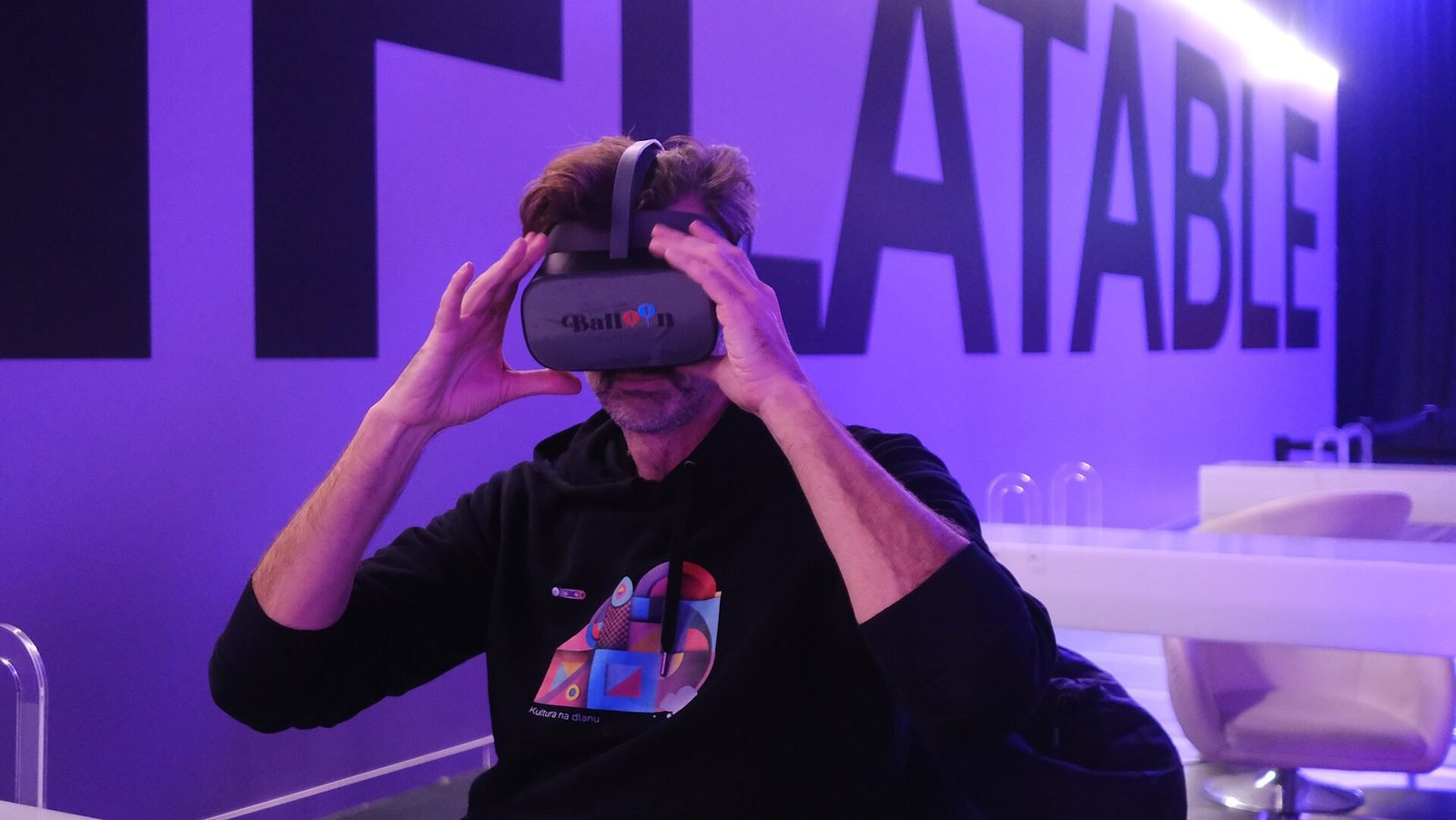
A Quest 3 passthrough prototype that recognises museum objects and anchors stories, exploded views and provenance to each one, tested in the studio with replicas.
- Unity
- C#
- Meta Quest SDK
- OpenXR
Keep reading
AR vs VR vs Mixed Reality: what is the difference?
AR overlays content on the real world, VR replaces it, and mixed reality lets virtual and real objects interact. A practical guide to choosing between them.
How does geospatial AR work?
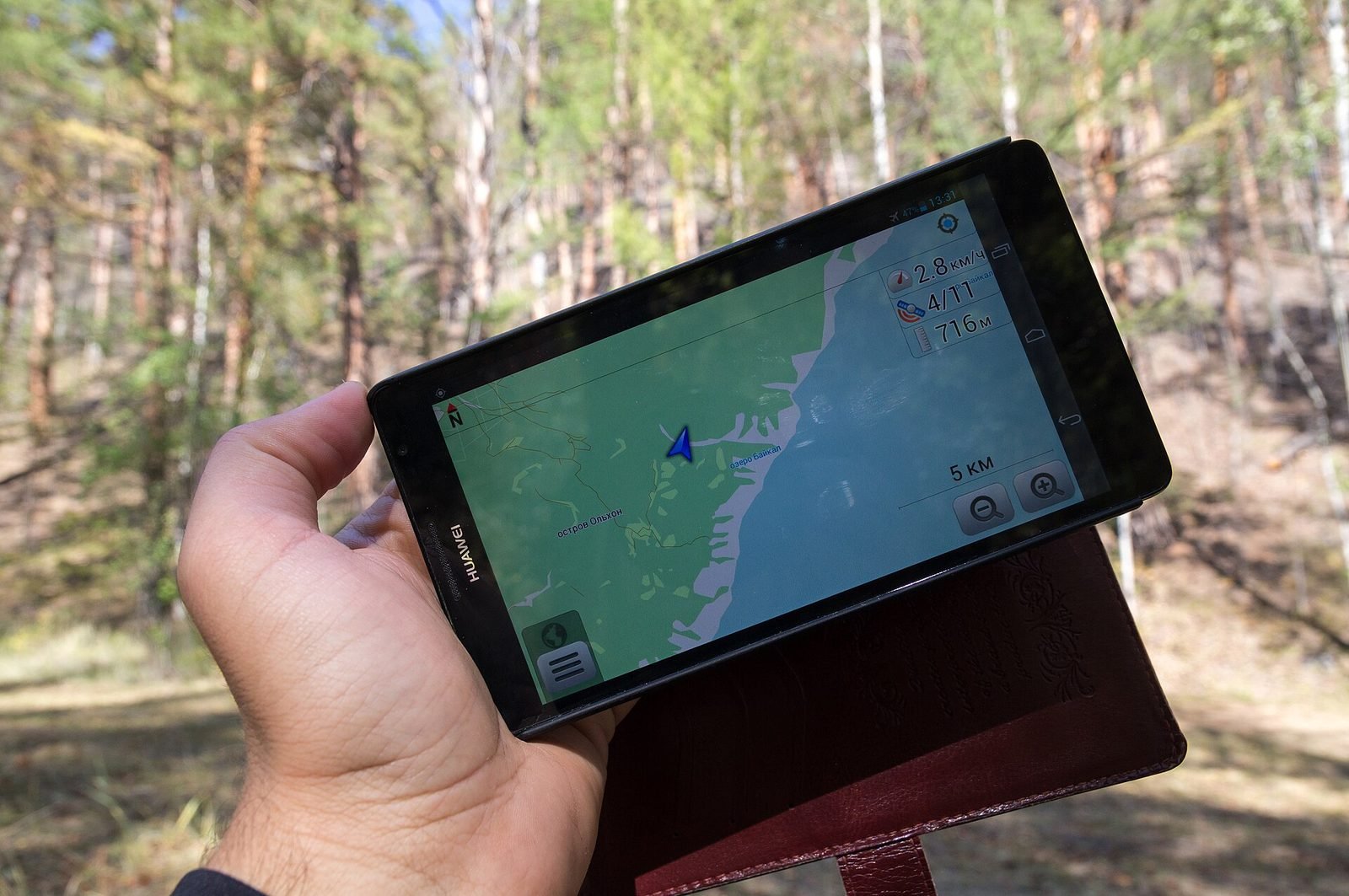
Geospatial AR fuses GPS, motion sensors and visual positioning against a map of real streets to place content at exact coordinates. Each step explained.
How to build an interactive installation
A practical guide to interactive installations: concept, sensing, software, hardware, calibration, robustness when unattended, and what drives cost.