Service · Interactive technology
Human-computer interaction research for spatial and intelligent interfaces
VeleStudio applies human-computer interaction research to XR, gesture, gaze and voice interfaces, user studies, research prototypes in Unity and WebXR, and evaluation.
What it is
Human-computer interaction (HCI) is the study and design of how people use computing systems, combining methods from psychology, design and computer science to understand what works, what fails and why. At VeleStudio it is a research-driven practice: we observe how people actually behave with spatial, embodied and intelligent interfaces, and we use that evidence to shape what gets built. The interfaces we study are rarely a screen and a mouse; they are headsets, rooms with sensors, hand and gaze input, and systems that talk back.
Our HCI work covers the full loop of a research question: formative studies and interviews, prototypes built specifically to test a hypothesis, controlled or in-the-wild evaluations, and analysis that produces findings a team can act on. We work with established methods (think-aloud protocols, task analysis, usability metrics, presence and workload questionnaires) and adapt them to the particularities of XR, where the body, the room and the device all affect the result.
VeleStudio offers this as a service to universities and research organisations that need a partner who can build and run studies, and to product teams who want their XR or AI interface decisions grounded in evidence rather than assumption. Results can be published or kept confidential as the project requires.
What problems it solves
- 01
Interfaces designed from assumption
Teams often decide how a gesture, a menu or a voice command should behave without watching anyone use it. We run formative studies early, when changing direction is still cheap.
- 02
XR evaluations that borrow desktop methods
Classic usability tests assume a seated user and a screen. We adapt protocols for people who move, wear a headset and interact with a room, including how to record, observe and measure without breaking the experience.
- 03
Novel input nobody knows how to specify
Gesture, gaze, voice and tangible controls have no established conventions. We define vocabularies, test them for discoverability and fatigue, and document what people learn and what they forget.
- 04
Research capacity that does not exist in-house
Labs and product teams often lack the engineering to build a working prototype for a study, or the research training to evaluate one properly. We supply whichever side is missing.
Who it is for
- University departments and research labs in HCI, design and computer science
- Publicly funded research organisations and innovation centres
- Product teams building XR, wearable or voice-driven interfaces
- Hardware companies evaluating new input devices or sensors
- Design agencies that need a research partner for spatial and embodied projects
Example applications
- Gesture and hand-tracking vocabularies
- Designing and testing controller-free input sets for headsets and public screens, measuring recognition, learnability and arm fatigue.
- Gaze and attention-aware interfaces
- Studying where people look in a headset and what eye tracking can reasonably be used for, from selection to adaptive content.
- Voice and multimodal interaction
- Combining speech with pointing, gaze or gesture, and understanding when people prefer to talk to a system and when they do not.
- Tangible and sensor-based interfaces
- Physical objects and spaces as input, prototyped with microcontrollers and depth cameras and evaluated with real participants.
- HCI consulting for XR teams
- Reviewing an existing experience against interaction principles and published evidence, and recommending specific changes with their rationale.
How we approach Human-Computer Interaction projects
01
Research question
We work with you to turn a broad interest into a question that can be answered: what we compare, with whom, and what counts as a result.
02
Study design
Participants, tasks, measures and ethics. We decide between lab, field or remote settings and prepare protocols, consent material and data handling.
03
Research prototype
A build that is exactly as finished as the study needs, usually in Unity or WebXR, with logging for the measures we care about.
04
Pilot and run
A small pilot catches confusing tasks and broken logging before the main sessions. We then run and record the study, with your team observing where useful.
05
Analysis
Quantitative measures, qualitative coding of observations and interviews, and a clear separation between what the data shows and what we think it means.
06
Reporting and transfer
Findings as a report, a paper draft or design recommendations, in the form your team or publication venue needs, with the prototype and data handed over.
Technology we use
Tools chosen for the experience, not the other way round. The full ecosystem is on the expertise page.
Related work
All work →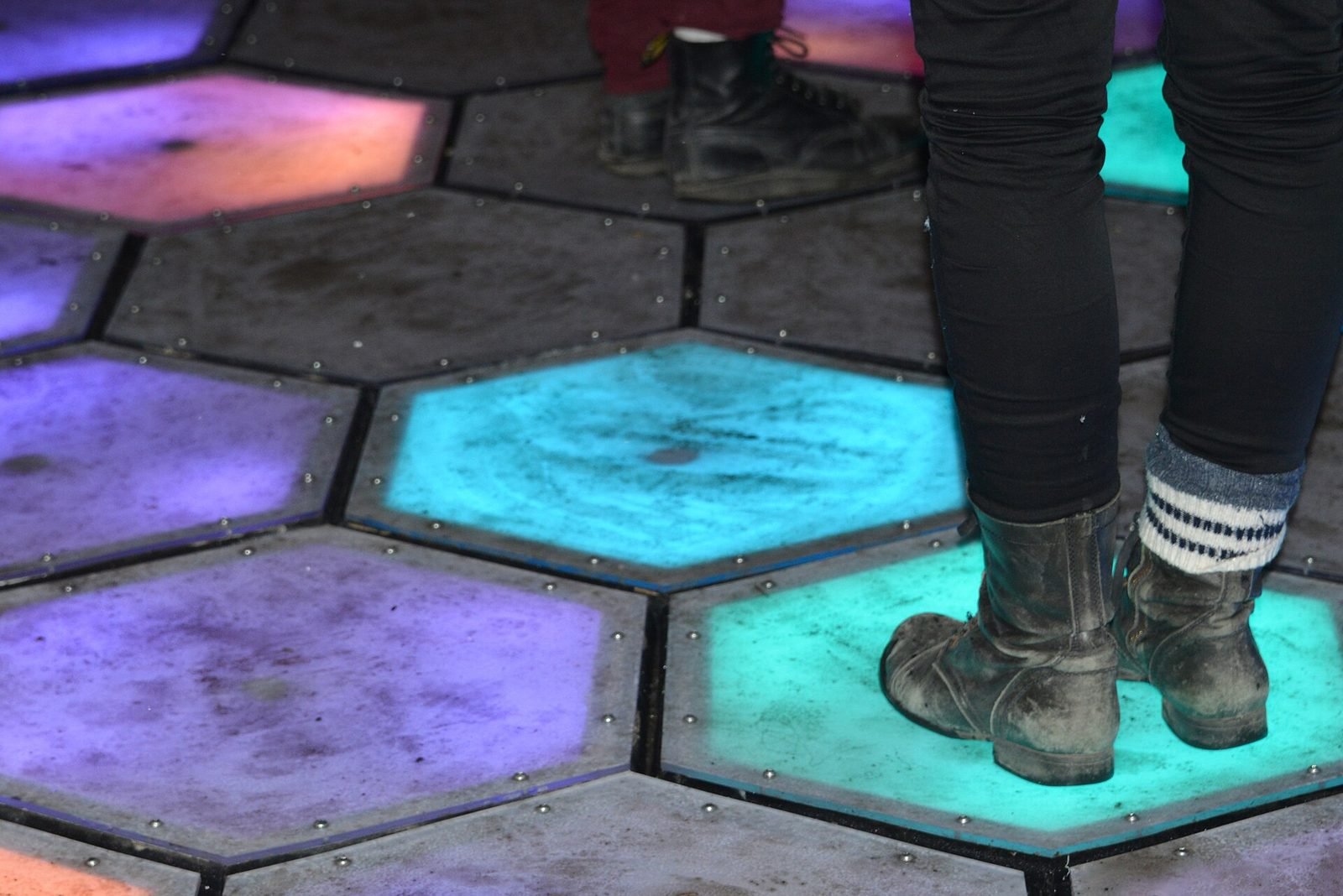
01Interactive Installation, HCI·Studio prototype, 2025
Presence Field: a body-reactive projection installation
A wall-scale particle field driven by a depth camera, where bodies displace and attract points and lines and several people create interference patterns.
- Unity
- C#
- Depth cameras
- Hand & body tracking
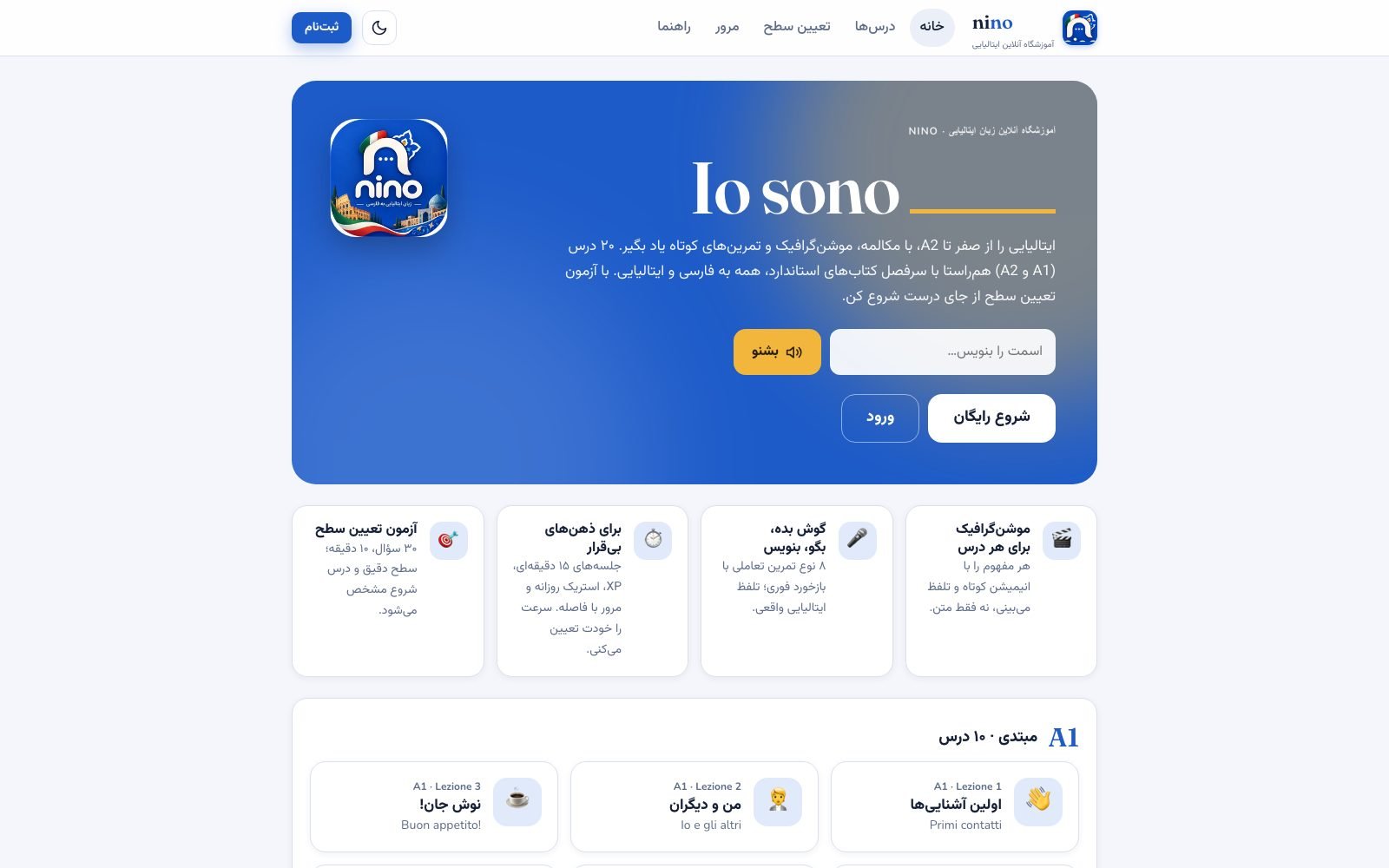
02Interaction Design, HCI·Live, 2026
Nino: an interactive, bilingual Italian course for Persian speakers
A live, bilingual (Persian–Italian) A1 course site with a motion-graphic scene engine and eight exercise types, designed for short, ADHD-friendly sessions.
- JavaScript
- TypeScript
- Next.js
- Three.js
Further reading
How to prototype an XR experience
Why XR projects start with a prototype: a fidelity ladder from bodystorming to on-device slice, what to test at each stage and how to reach production.
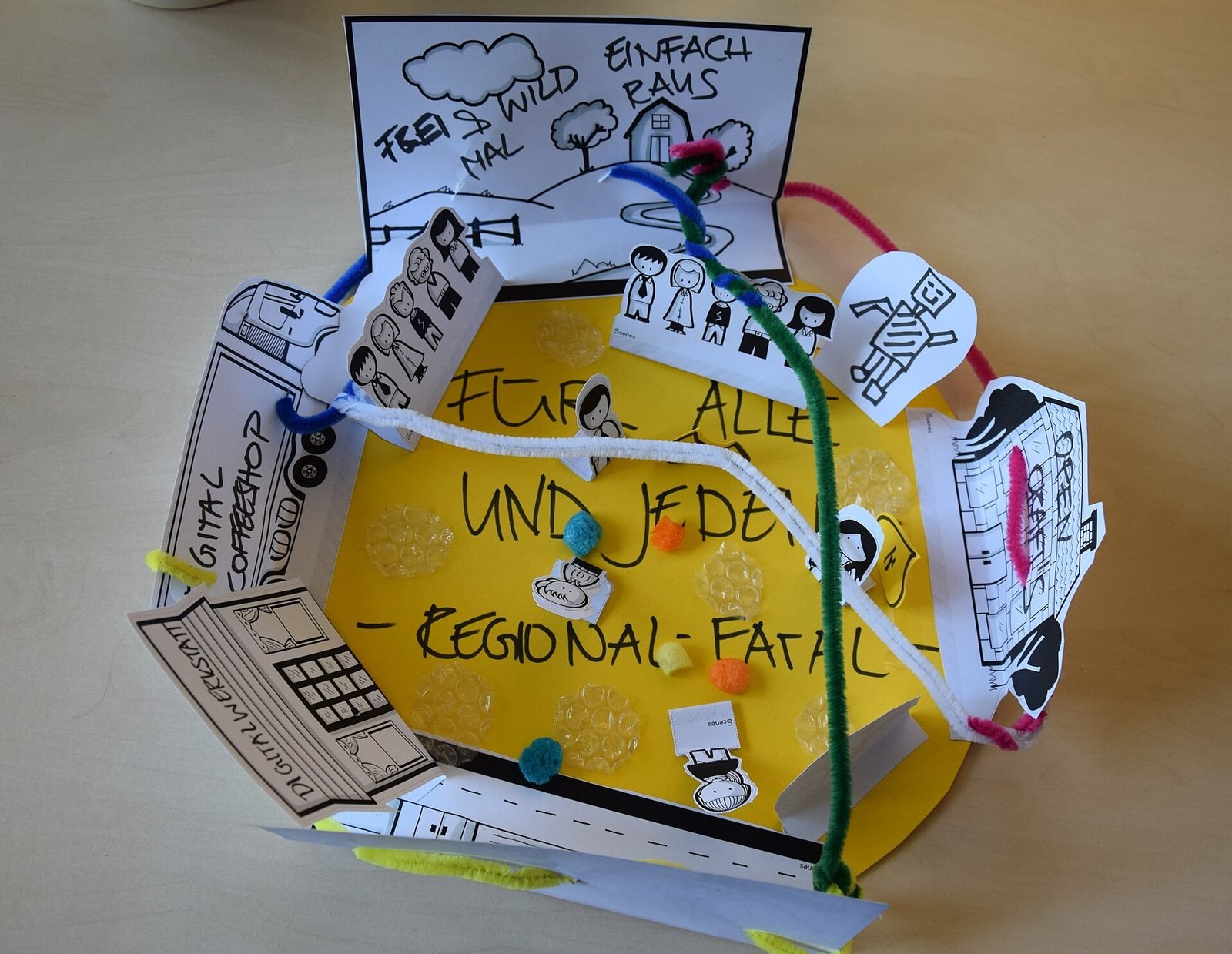
What is Human-Computer Interaction (HCI)?
Human-Computer Interaction is the study and design of how people use computing systems. What it covers, how it differs from UX, and why it matters for XR.
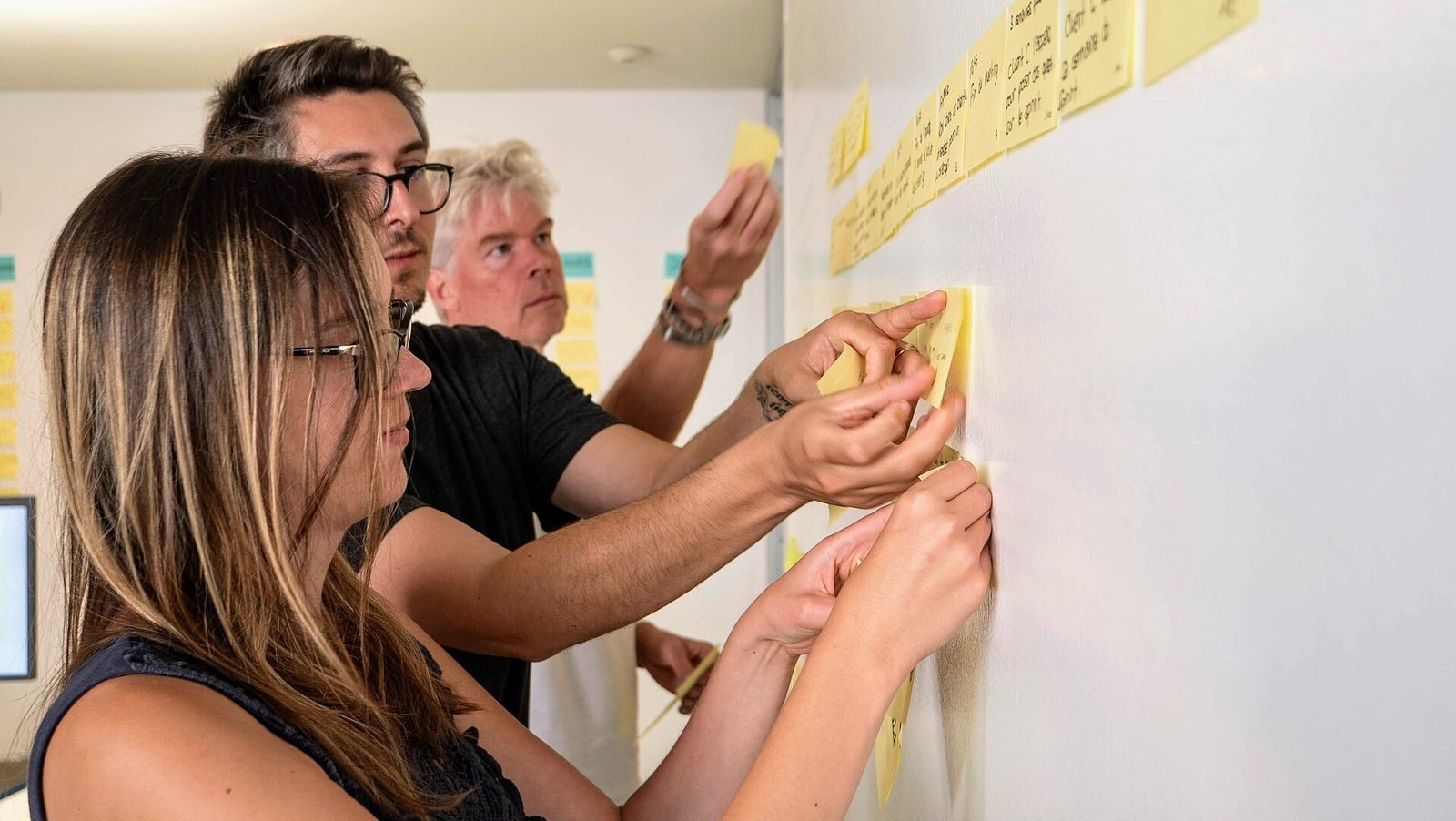
What is spatial UX? Designing interfaces for spatial computing
Spatial UX is the design of interfaces that live in the 3D space around a user. How it differs from 2D UX, and the principles that keep it comfortable.
FAQ