Service · XR & immersive experiences
Mixed reality development for Meta Quest 3 and Apple Vision Pro
VeleStudio develops passthrough mixed-reality applications for Meta Quest 3 and Apple Vision Pro in Unity, with scene understanding, occlusion and hand tracking.
What it is
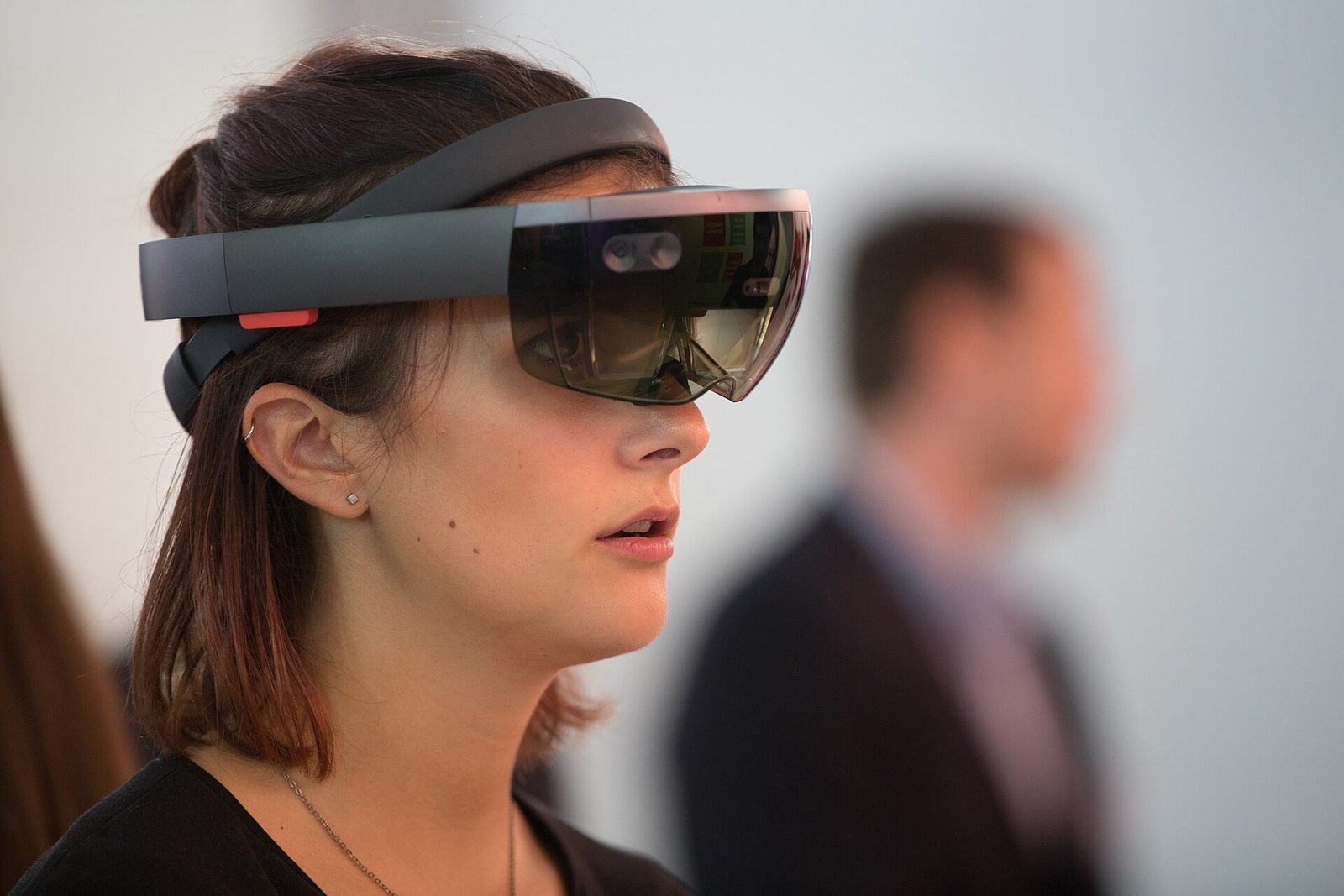
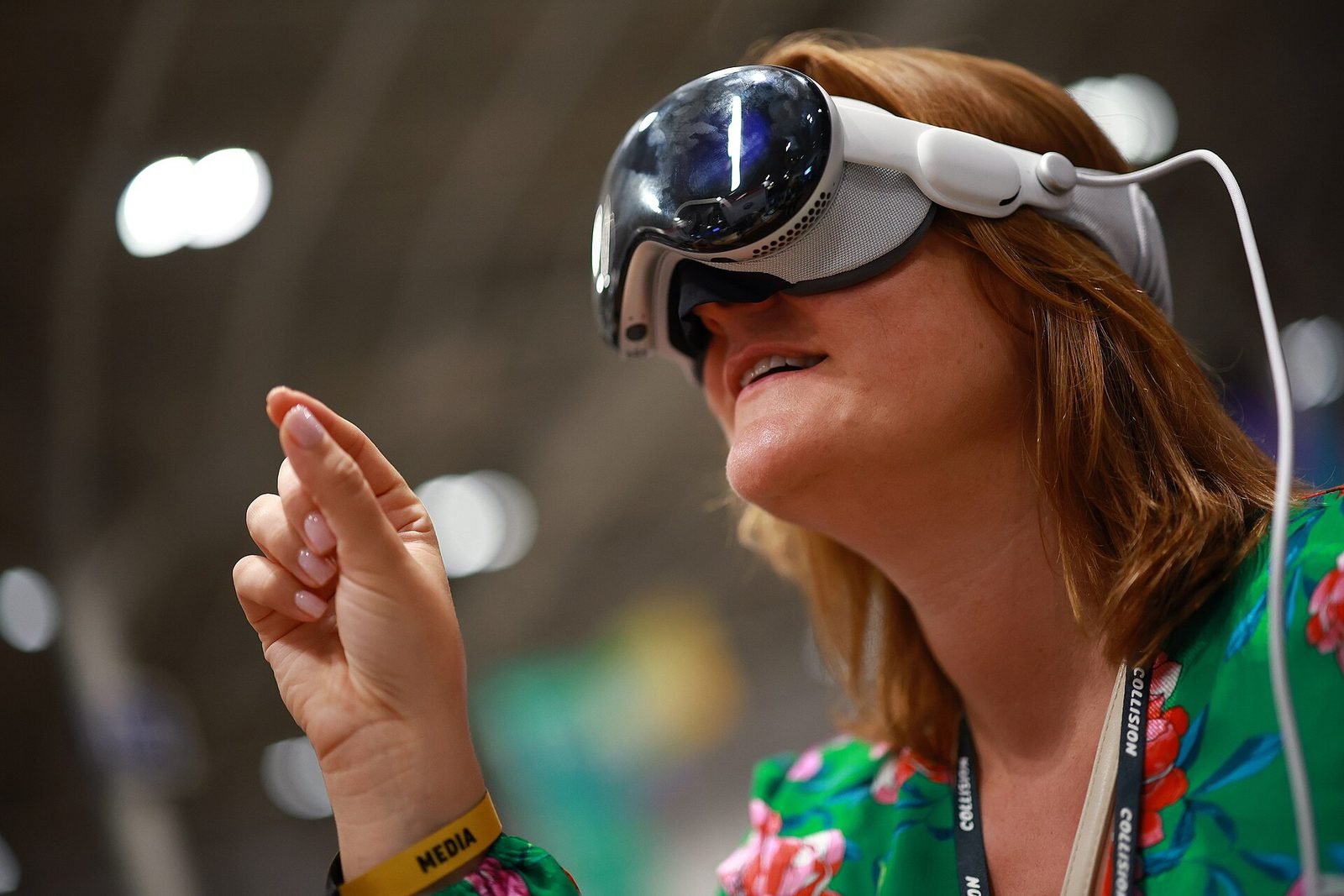
Mixed reality is a form of XR in which a headset shows the real room through its cameras and renders digital objects into that view so that they behave as if they were present: resting on the actual table, hidden behind the actual sofa, reacting to the user's actual hands. It differs from phone AR in field of view, stability and the freedom of both hands, and from VR in that the user never leaves their surroundings. Meta Quest 3 and Apple Vision Pro brought this to a broad market from 2023 onwards, and it is now the most capable form of augmented reality available.
Three capabilities make mixed reality work. Scene understanding lets the headset identify floors, walls, ceilings, tables and openings so content can be placed intelligently and persist between sessions. Occlusion lets real objects and hands hide virtual ones, which is what convinces the eye that an object is in the room rather than painted over it. Hand and eye tracking replace controllers with direct manipulation, so people can pick up, move and press things the way they already know how to.
VeleStudio develops mixed-reality applications in Unity for Quest 3 through the Meta Quest SDK and OpenXR, and for Vision Pro through visionOS and Unity PolySpatial. We design for the room the application will actually run in, whether that is a museum gallery, a training bay or a client's meeting room, because a mixed-reality experience is only as good as its relationship with the space around it.
What problems it solves
- 01
Training that is dangerous, expensive or impossible to rehearse
Procedures on live equipment, rare failures and hazardous environments can be practised on a virtual machine standing in the real workshop, with the trainee's actual hands and the actual surroundings intact.
- 02
Objects and spaces that cannot be brought into the room
A full-scale building, a reconstructed artefact or a product that does not exist yet can be placed on the floor in front of a client, a visitor or a committee, and walked around.
- 03
VR that isolates and disorients
Fully immersive VR cuts people off from colleagues and the room, which limits it in public and social settings. Passthrough keeps the group, the guide and the exit visible while adding the digital layer.
- 04
Phone AR that is tiring and small
Holding a phone up for more than a minute is uncomfortable and the window is narrow. A headset frees both hands and fills the visual field, which changes what kind of task is possible.
Who it is for
- Museums and heritage organisations adding a headset layer to galleries
- Industrial and energy companies training operators and technicians
- Architecture, interiors and construction firms reviewing designs at full scale
- Medical and life-science educators
- Research labs and universities working on spatial interaction
Example applications
- Object-anchored museum guides
- Artefacts in a gallery recognised and annotated in place, with reconstructions, hidden details and narration that follows the visitor's gaze.
- Room-scale training simulators
- Virtual equipment placed in a real training bay so trainees practise with their hands, in context, with the instructor able to watch.
- Architectural and product review
- Models at 1:1 scale in the room where they will be built or used, with material options and sightlines checked by walking around.
- Spatial collaboration
- Shared anchors so that several people in the same room see and manipulate the same objects, for workshops and design reviews.
- Assisted procedures
- Hands-free, step-by-step guidance pinned to real machinery, with recognition of components and completion tracking.
How we approach Mixed Reality projects
01
Room and task analysis
We study the physical space, its lighting and reflective surfaces, and the task people must perform, because scene understanding and passthrough quality depend on the environment.
02
Device selection
Quest 3 or Vision Pro (or both), chosen on budget, audience, field of view, input needs and how the headsets will be managed on site.
03
Spatial and interaction design
Where content lives relative to walls, tables and people, how hands interact with it, and how the application reacts when the room changes.
04
Passthrough prototype
An early build in the real room with placeholder content, usually within a few weeks, to confirm anchoring, occlusion and comfort before investing in assets.
05
Content production and optimisation
3D assets built or scanned, then optimised for mobile headset budgets, with occlusion and lighting tuned so they sit convincingly in the passthrough view.
06
On-site testing and deployment
Sessions with first-time users in the actual venue, hygiene and fleet-management setup for shared headsets, and distribution via store or enterprise channels.
Technology we use
Tools chosen for the experience, not the other way round. The full ecosystem is on the expertise page.
Related work
All work →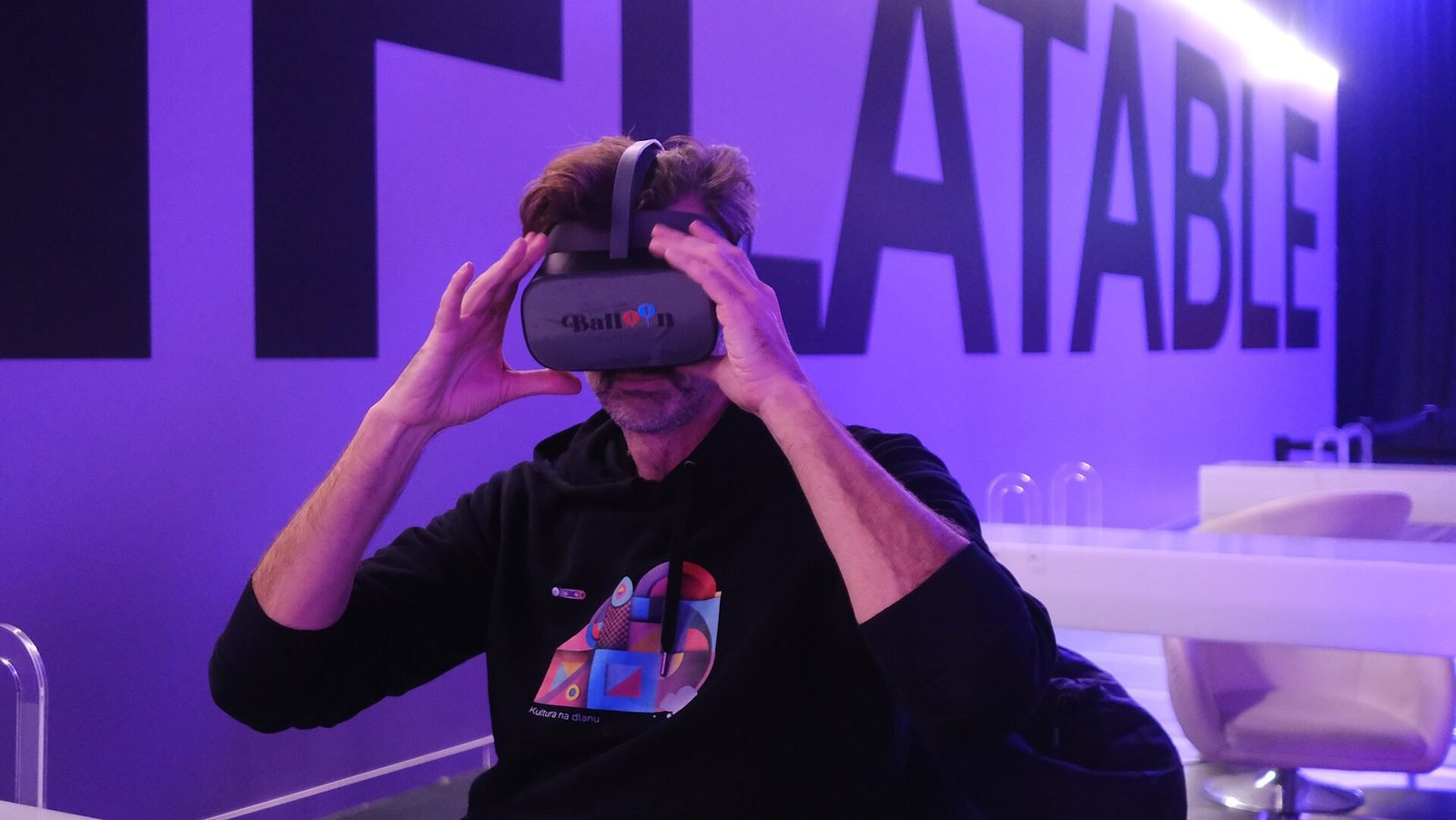
01Mixed Reality, Cultural Heritage·Studio prototype, 2026
Object Stories: a mixed reality guide prototype for museum collections
A Quest 3 passthrough prototype that recognises museum objects and anchors stories, exploded views and provenance to each one, tested in the studio with replicas.
- Unity
- C#
- Meta Quest SDK
- OpenXR
02AI, XR·Studio prototype, 2026
Spatial Guide: an AI agent that answers questions about what you are looking at
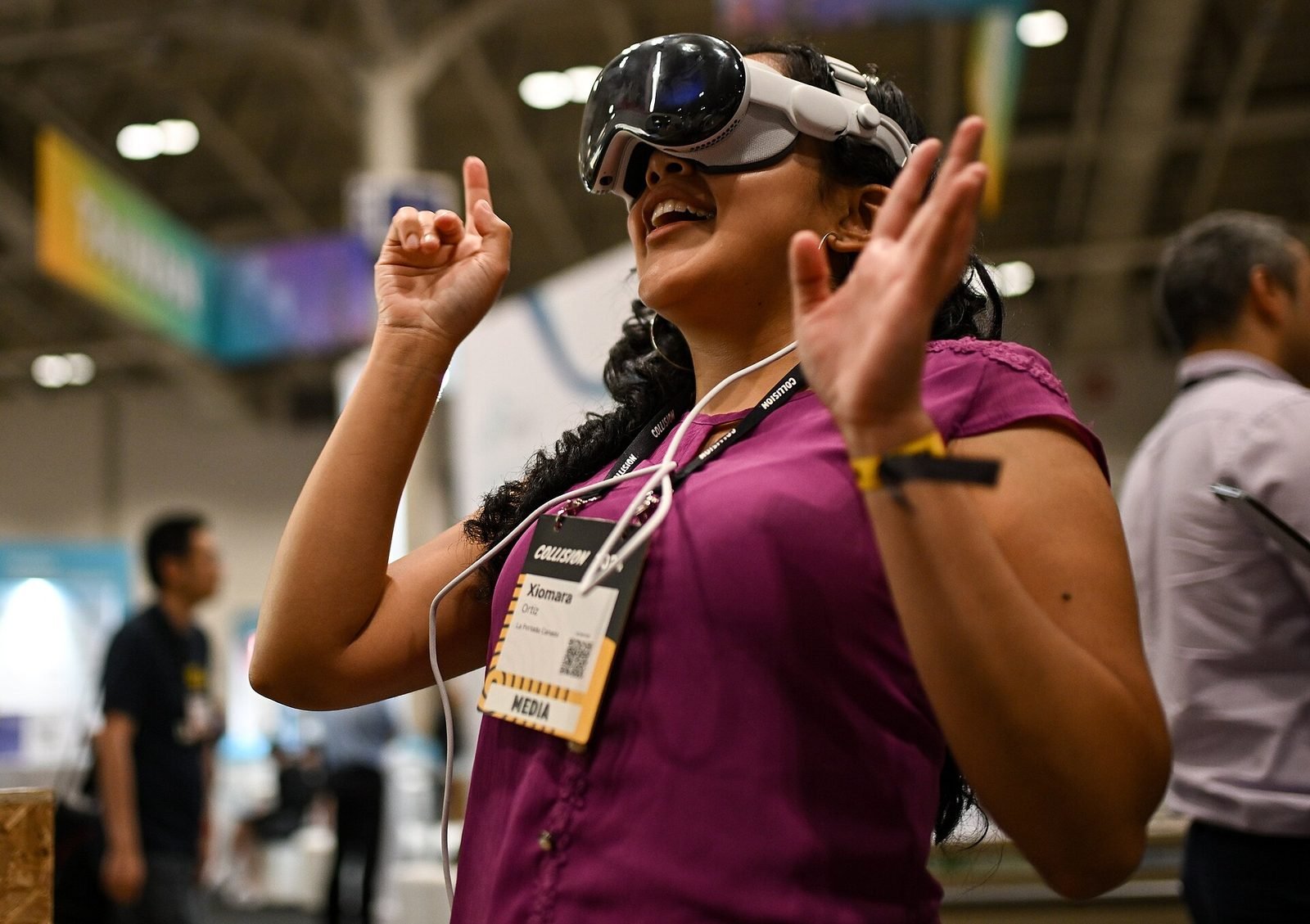
A headset prototype where a visitor looks at an object, asks a question by voice and gets an answer grounded only in a curated knowledge base, pinned to the object.
- Unity
- C#
- OpenXR
- Meta Quest SDK
Further reading
AR vs VR vs Mixed Reality: what is the difference?
AR overlays content on the real world, VR replaces it, and mixed reality lets virtual and real objects interact. A practical guide to choosing between them.
How museums can use AR and XR: a practical guide for cultural heritage
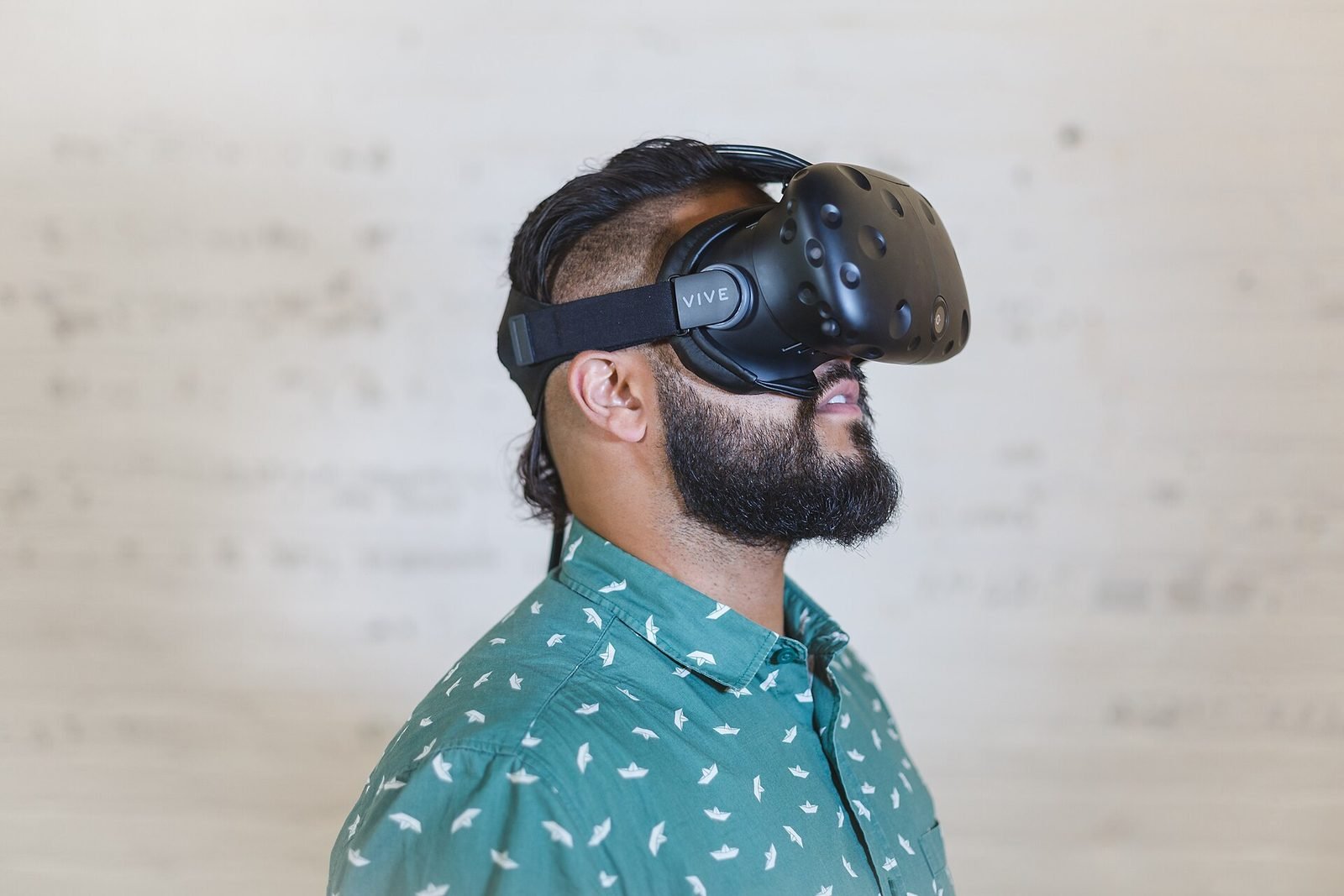
How museums and heritage sites use AR, VR and mixed reality: use cases, phones versus loan devices, curatorial constraints, content pipelines and pilots.
How to prototype an XR experience
Why XR projects start with a prototype: a fidelity ladder from bodystorming to on-device slice, what to test at each stage and how to reach production.
What is spatial computing?
Spatial computing is computing that senses, maps and uses the physical space around a device, so digital content and interaction happen in place.
FAQ