Spatial Computing/By Erfan Soleymanzadeh//6 min read
What is spatial computing?
Spatial computing is computing that senses, maps and uses the physical space around a device, so digital content and interaction happen in place.
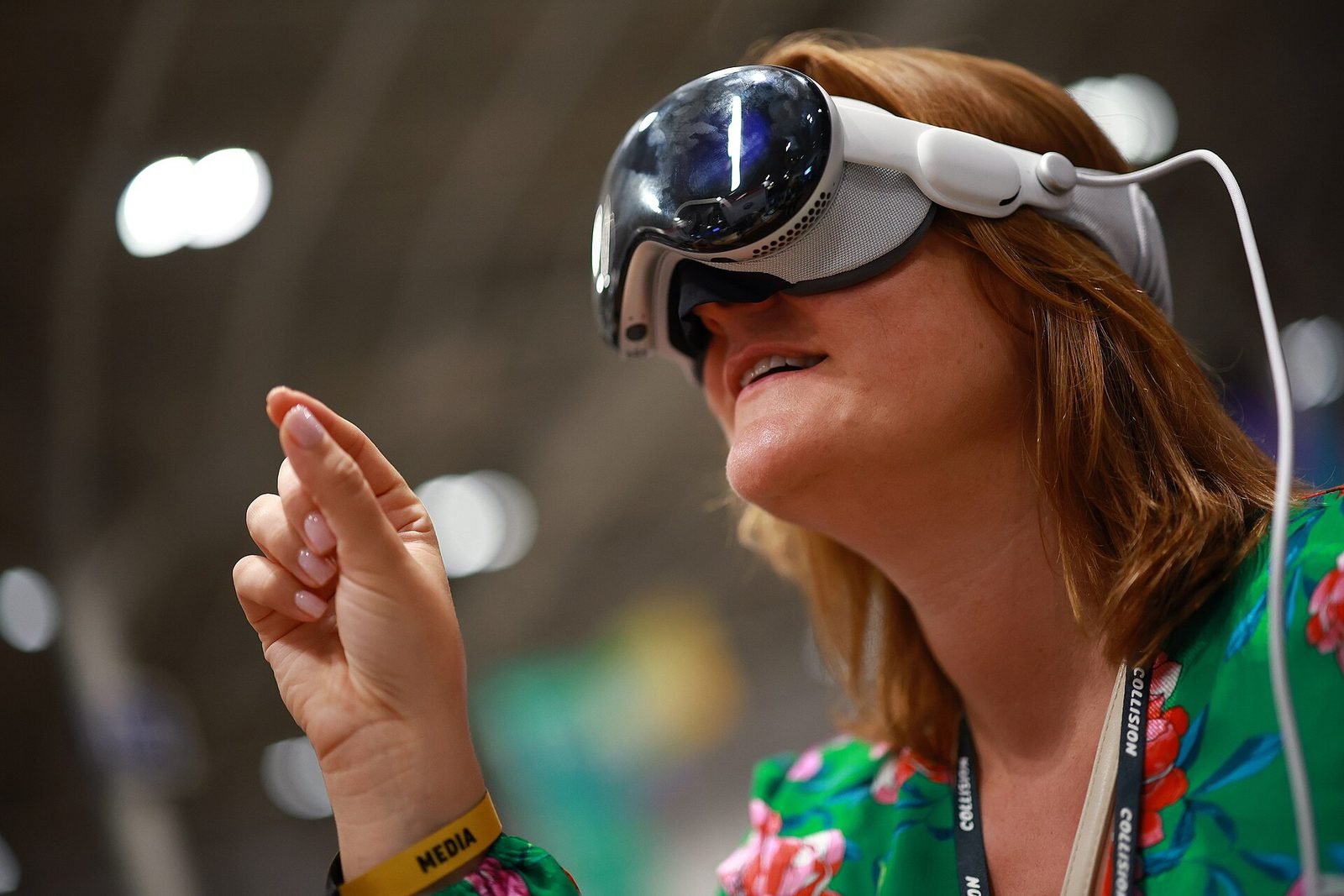
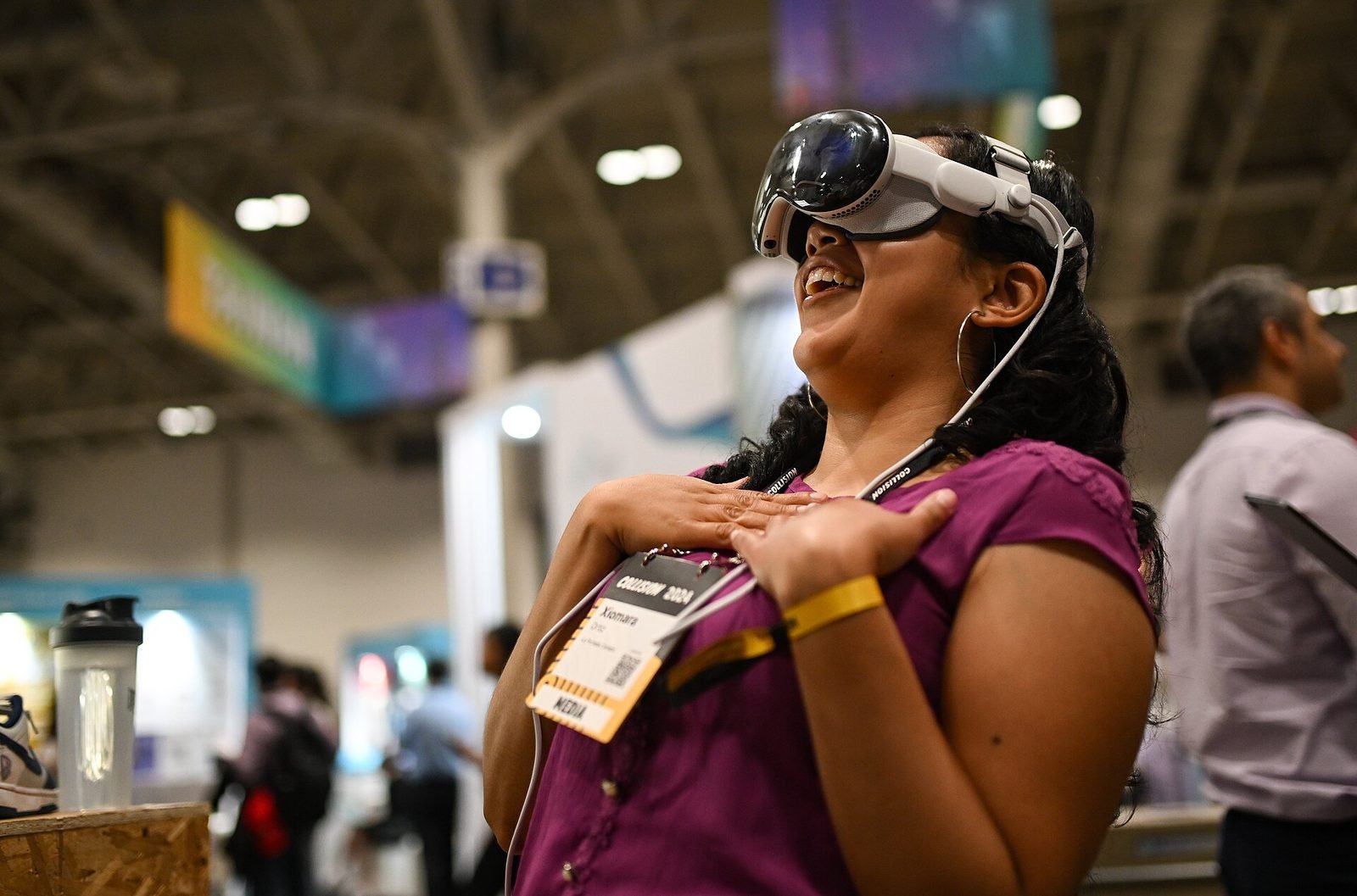
Spatial computing is computing in which the machine knows about the physical space around it and uses that knowledge as part of the interface. A spatially aware device senses the room, the street or the object in front of it, builds a model of that space, keeps digital content fixed to real positions within it, and lets people act on that content with their body, gaze, hands and voice rather than through a flat screen. The term was coined by Simon Greenwold in a 2003 MIT thesis, where he described it as human interaction with a machine that retains and manipulates references to real objects and spaces. The defining property is not a headset; it is that space itself becomes both an input and an output.
In practice, spatial computing is the technical foundation under augmented reality, mixed reality and much of virtual reality. It is what makes a virtual label stay on a real machine, a reconstructed façade stand on its original foundations, or a 3D model sit on your actual desk while you walk around it.
The spatial computing stack
Most spatial systems, whether a phone, a Quest 3 or an Apple Vision Pro, are built from the same five layers.
Sensing
Cameras, depth sensors (LiDAR, time-of-flight, structured light), inertial measurement units, GPS, microphones and eye-tracking cameras collect raw data about the environment and the person. Sensing quality sets the ceiling for everything above it.
Mapping
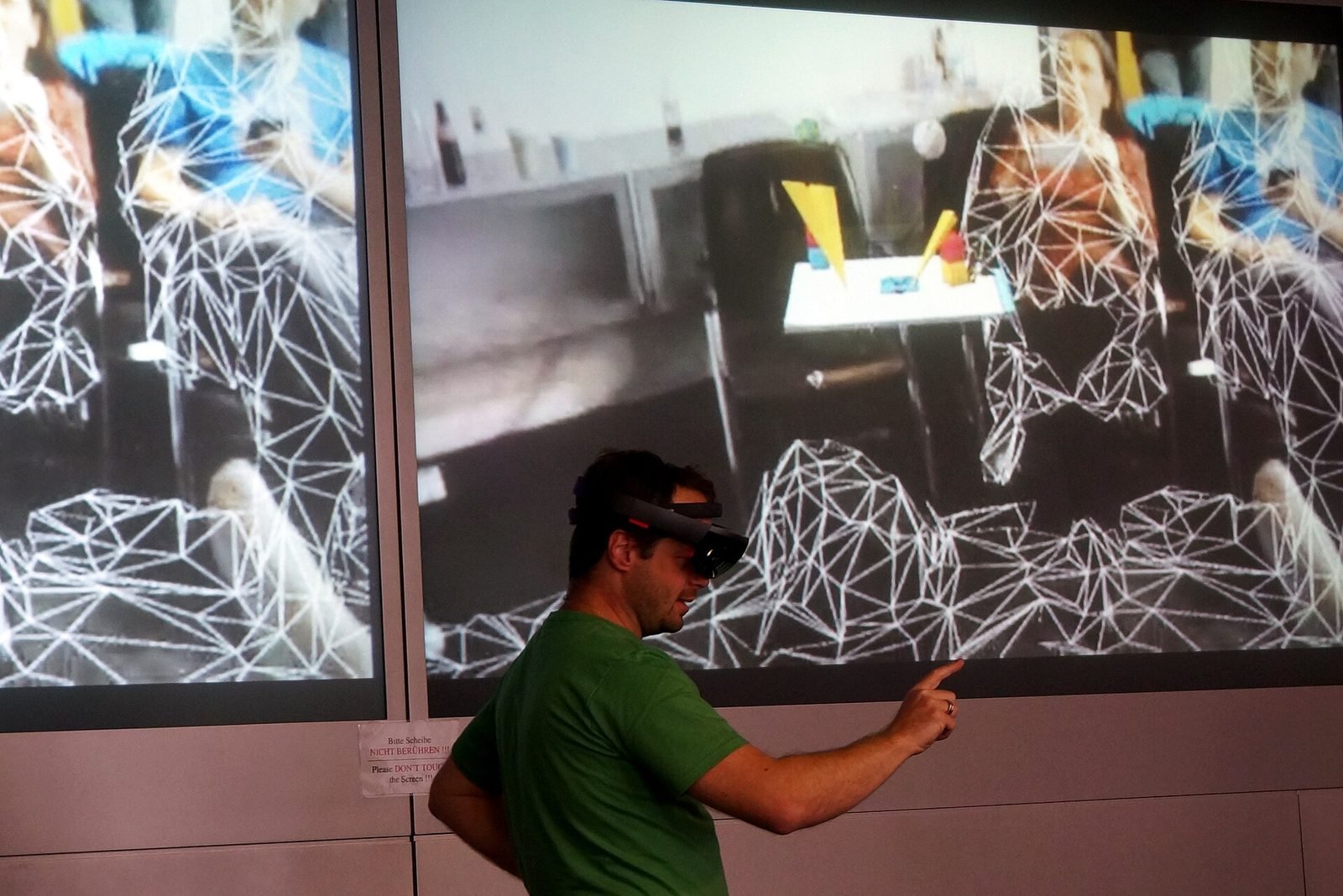
The device turns sensor data into a model of the space: a point cloud, a mesh, detected planes, recognised objects and semantic labels such as floor, wall, table or window. Simultaneous localisation and mapping, SLAM, is the core algorithm: it works out where the device is while building the map it is locating itself in.
Anchoring
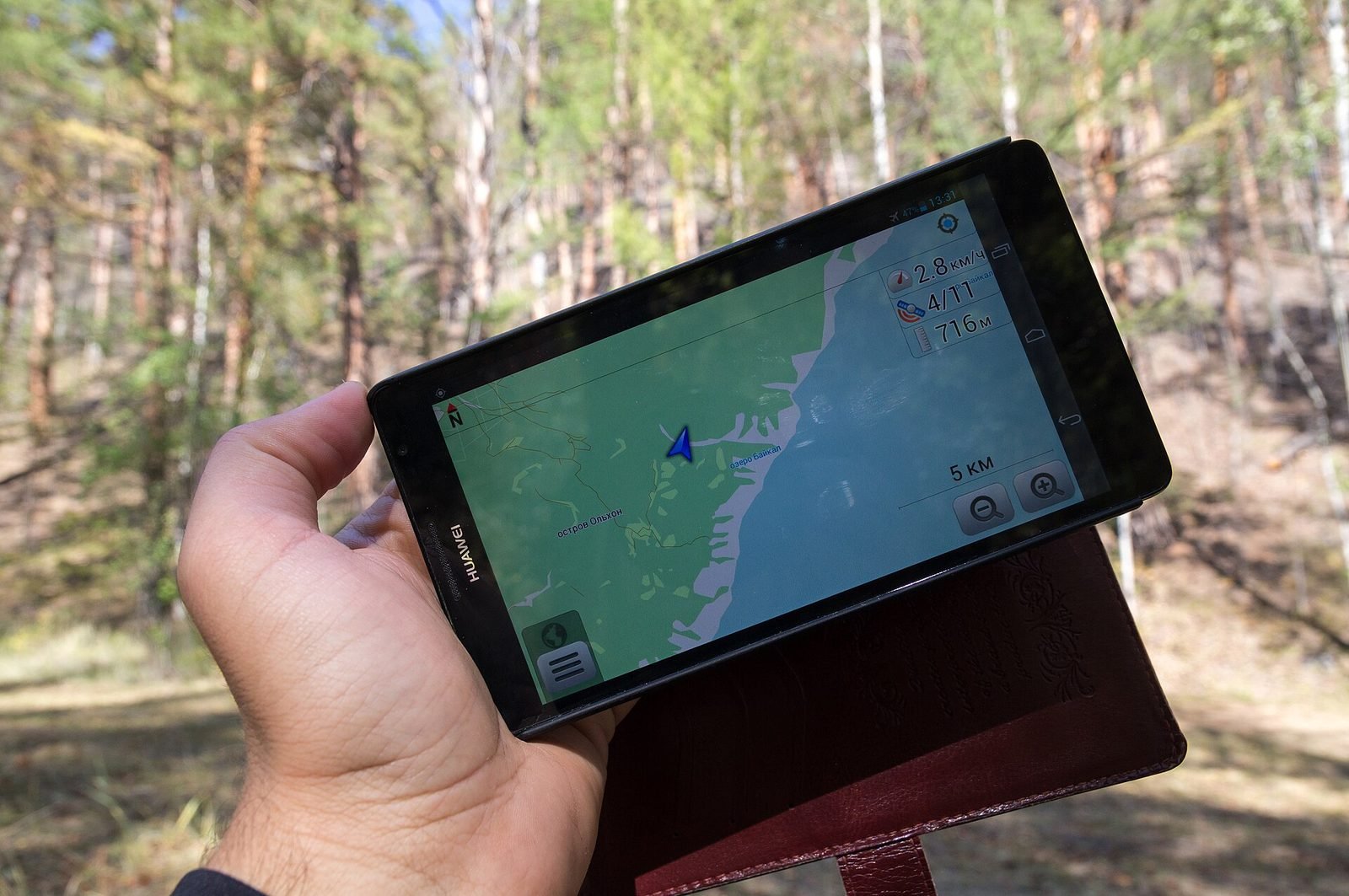
Digital content is attached to positions in that model so it stays put as the person moves. Anchors can be local (a point on a table), persistent across sessions (a saved spatial map), shared between devices, or global, as with geospatial anchors tied to latitude, longitude and altitude. We cover the global case in how geospatial AR works.
Rendering
Content is drawn from the person's exact viewpoint, with correct perspective, occlusion by real objects, matched lighting and, on headsets, two views at high frame rates. Rendering must respect the real world: a virtual object should disappear behind a real wall.
Interaction
People act on content in place: hand gestures, gaze and pinch, voice, controllers, touch on a phone screen, or simply moving through the space. This layer is where interaction design decides whether a spatial system is usable or exhausting.
How spatial computing relates to AR, VR and MR
Augmented reality, virtual reality and mixed reality describe experiences. Spatial computing describes the underlying capability.
- Augmented reality overlays content on a view of the real world. It needs the sensing, mapping and anchoring layers to do this convincingly.
- Mixed reality goes further: virtual content occludes, collides with and reacts to the real environment, which demands denser mapping and scene understanding.
- Virtual reality replaces the view entirely, but still relies on spatial computing to track head and hands, define a safe play area and blend passthrough video of the room back in.
The three sit on a continuum; we compare them in AR vs VR vs mixed reality. Not every spatial computing application is an XR experience: a robot vacuum mapping a flat, or a phone measuring a room, is spatial computing with no immersive display.
Devices today
| Device class | Display | Primary input | Typical setting |
|---|---|---|---|
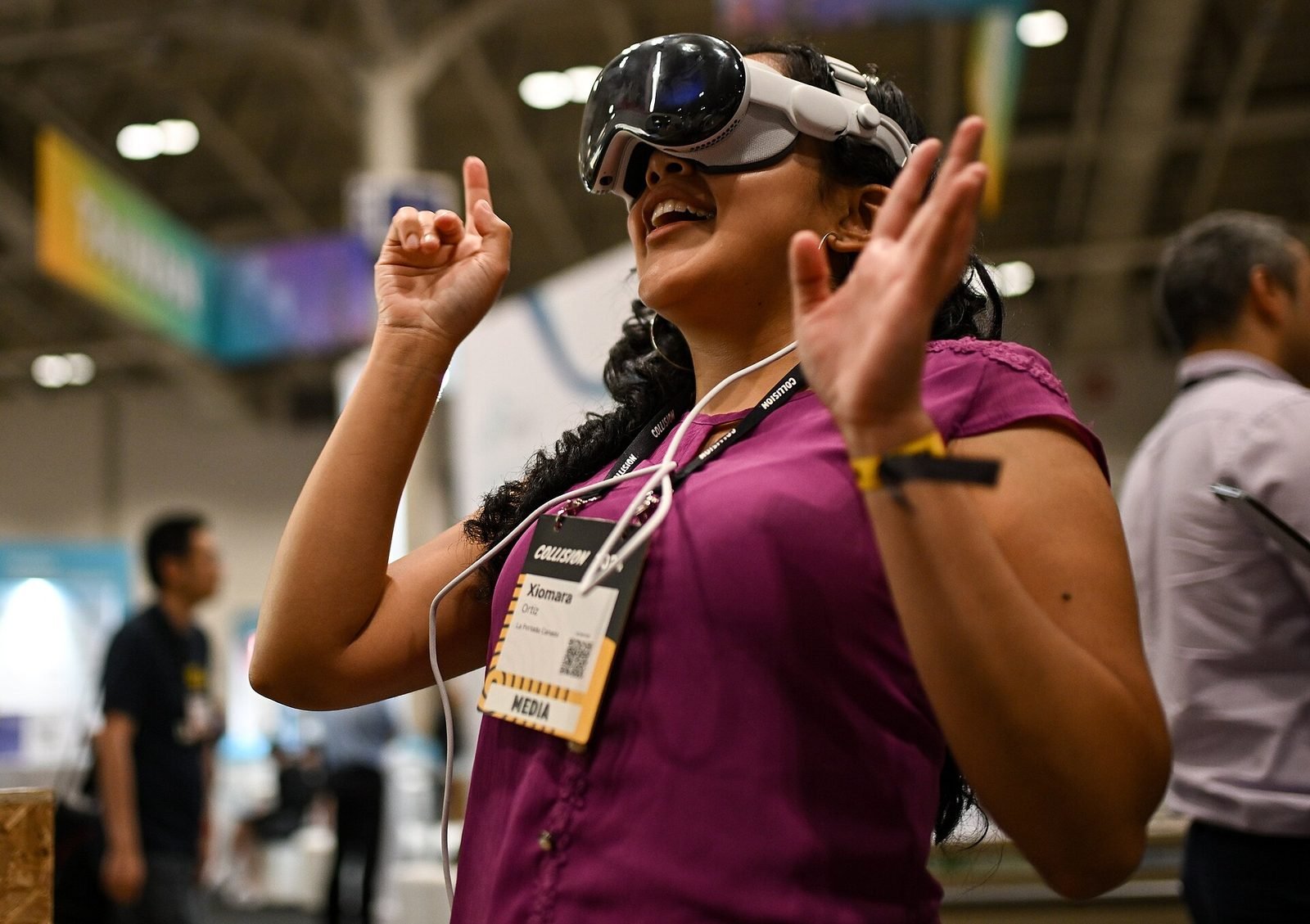
| Apple Vision Pro (visionOS) | Video passthrough, very high resolution | Eye gaze plus hand pinch, voice | Indoor work, media, prototypes |
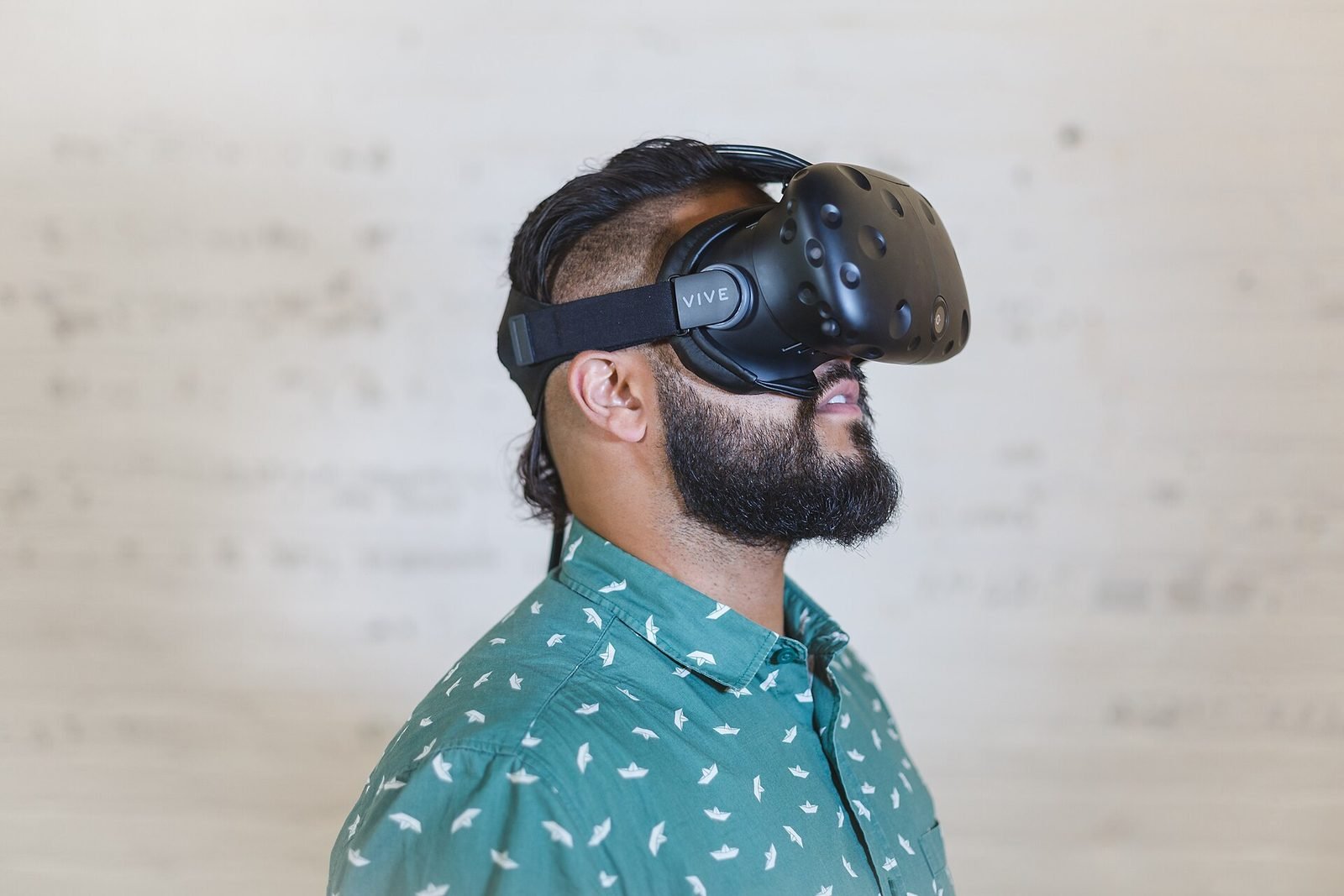
| Meta Quest 3 and Quest 3S | Colour passthrough | Hands or controllers | Home, training, location-based entertainment |
| HoloLens 2 and Magic Leap 2 class | Optical see-through | Hands, gaze, voice | Industrial, surgical and field work |
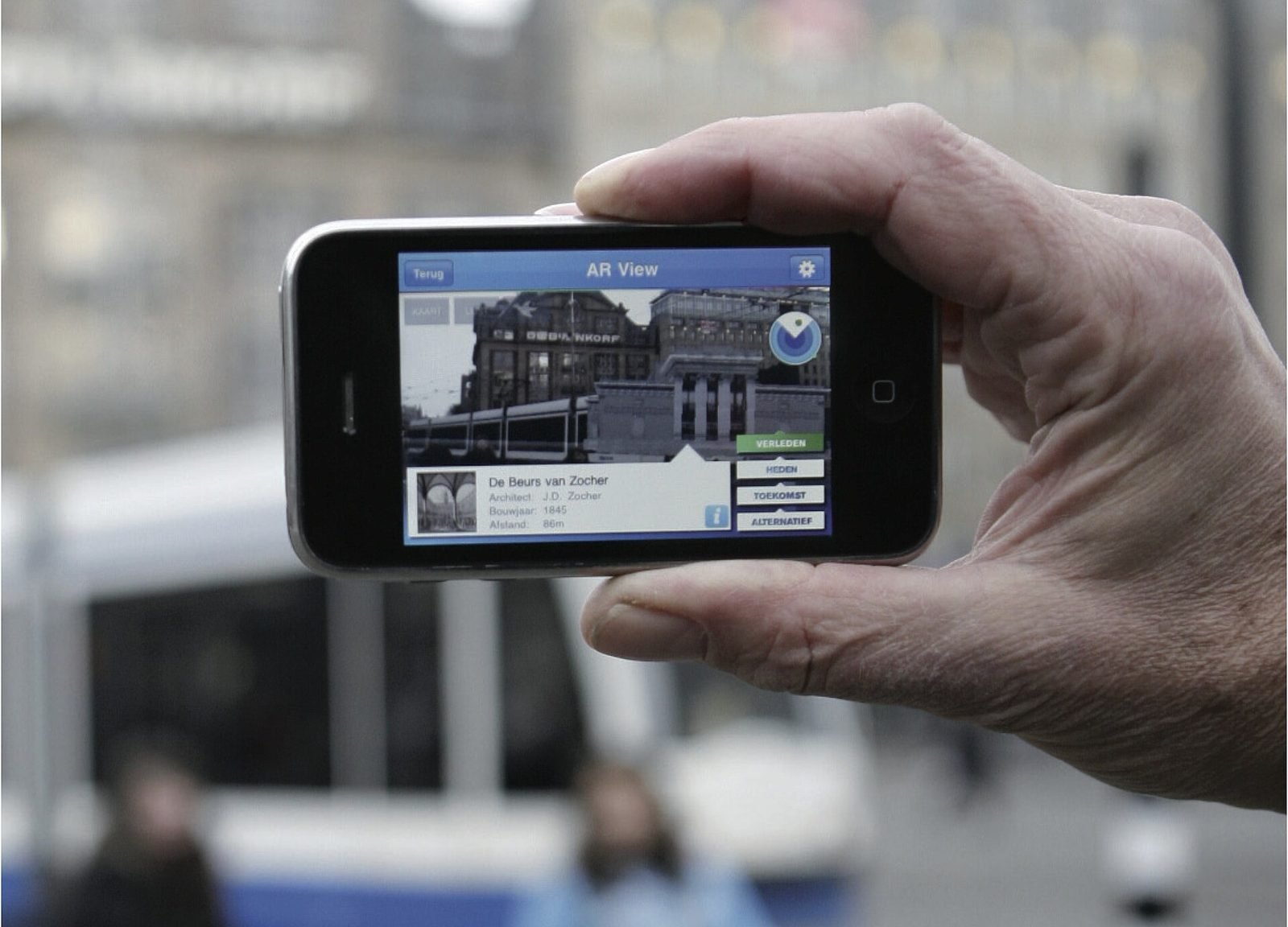
| Phones and tablets (ARKit, ARCore) | Handheld screen | Touch plus device movement | Outdoors, museums, retail, large public audiences |
Phones are the only spatial computing devices most people already own, support world-scale localisation through the ARCore Geospatial API, and remain the pragmatic choice for public-facing experiences. Headsets offer embodiment and hands-free use but have to be provided, charged, cleaned and explained.
What changes for interface design
Moving an interface from a rectangle into a room changes the design problem.
- There is no fixed frame. Content can be anywhere, so attention has to be guided deliberately with sound, light, motion and placement.
- Input is embodied. Reach, fatigue, arm height, eye strain and the comfort of standing for ten minutes all become design constraints.
- The environment is unknown. Rooms are dark, cluttered or reflective; streets change after they are mapped. Interfaces must degrade gracefully when tracking is uncertain.
- Ergonomics is safety. Content that makes people walk backwards, look up for too long or cross a road while reading is a hazard, not a feature.
We call this discipline spatial UX. It draws heavily on human-computer interaction research on embodiment, attention and comfort.
What it is good for today, and what is still hype
Spatial computing earns its place when physical location carries information that a flat screen loses.
Good fits today:
- Guidance tied to a place: maintenance steps on a real machine, wayfinding on a real street, interpretation at a real archaeological site.
- Scale and fit: seeing a proposed building, a product or a layout at full size in situ.
- Cultural heritage and exhibitions, where the thing people came to see is already in the room.
Still closer to hype than to practice:
- Replacing desktop work for a full day. Weight, heat and eye comfort are not there yet for most people.
- Persistent shared layers over whole cities used daily by the public. The localisation works; the content, business model and device habit do not yet exist at scale.
Spatial computing vs XR vs metaverse
A short glossary:
- Spatial computing: the technical capability of sensing, mapping and interacting with physical space. Apple's preferred term for Vision Pro.
- XR, extended reality: an umbrella term for AR, VR and MR as experience types. Our XR development service covers all three.
- Metaverse: a vision of persistent, shared, networked virtual worlds. It is a social and economic idea rather than a technology, and a desktop game can be a metaverse without any spatial computing.
How VeleStudio approaches spatial computing
At VeleStudio we treat spatial computing as a toolkit, not a destination. Our spatial computing work starts with the place and the people in it, then selects the smallest device and the simplest anchoring strategy that does the job. Much of our understanding comes from self-initiated prototypes such as the spatial conversational guide, an R&D prototype of a voice assistant that explains what a headset camera sees, and the geospatial AR city layer, where we measured how anchored content behaves on real streets.
If you are weighing whether a spatial approach suits a project, talk to us. We are happy to say when a screen would do the job better.
FAQ
Common questions
01Is spatial computing the same as augmented reality?
02What are examples of spatial computing?
03Do you need a headset for spatial computing?
Related work
01AR, Geospatial·Studio prototype, 2026
City Layer: a geospatial AR prototype for historic streets
A self-initiated prototype that anchors reconstructed facades, period photographs and narrated stops along a route in a historic Italian city centre.
- Unity
- C#
- AR Foundation
- ARCore Geospatial API
02AI, XR·Studio prototype, 2026
Spatial Guide: an AI agent that answers questions about what you are looking at
A headset prototype where a visitor looks at an object, asks a question by voice and gets an answer grounded only in a curated knowledge base, pinned to the object.
- Unity
- C#
- OpenXR
- Meta Quest SDK
Keep reading
AR vs VR vs Mixed Reality: what is the difference?
AR overlays content on the real world, VR replaces it, and mixed reality lets virtual and real objects interact. A practical guide to choosing between them.
How does geospatial AR work?
Geospatial AR fuses GPS, motion sensors and visual positioning against a map of real streets to place content at exact coordinates. Each step explained.
What is spatial UX? Designing interfaces for spatial computing
Spatial UX is the design of interfaces that live in the 3D space around a user. How it differs from 2D UX, and the principles that keep it comfortable.