Service · Interactive technology
Interaction design for spatial experiences, installations and screens
VeleStudio designs interactions for XR, installations and screens, flows, feedback and spatial UX, prototyped in Unity, WebXR and TouchDesigner and delivered as specs.
What it is
Interaction design is the practice of defining how a system behaves in response to people over time: what they can do, how it responds, and how they understand what happened. On a screen this means flows, states and feedback; in XR and physical installations it also means where things are placed around the body, how a room reacts to movement, and what a system does when nobody is touching it. VeleStudio designs these behaviours for headsets, phones, sensor-driven spaces and the screens that accompany them.
Spatial interfaces have fewer conventions to lean on than the web, so most decisions have to be made and tested deliberately. How far away should a panel sit, how does a person know an object can be grabbed, what happens when they walk away mid-task, how do you avoid the arm fatigue of a menu held at eye level. We treat these as design questions with testable answers, not as engine defaults.
VeleStudio works as the interaction design partner for product teams, brand and UX teams and agencies, either leading the design or extending an in-house team into XR. Deliverables are concrete: interaction models, prototypes at increasing fidelity, and specifications that developers can build from.
What problems it solves
- 01
Screen interfaces copied into 3D
Flat menus floating in space, tiny text and hover states that need a mouse are symptoms of a 2D pattern moved into a spatial medium. We redesign interactions around the body, depth and the room they happen in.
- 02
Unclear affordances
People hesitate when they cannot tell what is interactive, what a gesture will do or whether the system heard them. We design signifiers, feedback and recovery so that first-time use needs no instruction.
- 03
Prototypes that arrive too late
Finding out an interaction fails after months of development is costly. A fidelity ladder from paper and bodystorming to engine prototypes catches the problem in days.
- 04
Design and engineering speaking different languages
Vague mock-ups leave developers guessing about timing, states and edge cases. Our specifications describe behaviour precisely enough to build and test against.
Who it is for
- Product teams shipping XR, wearable or spatial applications
- Brand, UX and digital design teams extending into immersive media
- Museums, visitor attractions and exhibition designers
- Agencies and production studios that need an interaction design partner
- Start-ups validating a spatial or sensor-driven product idea
Example applications
- Spatial UX for headsets
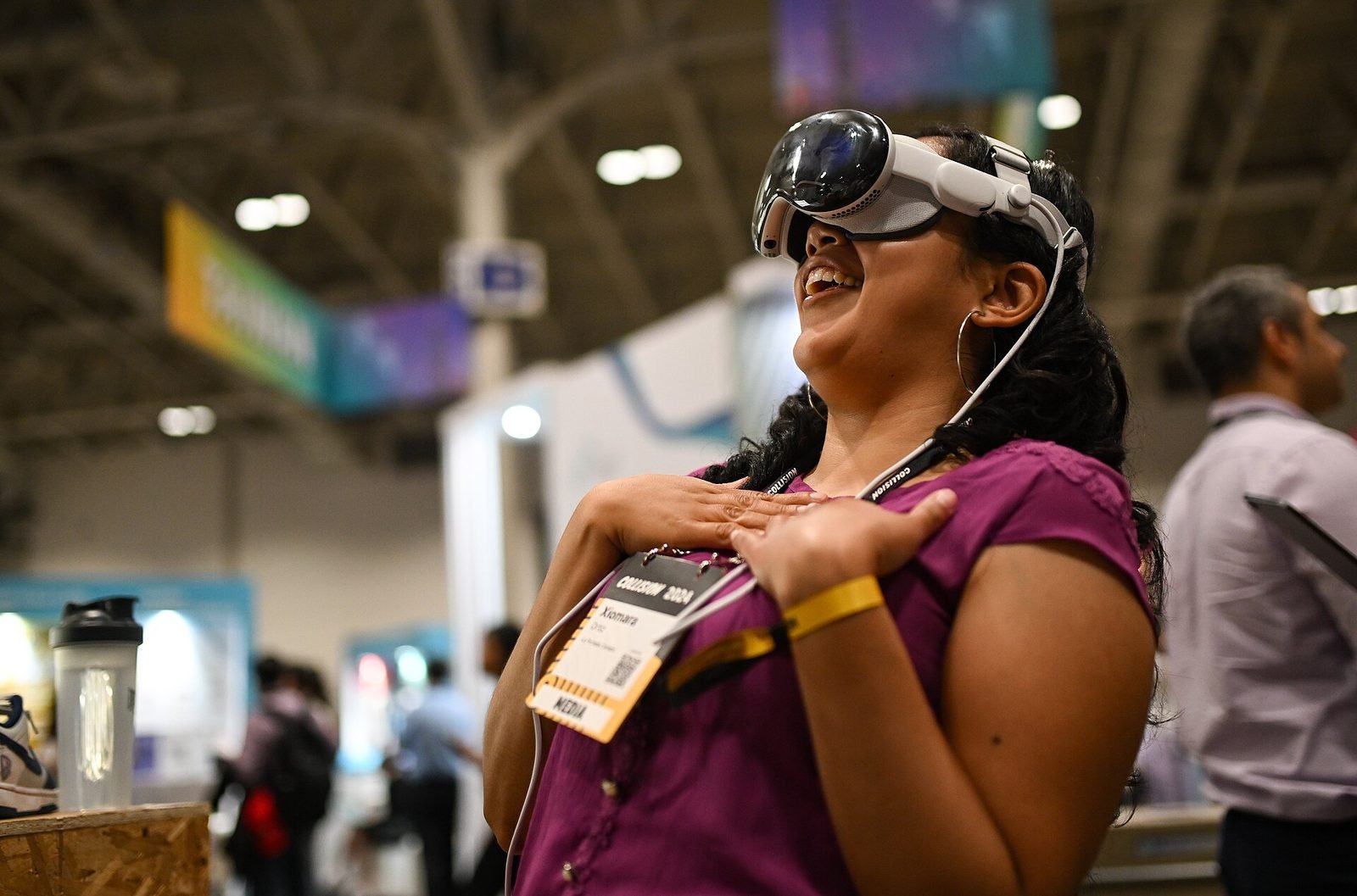
- Layout, input and feedback for hand tracking, controllers and gaze on Quest, Vision Pro and PC VR, including comfort and reachability.
- Mobile AR interaction flows
- Guiding people to scan, find and interact with anchored content, with clear states for when tracking is lost or content is out of view.
- Installation behaviour design
- How a sensor-driven room attracts attention, invites participation, responds to groups and resets when empty.
- Multimodal and conversational interfaces
- Combining voice, gesture and touch so that each modality is used where it is strongest, and so that the system's understanding is visible.
- Design systems for spatial products
- Reusable components, spacing rules and interaction patterns documented for teams that will keep building after we leave.
How we approach Interaction Design projects
01
Understand the context of use
Who uses it, where, for how long, standing or seated, alone or in a group, first time or daily. These facts shape every later decision.
02
Interaction model
A map of states, transitions and the vocabulary of actions (gestures, voice commands, touch) before any visual design, so the logic can be reviewed on its own.
03
Low-fidelity prototyping
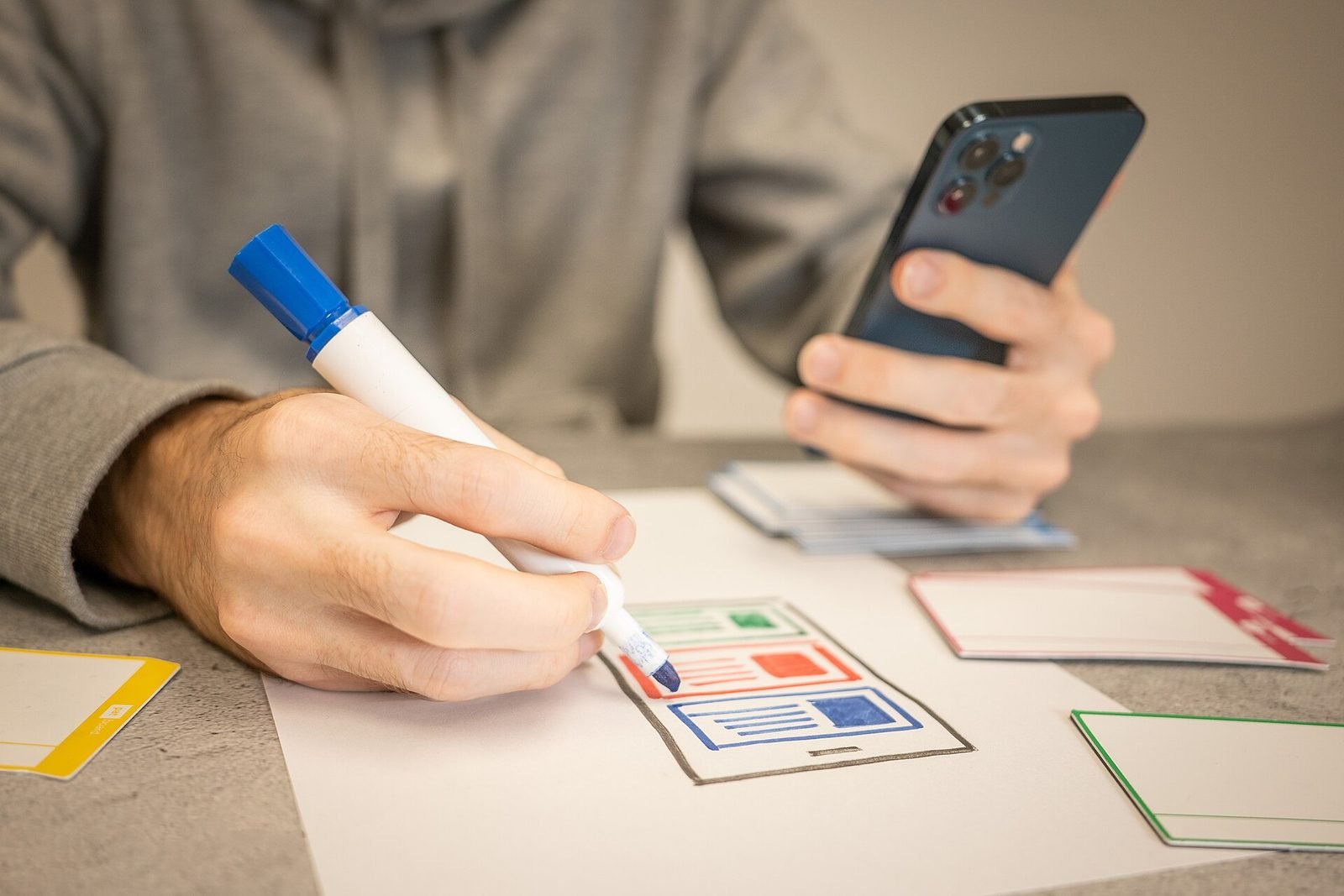
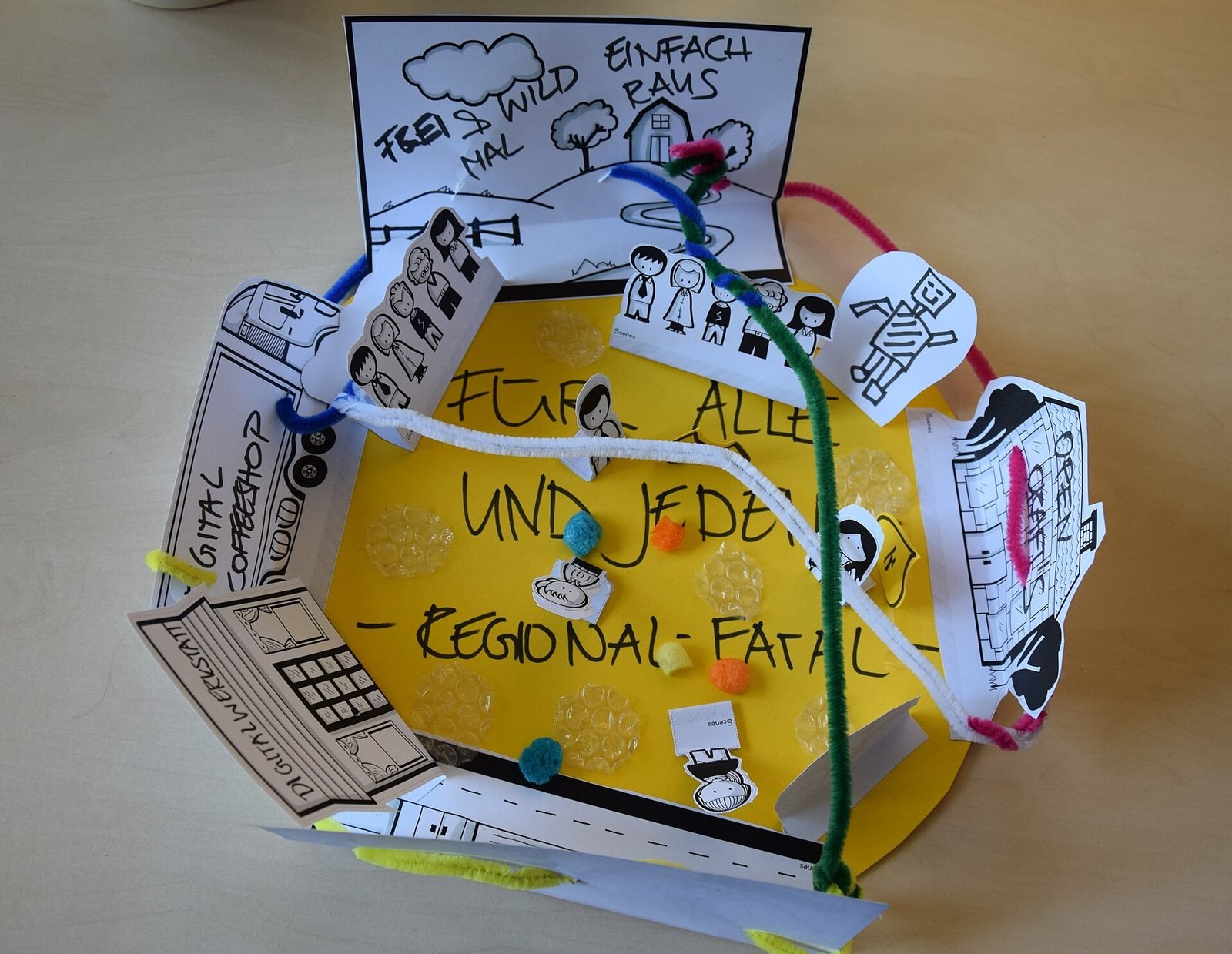
Bodystorming, paper props and video sketches to test spatial layout and timing with real people, often in the actual room.
04
Engine prototypes
Interactive prototypes in Unity, WebXR or TouchDesigner that run on the target device, built to answer specific questions rather than to be finished.
05
Evaluation and iteration
Structured sessions with participants, observed and recorded, with changes made between rounds.
06
Specification and handover
Behaviour specs, state diagrams, motion and feedback parameters, and annotated prototypes that an internal or external development team can build from.
Technology we use
Tools chosen for the experience, not the other way round. The full ecosystem is on the expertise page.
Related work
All work →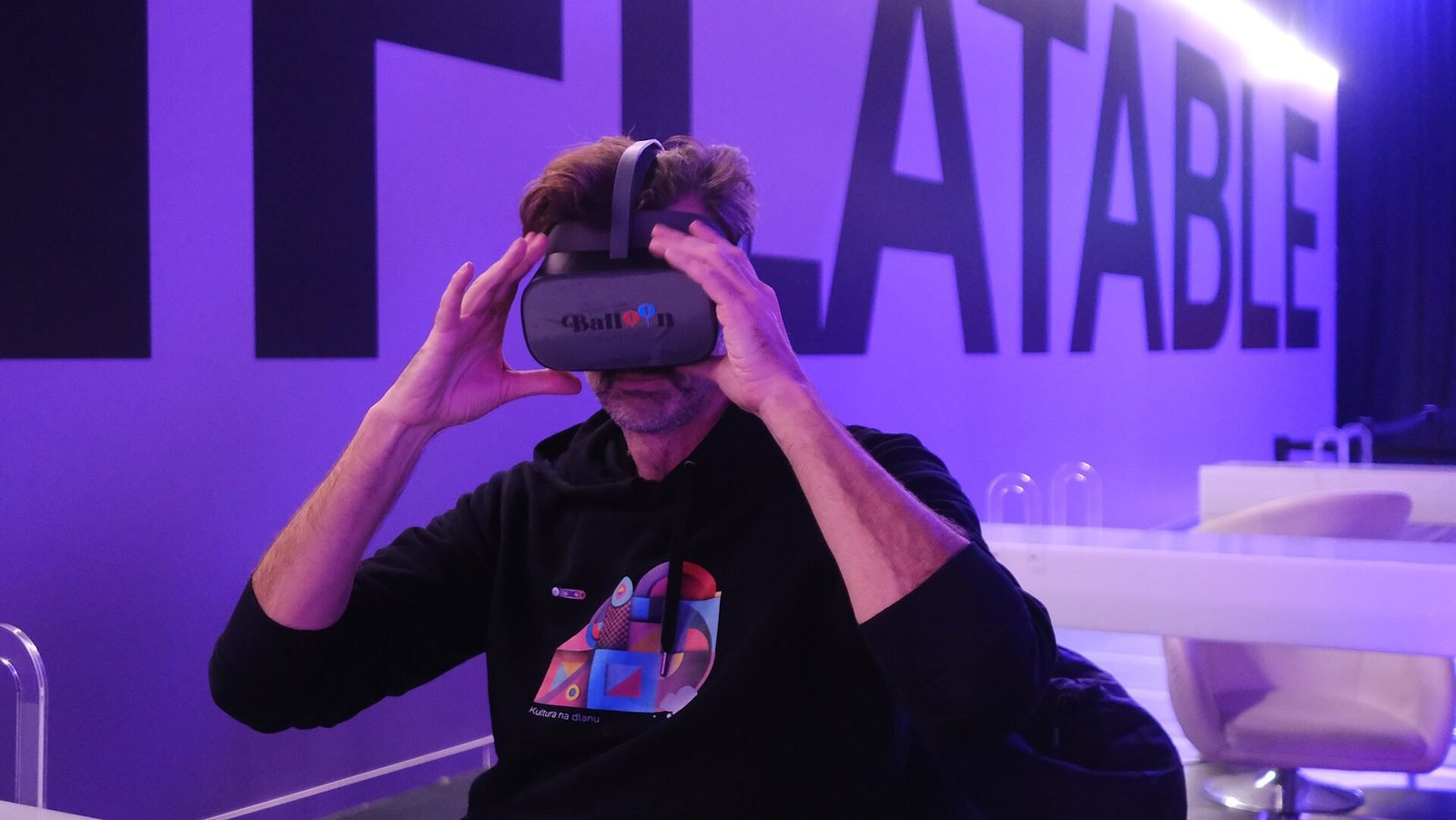
01Mixed Reality, Cultural Heritage·Studio prototype, 2026
Object Stories: a mixed reality guide prototype for museum collections
A Quest 3 passthrough prototype that recognises museum objects and anchors stories, exploded views and provenance to each one, tested in the studio with replicas.
- Unity
- C#
- Meta Quest SDK
- OpenXR
02Interaction Design, HCI·Live, 2026
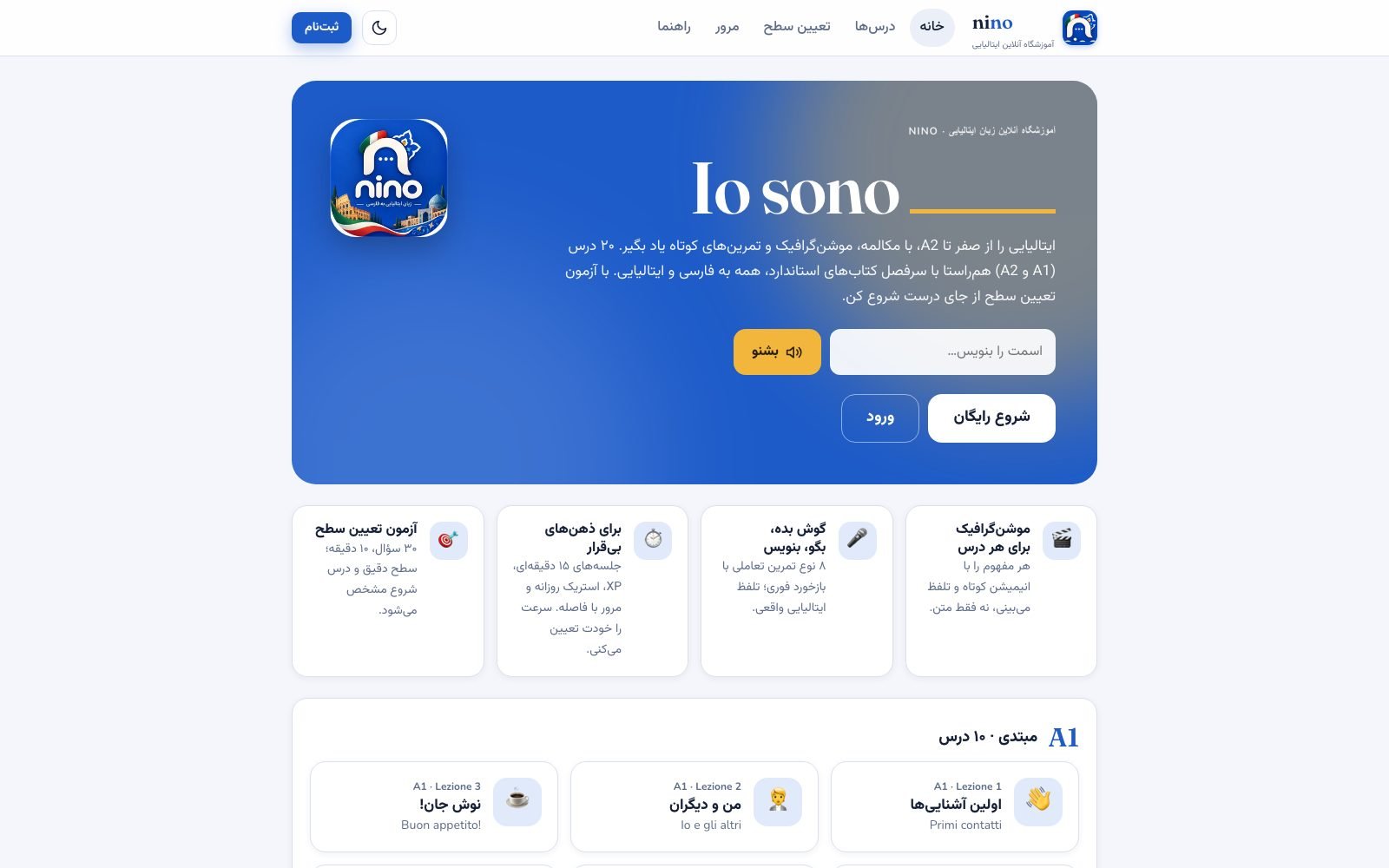
Nino: an interactive, bilingual Italian course for Persian speakers
A live, bilingual (Persian–Italian) A1 course site with a motion-graphic scene engine and eight exercise types, designed for short, ADHD-friendly sessions.
- JavaScript
- TypeScript
- Next.js
- Three.js
Further reading
How to design an AR experience
A practical process for designing AR: define the job of the AR layer, choose anchoring, guide attention, handle uncertainty and test in real conditions.
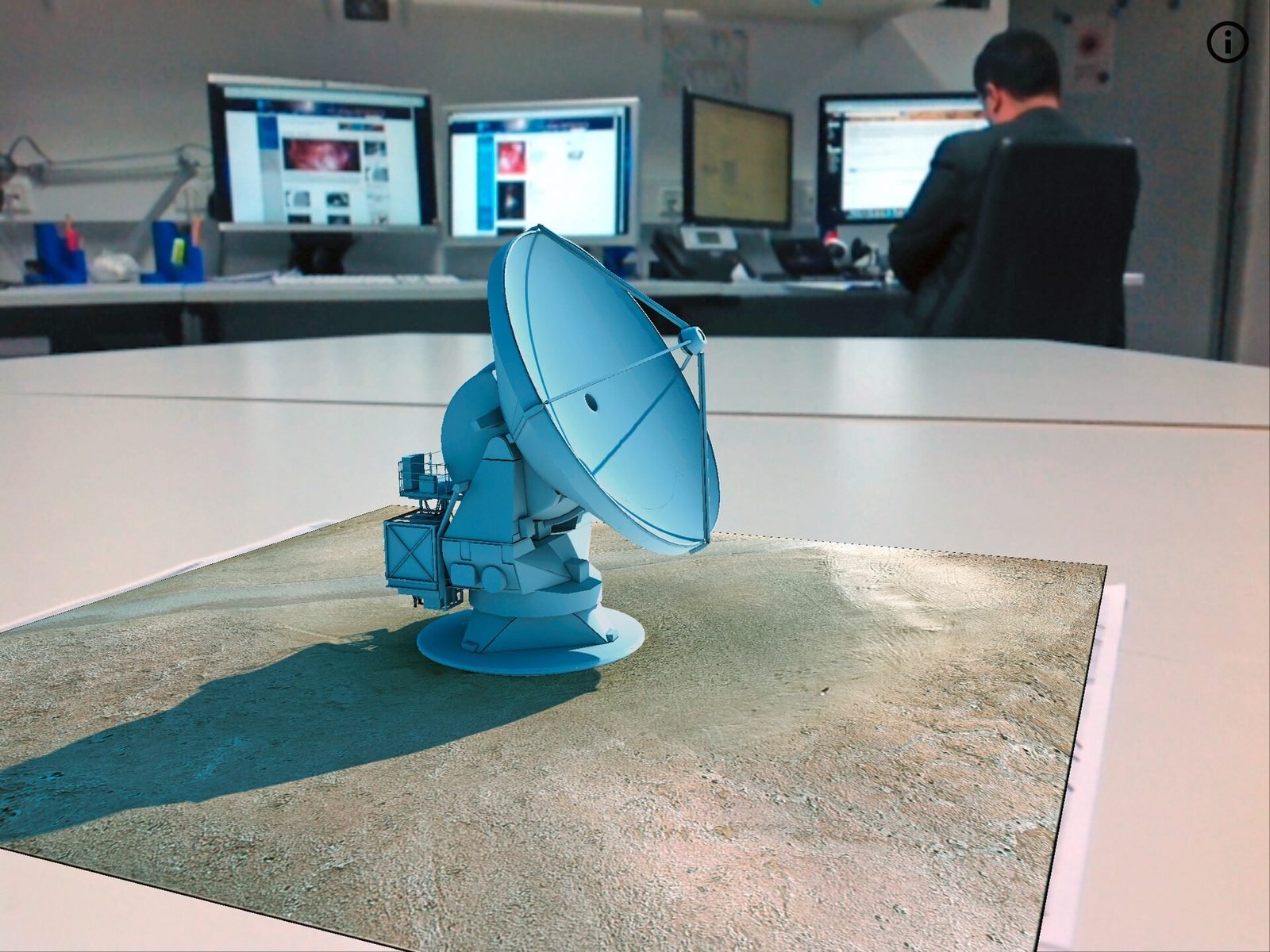
How to prototype an XR experience
Why XR projects start with a prototype: a fidelity ladder from bodystorming to on-device slice, what to test at each stage and how to reach production.
What is spatial UX? Designing interfaces for spatial computing
Spatial UX is the design of interfaces that live in the 3D space around a user. How it differs from 2D UX, and the principles that keep it comfortable.
FAQ