Service · Geospatial experiences
AR, VR and mixed reality for museums, archaeological sites and historic cities
VeleStudio creates AR, VR and mixed-reality experiences for museums, archaeological sites and historic cities using Unity, photogrammetry and geospatial anchors.
What it is
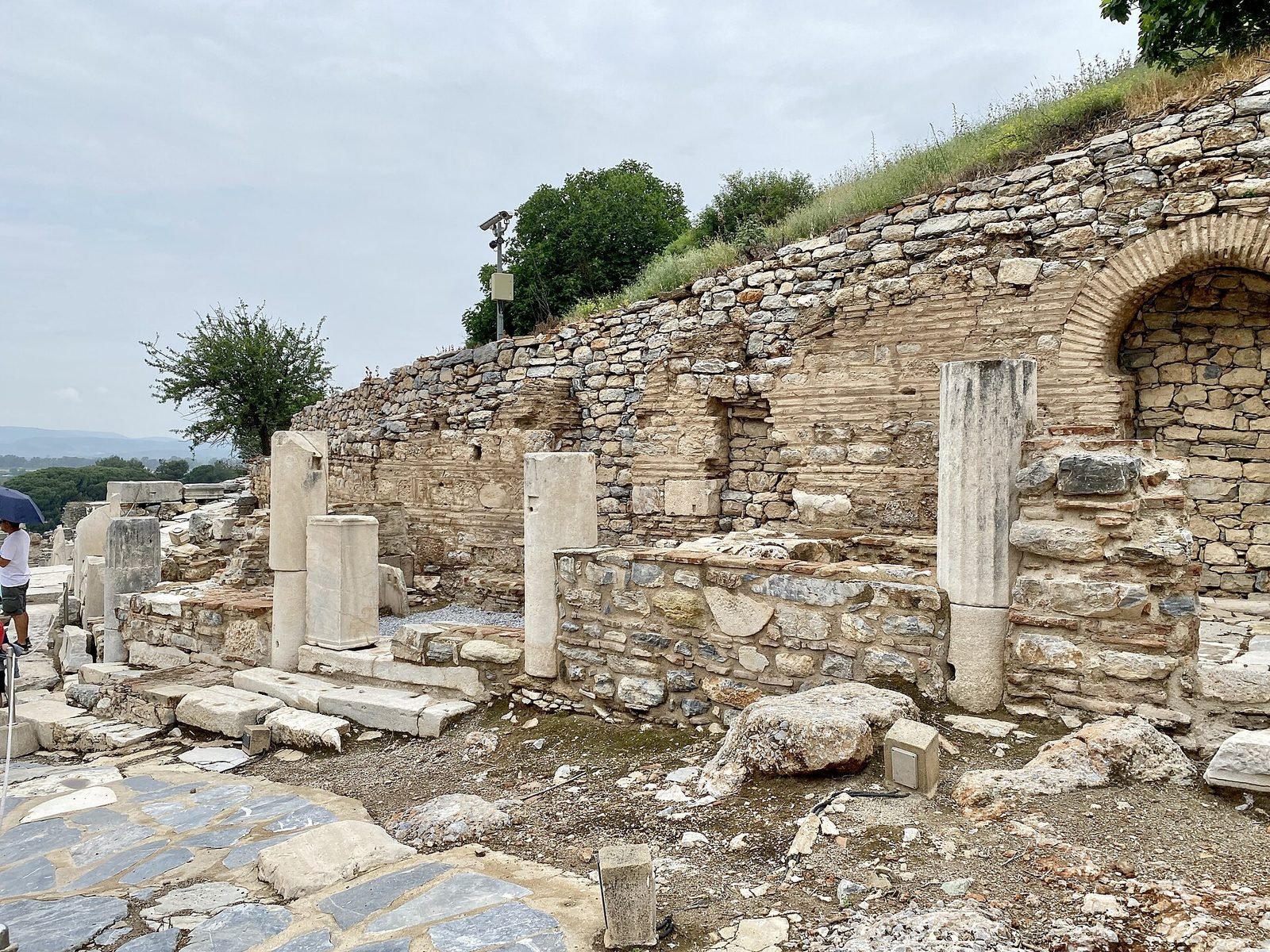
Cultural heritage XR uses augmented, virtual and mixed reality, together with interactive installations, to interpret museums, archaeological sites, archives and historic cities for visitors and researchers. Typical forms are a reconstruction of a ruin seen while standing in it, a mixed-reality guide that recognises the object a visitor is looking at, a virtual visit to a place that is closed or fragile, or a city layer that reveals what stood on a street a century ago.
Heritage work has its own constraints. Content must be accurate and sourced, uncertainty must be visible rather than smoothed over, nothing can be fixed to a protected surface, and visitors range from schoolchildren to specialists speaking several languages. VeleStudio works alongside curators, archaeologists and conservators from the first concept so that these constraints shape the design rather than compromise it late.
Many heritage projects are funded through public and European programmes with requirements for accessibility, open formats and sustainability beyond the project period. We design content pipelines that curators can maintain, use open 3D formats where possible, and document everything so the experience outlives the grant and the studio's involvement.
What problems it solves
- 01
Sites that are hard to read
A field of foundations or a half-standing wall means little to most visitors. On-site AR or a mixed-reality reconstruction shows the building at full scale from where they stand, with the period and the evidence made explicit.
- 02
Objects separated from their context
Museum artefacts are shown far from where they were found or used. Object-anchored interpretation reconnects them to the site, the people and the other objects they belonged with.
- 03
Audiences the institution cannot reach
People who cannot travel, cannot climb, cannot see well or do not speak the local language. Virtual visits, multilingual guides and accessible interaction design widen who can take part.
- 04
Digital projects that die with the grant
Apps built for a single funding period stop working when platforms change and nobody can update them. We build with maintainable content, open formats and a realistic plan for who keeps it alive.
Who it is for
- Museums, galleries and collections of all sizes
- Archaeological parks, monuments and managed historic sites
- Archives, libraries and research institutes working with historical sources
- Municipalities and regions interpreting historic centres and landscapes
- Universities and European consortia working in digital heritage
Example applications
- On-site reconstructions
- Buildings, interiors and landscapes reconstructed in AR at their original location, with layers for different periods and visible markers of what is hypothesis.
- Mixed-reality museum guides
- Headset or phone guides that recognise objects in the gallery and present interpretation, media and connections without screens on the walls.
- Virtual access to fragile or closed places
- VR visits to caves, tombs, closed floors or storerooms, captured by photogrammetry and scanning, for visitors and for researchers.
- Historic city layers
- Geospatial AR across a historic centre showing lost buildings, past events and archival imagery at the places they belong to.
- Interactive gallery installations
- Tangible and projected exhibits that let visitors handle replicas, explore 3D models of artefacts or see conservation data in context.
How we approach Cultural Heritage XR projects
01
Research and curatorial brief
We work with curators and archaeologists to define what the experience should communicate, which sources support it and where interpretation is uncertain.
02
Capture
Photogrammetry, 3D scanning and archival digitisation of the objects, rooms or sites involved, planned around conservation and access constraints.
03
Experience design
Medium (AR, VR, mixed reality, installation), narrative structure, languages, accessibility requirements and how visitors move between physical and digital content.
04
Prototype on site
An early build tested in the actual gallery or at the actual site, with staff and a small group of visitors, before content production scales up.
05
Content pipeline and production
Tools and formats that let the institution add, correct and translate content, then full production of 3D assets, text, audio and media.
06
Launch, training and sustainability plan
Deployment, staff training, documentation, and an agreed plan for hosting, updates and device replacement over the coming years.
Technology we use
Tools chosen for the experience, not the other way round. The full ecosystem is on the expertise page.
Related work
All work →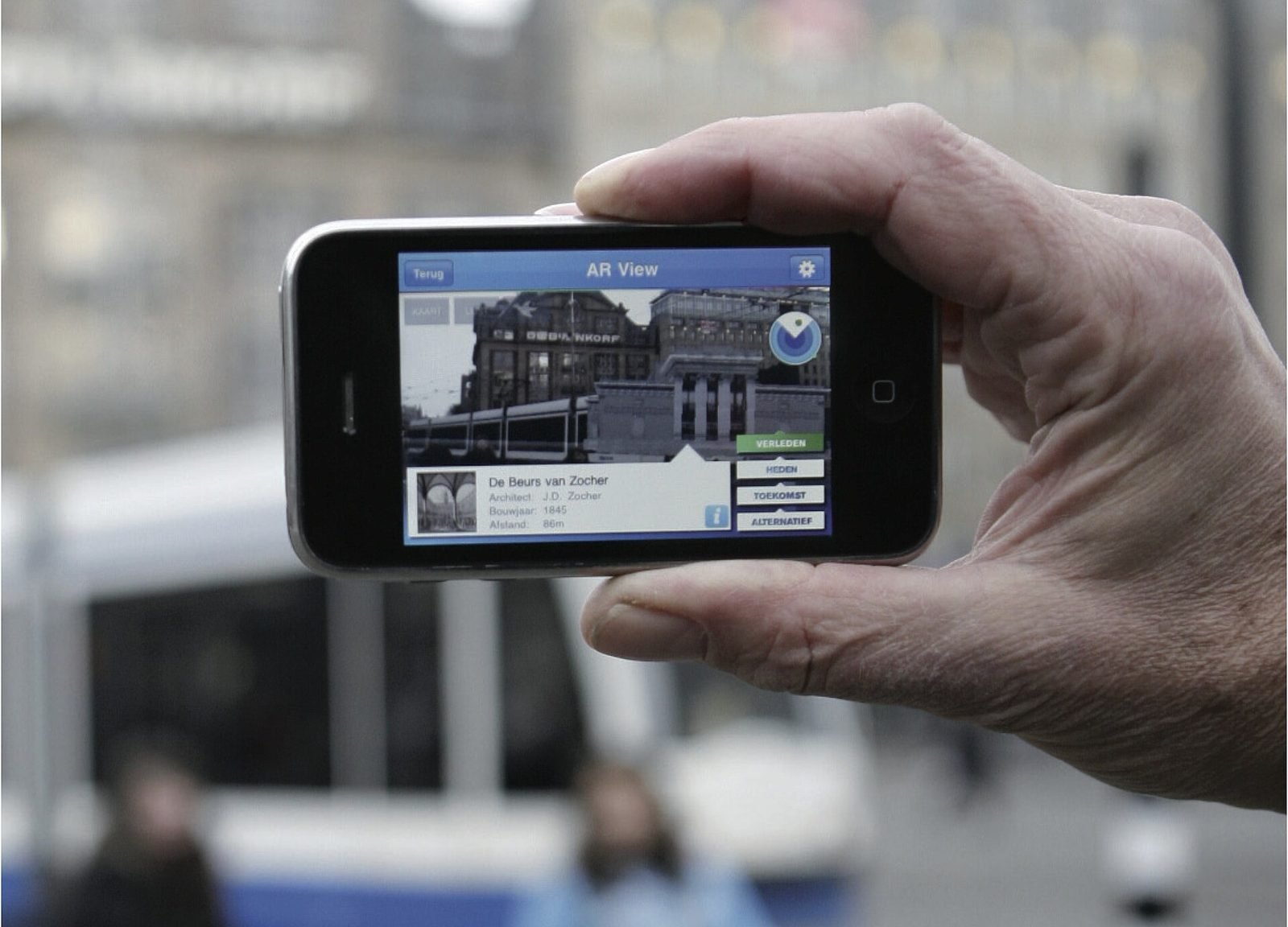
01AR, Geospatial·Studio prototype, 2026
City Layer: a geospatial AR prototype for historic streets
A self-initiated prototype that anchors reconstructed facades, period photographs and narrated stops along a route in a historic Italian city centre.
- Unity
- C#
- AR Foundation
- ARCore Geospatial API
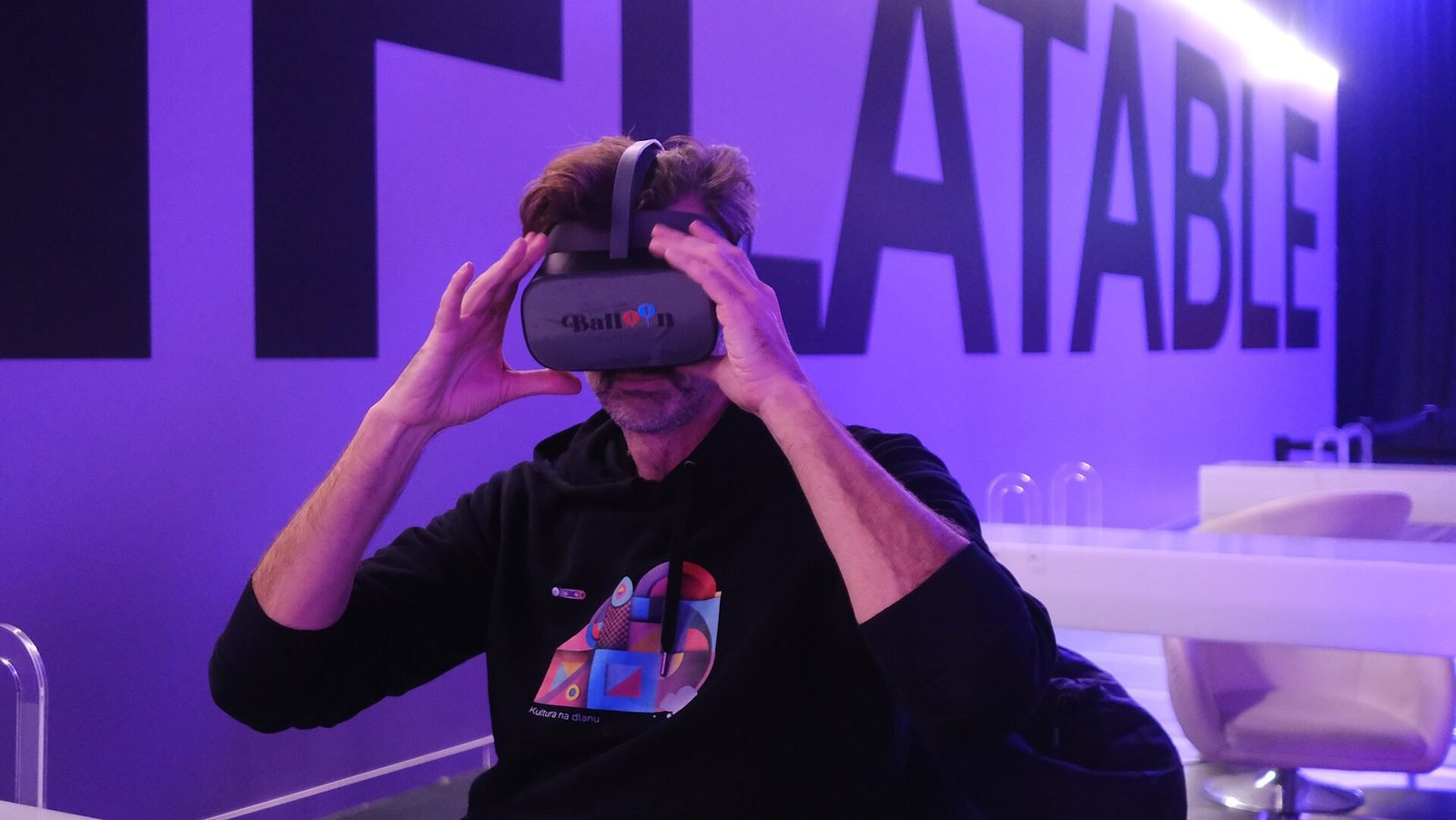
02Mixed Reality, Cultural Heritage·Studio prototype, 2026
Object Stories: a mixed reality guide prototype for museum collections
A Quest 3 passthrough prototype that recognises museum objects and anchors stories, exploded views and provenance to each one, tested in the studio with replicas.
- Unity
- C#
- Meta Quest SDK
- OpenXR
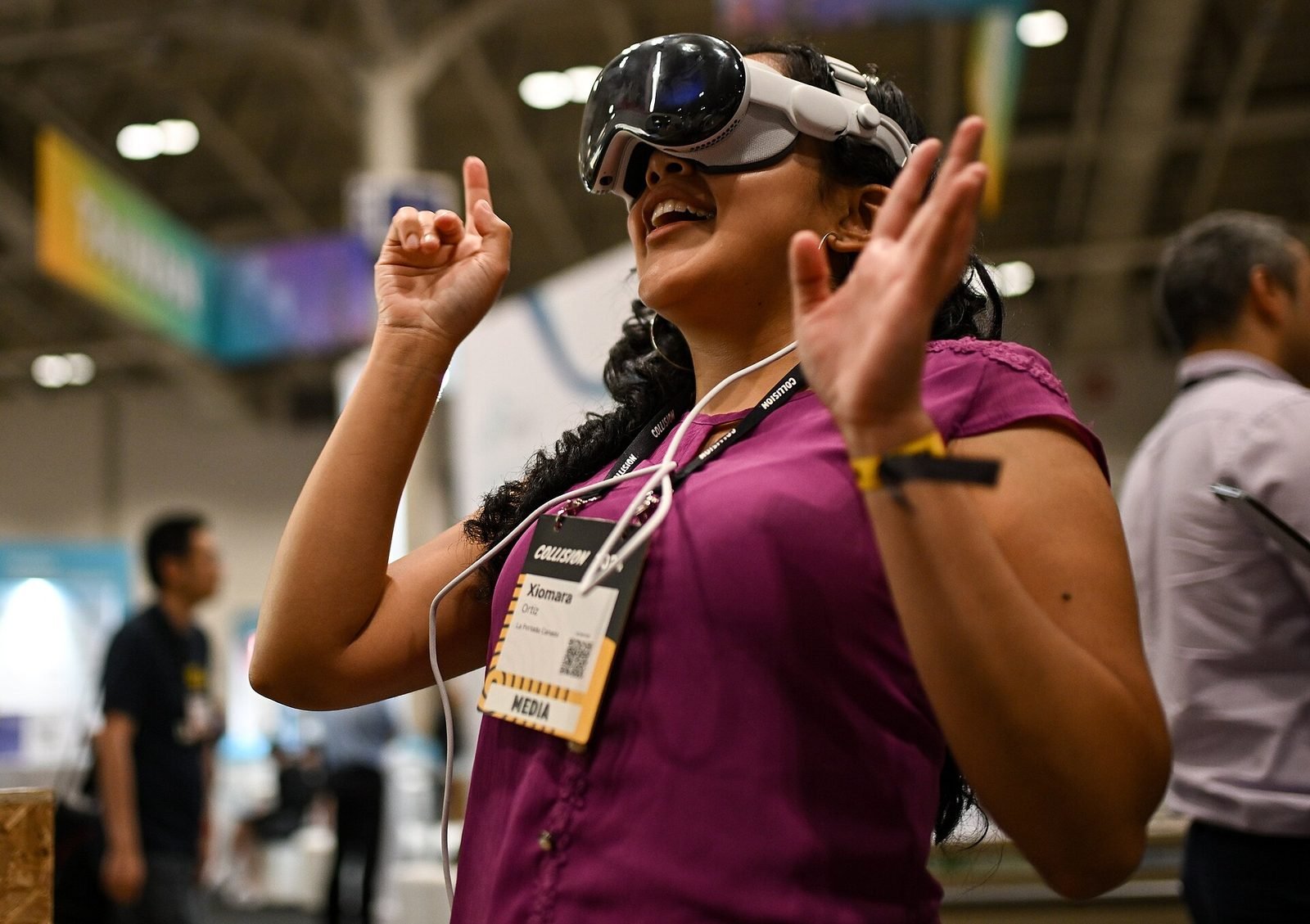
03AI, XR·Studio prototype, 2026
Spatial Guide: an AI agent that answers questions about what you are looking at
A headset prototype where a visitor looks at an object, asks a question by voice and gets an answer grounded only in a curated knowledge base, pinned to the object.
- Unity
- C#
- OpenXR
- Meta Quest SDK
Further reading
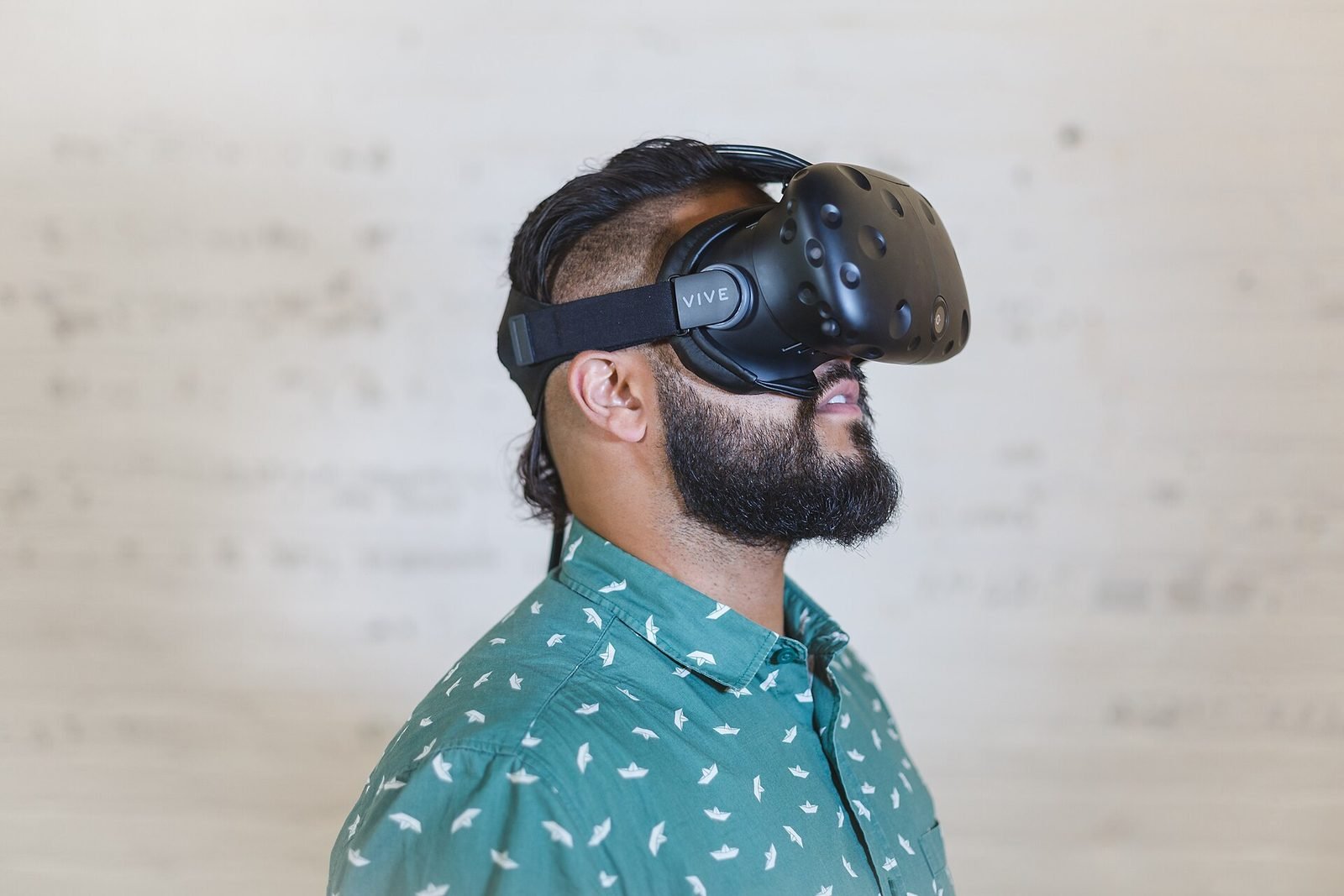
AR vs VR vs Mixed Reality: what is the difference?
AR overlays content on the real world, VR replaces it, and mixed reality lets virtual and real objects interact. A practical guide to choosing between them.
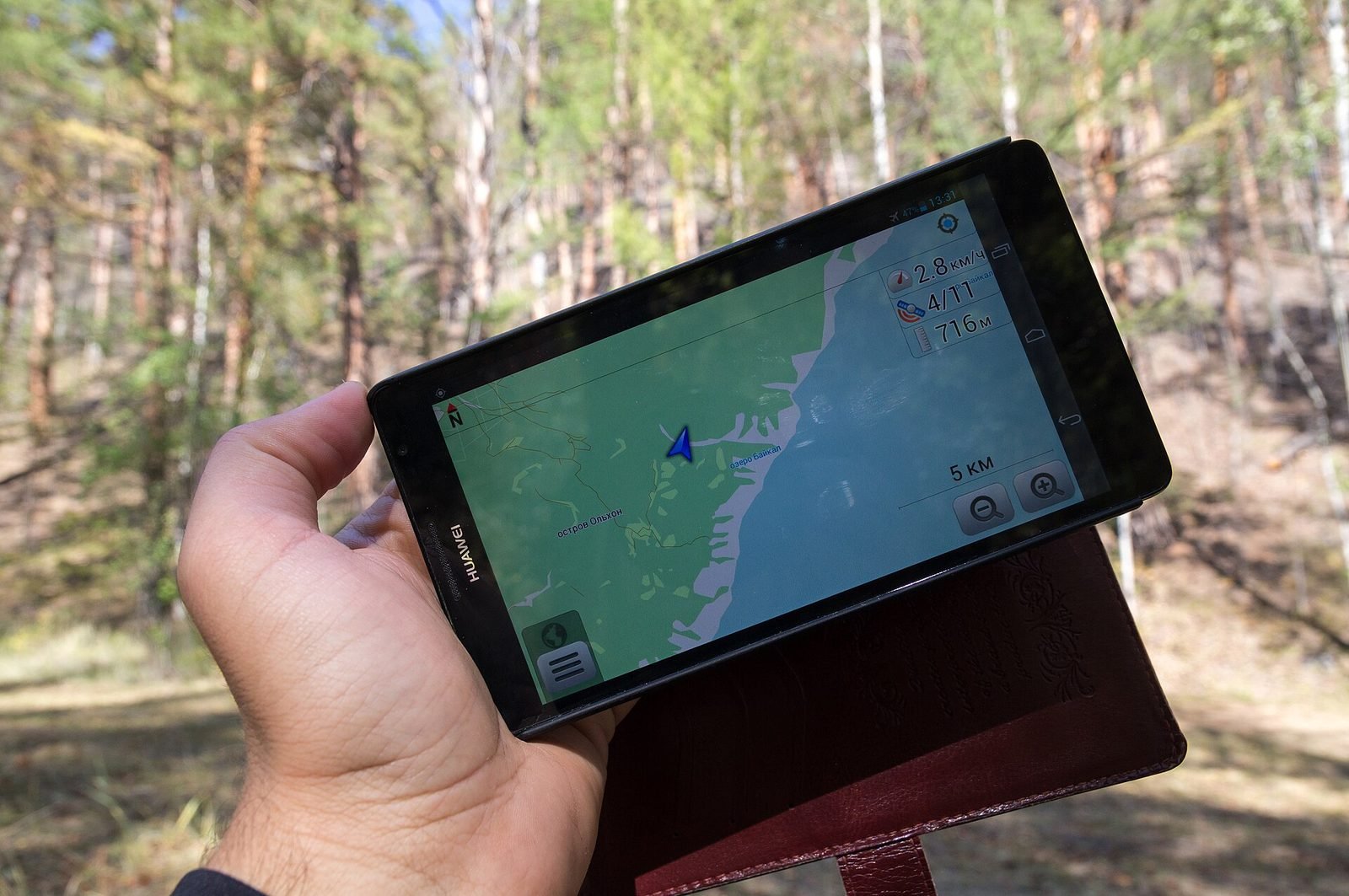
How does geospatial AR work?
Geospatial AR fuses GPS, motion sensors and visual positioning against a map of real streets to place content at exact coordinates. Each step explained.
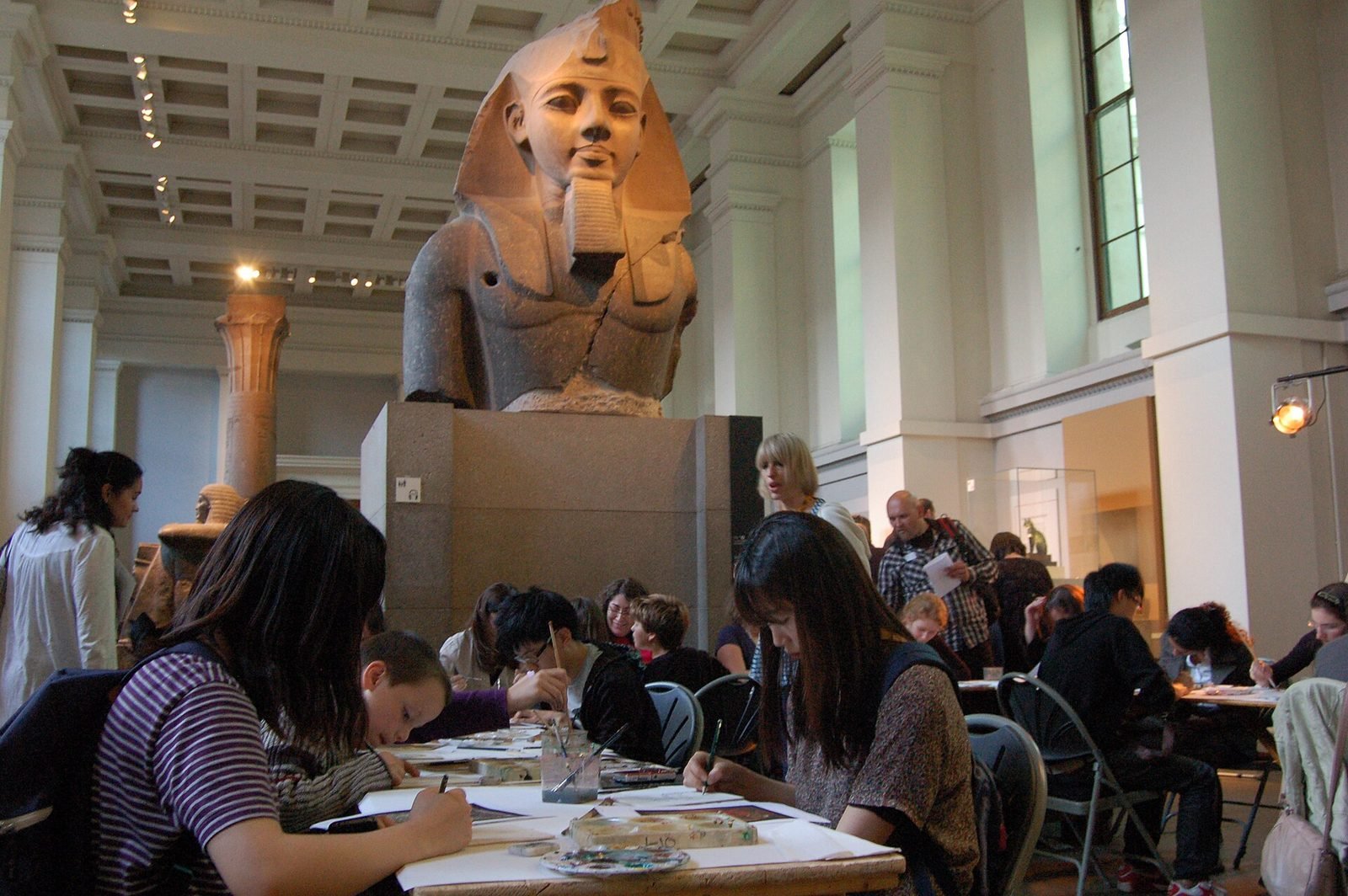
How museums can use AR and XR: a practical guide for cultural heritage
How museums and heritage sites use AR, VR and mixed reality: use cases, phones versus loan devices, curatorial constraints, content pipelines and pilots.
FAQ