Service · XR & immersive experiences
AR development for mobile, web and headset augmented reality
VeleStudio develops augmented reality apps with ARKit, ARCore, AR Foundation and WebAR (8th Wall, WebXR) for retail, culture and industry, on phones and headsets.
What it is
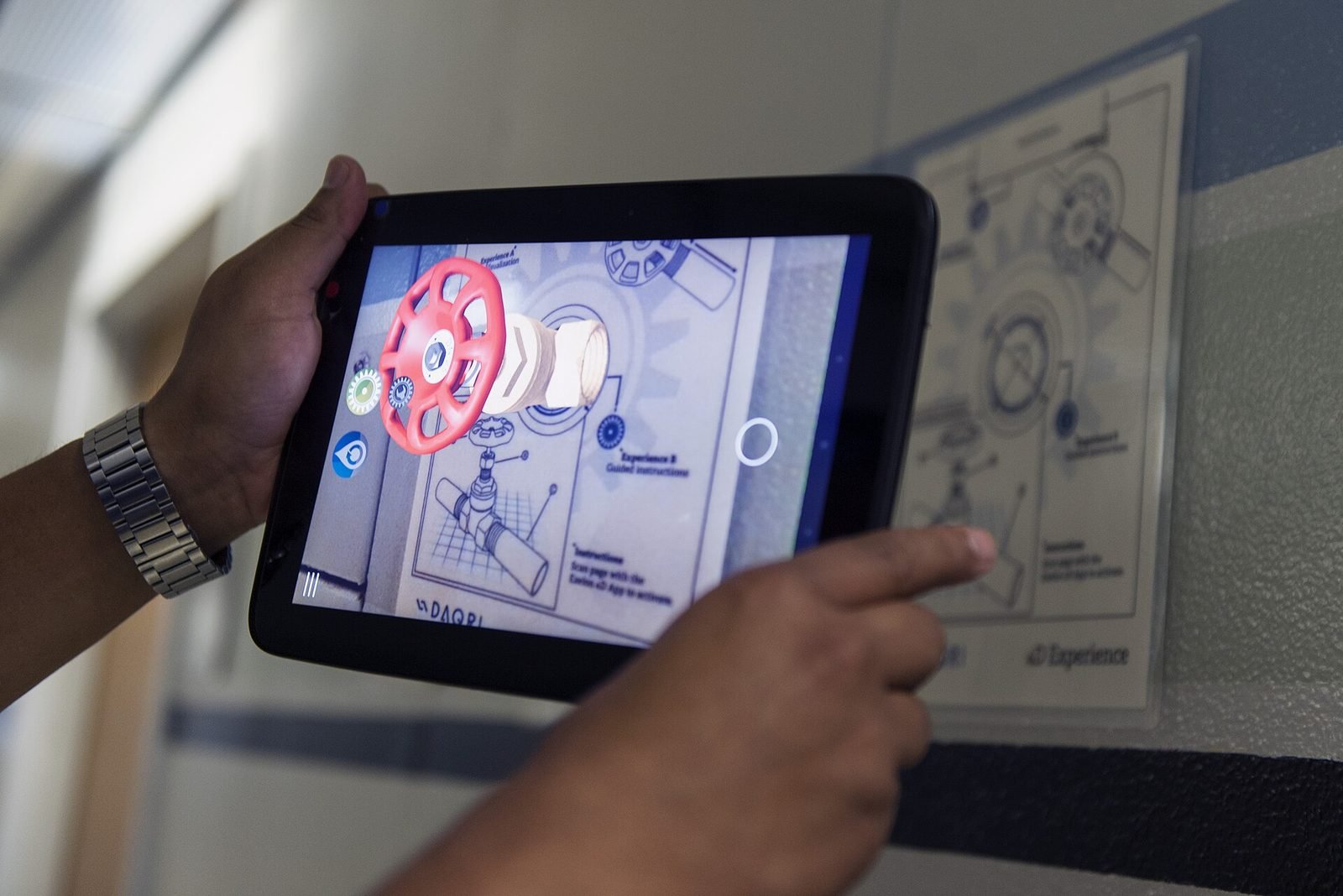
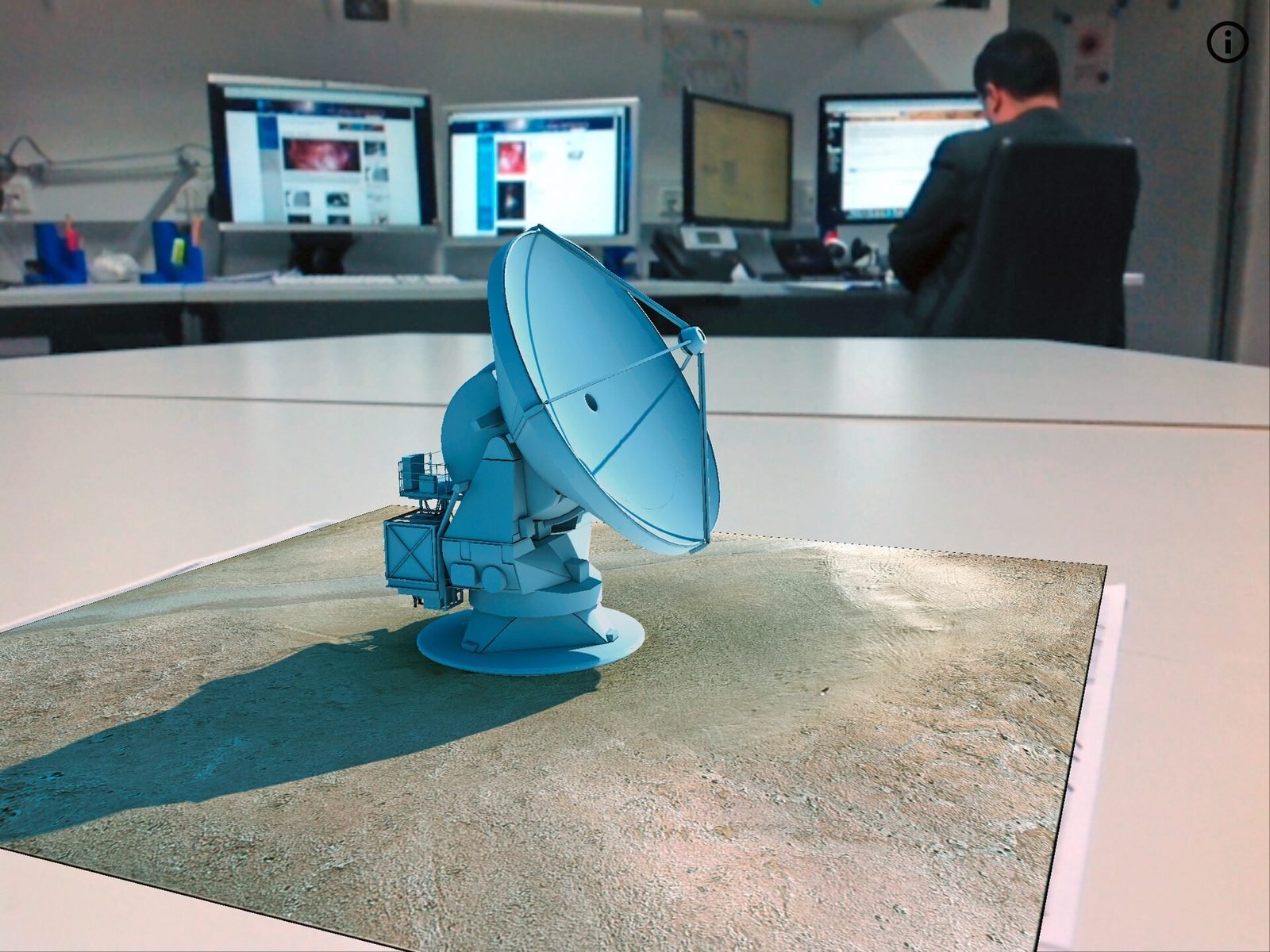
AR development is the creation of software that recognises the physical world through a camera and places digital content in it so that the content appears to belong to the scene: fixed to a floor, a wall, a product, a printed page or a geographic location. On phones and tablets it runs through Apple's ARKit and Google's ARCore, usually unified in Unity via AR Foundation; in the browser it runs through WebXR or commercial toolkits such as 8th Wall; on headsets it becomes mixed reality. The hard part is rarely rendering the content and almost always keeping it anchored, legible and useful while a person moves.
Every AR experience rests on a choice of anchor. Image anchors recognise a poster, a label or a page; object anchors recognise a physical product or artefact from a scanned reference; plane anchors find floors and tables so content can be placed anywhere in a room; geospatial anchors tie content to coordinates in a street or site. Each has a different accuracy, a different setup cost and a different failure mode, and most real projects combine two or three.
VeleStudio builds AR for retail, cultural and industrial clients, and spends as much effort on the moments around the AR view as on the view itself: the QR code or shelf label that starts it, the onboarding that gets the camera pointed at the right thing, and the fallback when lighting or connectivity is poor. We prototype on real devices in the real setting early, because AR that works on a desk often does not work on a shop floor or in a dim gallery.
What problems it solves
- 01
Deciding between a native app and WebAR
Native apps give the best tracking, offline use and access to LiDAR and people occlusion, but ask people to install something. WebAR starts from a link and reaches anyone with a browser, at the cost of weaker tracking and tighter performance limits. We lay out the trade-off for your audience and pick the one people will actually use.
- 02
Content that does not stay put
Objects that slide, jitter or float ruin the illusion within seconds. We select anchor types to match the environment, test under realistic light and movement, and design content that tolerates the drift that remains.
- 03
AR that nobody finds
The best AR layer is useless if visitors do not know it exists or cannot start it. We design the physical entry points, signage, QR codes and onboarding as part of the product.
- 04
Content pipelines that need a developer for every change
Retail ranges change and exhibitions rotate. We build the tooling for editors to swap models, update text and add targets without a new app release.
Who it is for
- Retailers and consumer brands with physical products or packaging
- Museums, galleries, publishers and cultural institutions
- Manufacturers and field-service organisations
- Marketing agencies and experiential producers
- Property, interiors and furniture companies
Example applications
- Product visualisation and try-before-you-buy
- Furniture, appliances and finishes placed at true scale in the customer's home from a product page or a shelf label.
- AR for print and packaging
- Labels, catalogues, posters and book pages that trigger video, 3D content or interactive layers when scanned.
- Museum and gallery AR
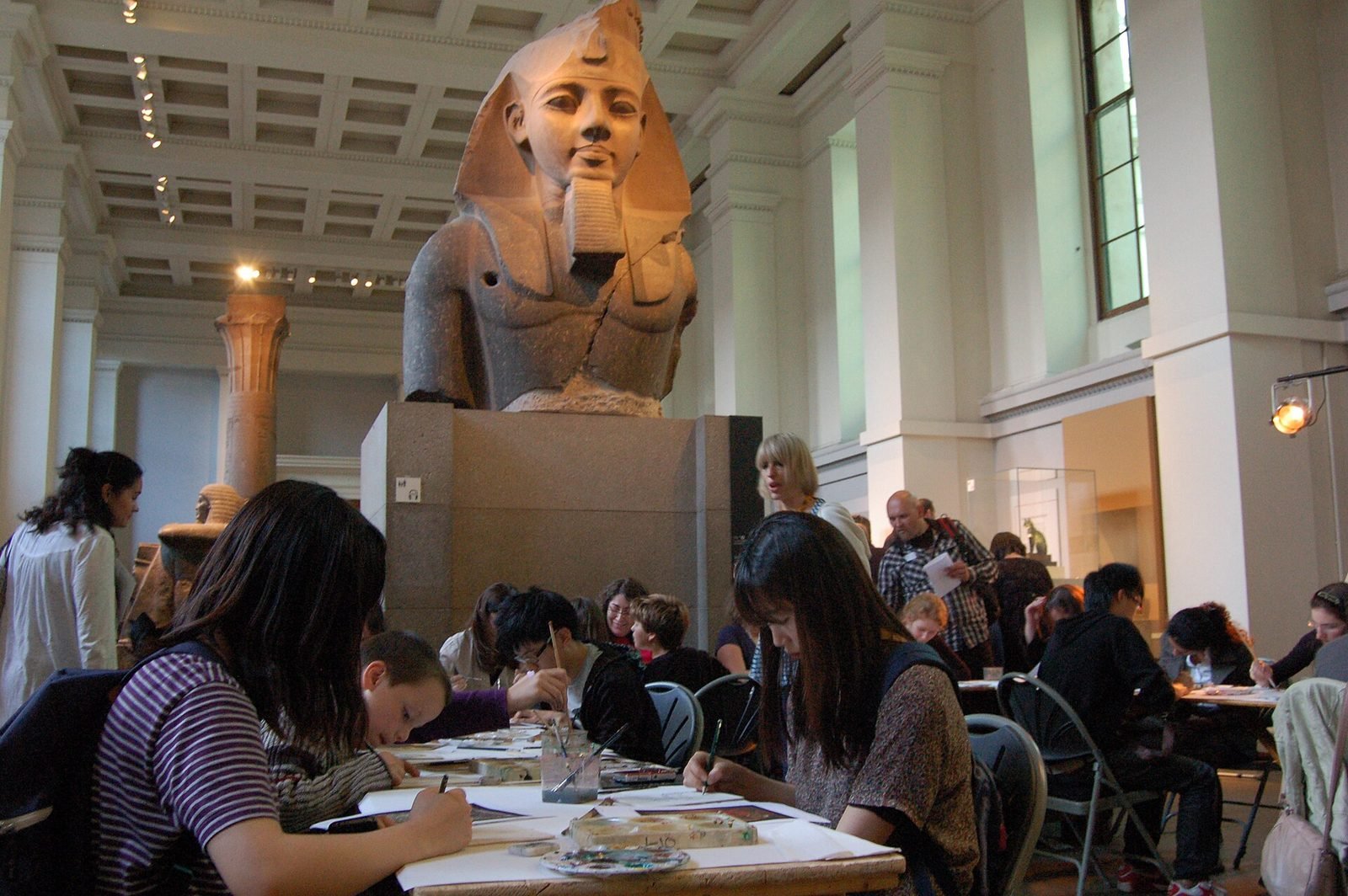
- Artefacts annotated in situ, reconstructions of missing parts and layered interpretation that does not clutter the physical display.
- Industrial guidance and maintenance
- Step-by-step procedures anchored to real equipment, with recognised components and checklists for technicians.
- Campaign and event AR
- Browser-based AR filters, scavenger hunts and photo moments launched from a QR code without an app install.
How we approach AR Development projects
01
Audience and entry-point audit
Where people will be, which phones they carry, whether they will install an app, and what physical touchpoint (QR code, label, signage) starts the experience.
02
Anchor strategy
We test image, object, plane and geospatial anchoring against the real environment and choose the combination that stays stable for your content.
03
Platform decision
Native (ARKit and ARCore via AR Foundation) or WebAR (8th Wall, WebXR), decided on the audit and anchor results rather than on habit.
04
Device prototype
A first working build on target phones in the real location, typically within a few weeks, to check tracking, legibility and the onboarding flow.
05
Content and tooling
3D asset optimisation for mobile budgets, and the editor tools or data sources that let your team maintain content after launch.
06
Testing and launch
Sessions across device generations, lighting conditions and connectivity, followed by store submission or web deployment and analytics setup.
Technology we use
Tools chosen for the experience, not the other way round. The full ecosystem is on the expertise page.
Related work
All work →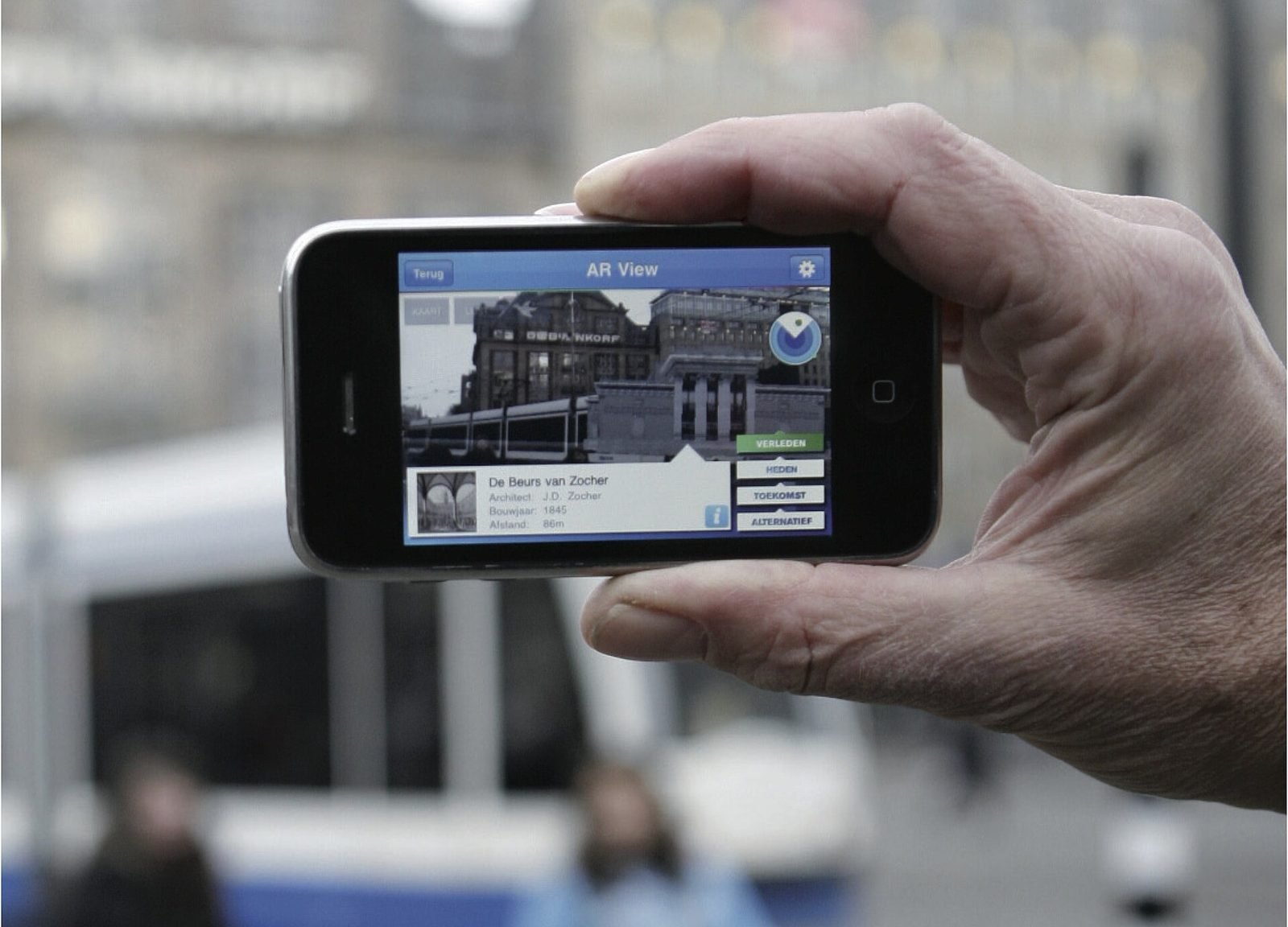
01AR, Geospatial·Studio prototype, 2026
City Layer: a geospatial AR prototype for historic streets
A self-initiated prototype that anchors reconstructed facades, period photographs and narrated stops along a route in a historic Italian city centre.
- Unity
- C#
- AR Foundation
- ARCore Geospatial API
02Mixed Reality, Cultural Heritage·Studio prototype, 2026
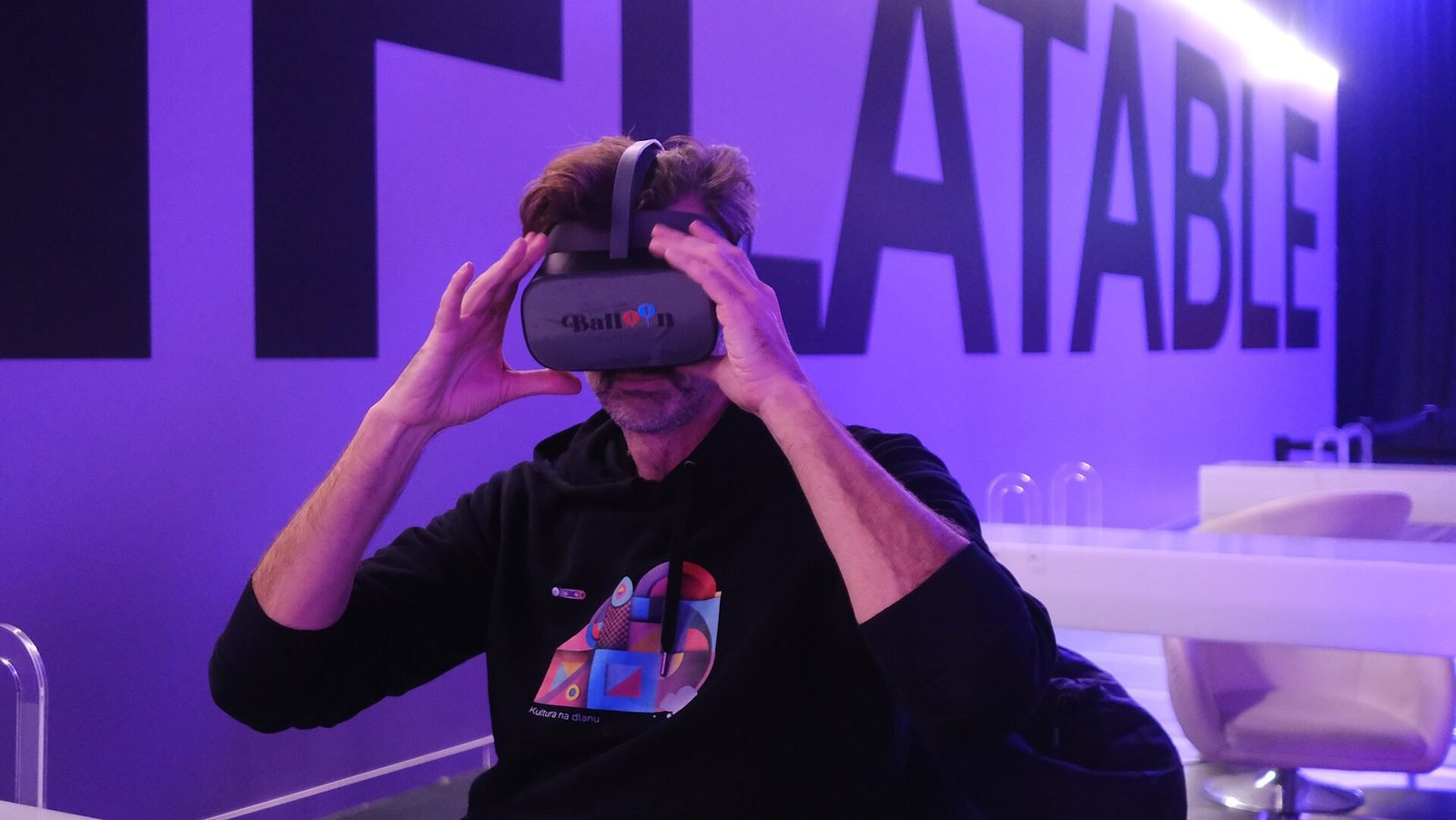
Object Stories: a mixed reality guide prototype for museum collections
A Quest 3 passthrough prototype that recognises museum objects and anchors stories, exploded views and provenance to each one, tested in the studio with replicas.
- Unity
- C#
- Meta Quest SDK
- OpenXR
Further reading
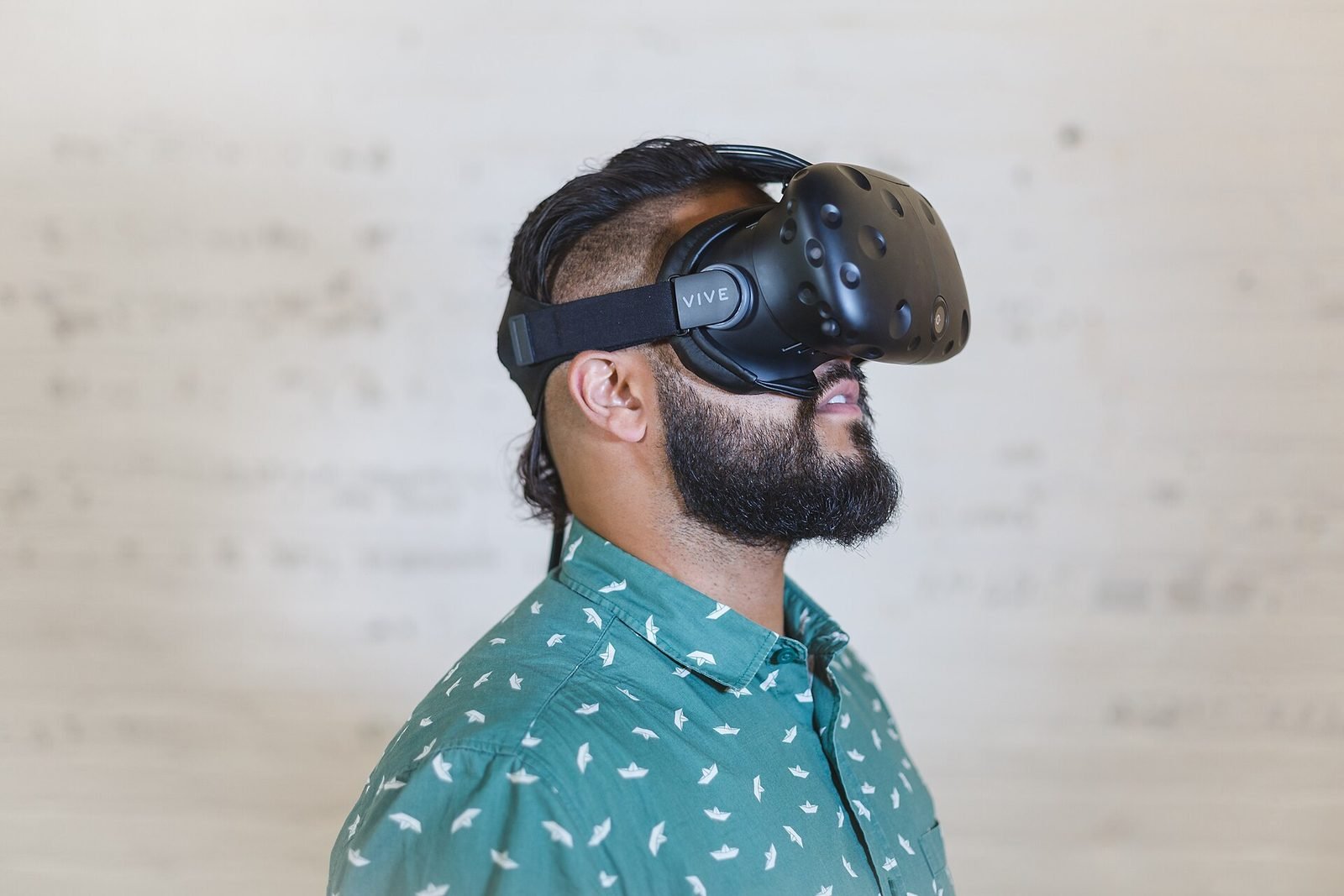
AR vs VR vs Mixed Reality: what is the difference?
AR overlays content on the real world, VR replaces it, and mixed reality lets virtual and real objects interact. A practical guide to choosing between them.
How does geospatial AR work?
Geospatial AR fuses GPS, motion sensors and visual positioning against a map of real streets to place content at exact coordinates. Each step explained.
How museums can use AR and XR: a practical guide for cultural heritage
How museums and heritage sites use AR, VR and mixed reality: use cases, phones versus loan devices, curatorial constraints, content pipelines and pilots.
How to design an AR experience
A practical process for designing AR: define the job of the AR layer, choose anchoring, guide attention, handle uncertainty and test in real conditions.
FAQ