Practice/By Erfan Soleymanzadeh//6 min read
How to prototype an XR experience
Why XR projects start with a prototype: a fidelity ladder from bodystorming to on-device slice, what to test at each stage and how to reach production.
To prototype an XR experience, you build the cheapest possible version of its core interaction, put it in front of people on hardware as close as possible to the real target, learn what is wrong, and climb one step in fidelity at a time. For most projects that means moving from bodystorming with props, through video and spatial mock-ups, to a grey-box Unity build and finally a vertical slice on the actual headset or phone, over weeks rather than months.
Prototyping is not optional in XR as it sometimes is in web or app design, because comfort, scale, legibility and presence cannot be judged from a screen. A storyboard that looks right can be nauseating in a headset; a gesture that seems natural on paper can be exhausting after a minute. At VeleStudio every project starts this way, including our own R&D.
Why prototype first
- Spatial design is unintuitive. Distances, sizes and field of view behave differently than on a screen, and only the device tells the truth; see what is spatial UX.
- The platform constrains the idea. Tracking quality, hand tracking, geospatial accuracy and frame budget vary by device and site; a prototype reveals these limits before content is made for a concept that cannot run.
- Content is the expensive part. 3D assets, audio, scripts and translations are costly to redo. A prototype with placeholder content lets the interaction be fixed first.
- Stakeholders cannot evaluate XR from slides. Five minutes in a headset resolves debates that otherwise run for weeks.
- Budgets become realistic. Once the core interaction exists, the production estimate rests on evidence rather than analogy.
The fidelity ladder
Each rung answers a different question and costs roughly an order of magnitude more than the one below it. Skipping rungs is tempting and usually expensive.
1. Paper and bodystorming
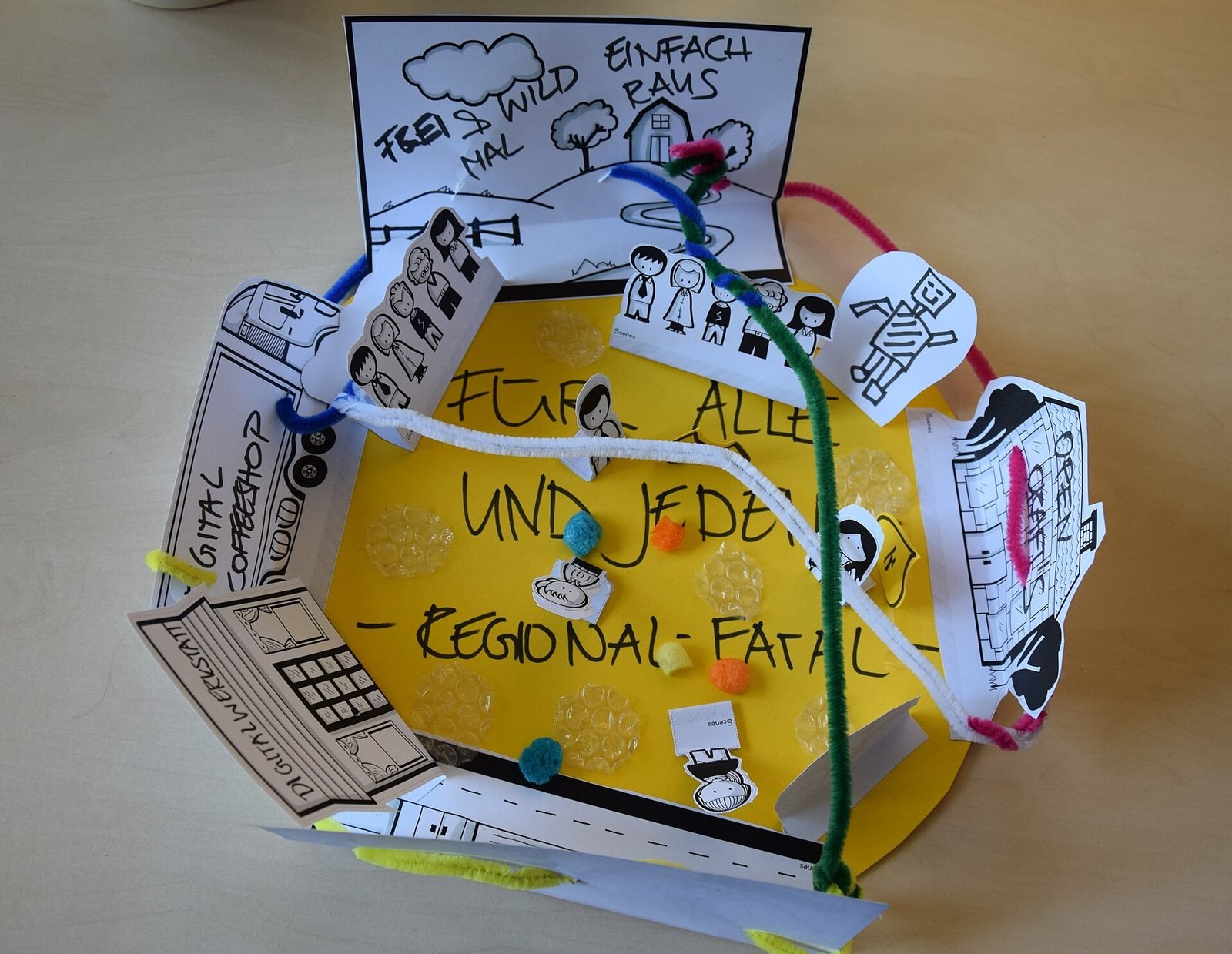
Act the experience out in a real room with cardboard, tape on the floor, printed panels held at the intended distance and one person playing the system. This takes hours and tests the idea itself: is the interaction legible, is the sequence clear, does the space work, how do two people share it. Most concepts change substantially here.
2. Video prototypes
Film a person moving through the real space and composite the intended content over it, or storyboard with photographs from the user's eye height. Video prototypes communicate the vision, surface problems of pacing and attention, and are what funders and partners can understand without a headset. They do not test comfort or interaction.
3. Spatial mock-ups
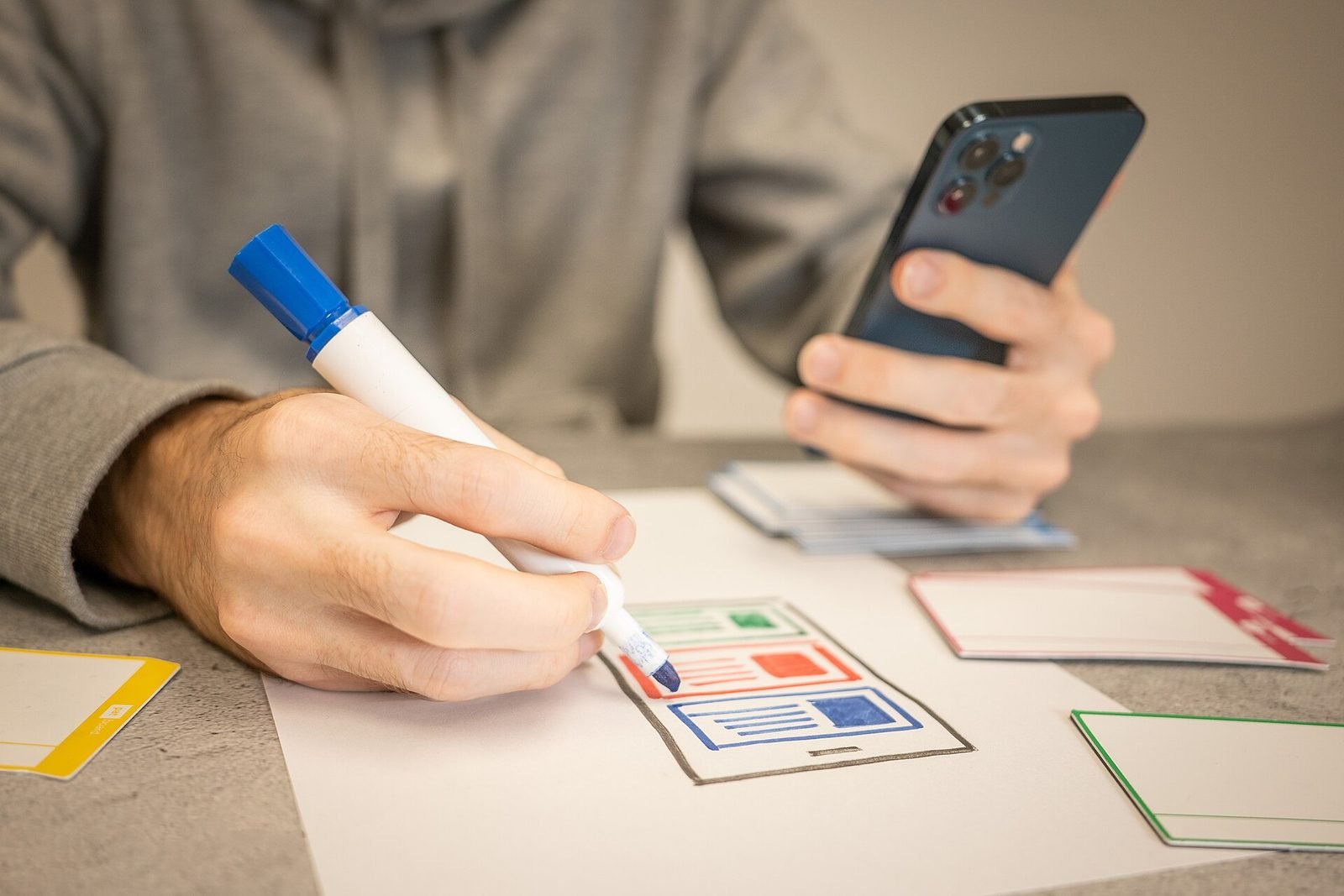
Tools such as ShapesXR, Figma with a spatial plug-in, or Bezi let designers place panels and objects in a headset without code and iterate in minutes. This is where sizes, distances, anchoring and layout are settled, and where a client first wears the experience. It tests legibility, reach and field of view, but not real tracking, real content or performance.
4. Grey-box build in Unity
A real application with placeholder geometry, no visual polish and the core interaction working on the target device. This tests the actual input (gaze and pinch, hands, controllers, phone touch), tracking in the real environment, timing and feedback, and the first performance numbers. Everything in it is throwaway except the lessons and perhaps the input layer. Our self-initiated spatial conversational guide spent most of its early life at this rung, testing how a voice guide should respond to what the headset sees.
5. On-device vertical slice
One complete moment of the final experience, with real content, real audio and the intended visual quality, running on the real hardware in the real place where possible. It tests presence, the content pipeline, battery and thermal behaviour, and whether the experience is worth producing in full. A vertical slice is what you show to secure a production budget, and the reference every production decision is checked against.
What to test at each stage
| Rung | Test with | Learn about |
|---|---|---|
| Bodystorming | Team and a few outsiders | Concept, sequence, social behaviour, space |
| Video | Stakeholders, funders | Vision, pacing, attention, buy-in |
| Spatial mock-up | Designers, client | Layout, scale, distances, anchoring, legibility |
| Grey-box | First-time users on device | Input, tracking, comfort, feedback, performance |
| Vertical slice | Target audience in the real setting | Presence, content, pipeline, thermal and battery, value |
Testing with people who have never seen the work is essential from rung three onwards. Team members adapt to flaws within days and stop seeing them. Five participants per round is enough to find the main problems.
The shape of a first prototype timeline
A typical first prototype runs for a few weeks: concept work and bodystorming, a spatial mock-up or two, a grey-box build on device, and one or two rounds of testing with outsiders, ending in a short report and a recommendation. This is a typical shape rather than a promise; a geospatial outdoor experience that depends on site surveys and weather, or an installation that needs sensor hardware, takes longer than a seated headset interface. The principle is that the first usable thing on a device appears within days, not at the end.
What a good prototype brief contains
- The question the prototype must answer, in one sentence (for example whether first-time visitors can use gaze and pinch to open interpretation layers without instruction).
- The audience and the setting, including who will test it and where.
- The target device, or the two candidates between which the prototype should decide.
- The one core interaction in scope and an explicit list of what is out of scope.
- The content available now (texts, models, audio) and what will be placeholder.
- Constraints: accessibility requirements, light levels, connectivity, conservation rules, languages.
- The decision the prototype will inform: proceed to production, change direction, or stop.
- Who evaluates it and against which criteria.
From prototype to budget and production
How prototypes de-risk budgets
A production estimate made before a prototype is largely guesswork, because the cost drivers (number of interactions, content volume, device constraints, integration with AI or back-end services, robustness requirements) are only known once something has been built. After a vertical slice, the remaining work is mostly repetition of a known unit: more objects, more rooms, more languages. The estimate becomes a multiplication rather than a speculation, and a client can size the production from evidence. The same applies to engine choice, discussed in Unity vs Unreal for XR: the prototype settles it.
Prototypes also make it respectable to stop. A concept that fails at the grey-box stage has cost a fraction of a failed launch, and the learning carries into the next idea.
Moving to production
- Decide deliberately what to keep. Input handling, tracking logic and the content pipeline often survive; visuals, scene structure and anything hacked for a demo usually should not.
- Write the production brief from the prototype findings and the vertical slice, with the slice as the quality reference.
- Set up the content pipeline before content production starts, so curators, trainers or editors can work in parallel with development.
- Plan device management, deployment, analytics and maintenance now; they are absent from a prototype but dominate the life of a product.
- Keep the testing rhythm: production should keep testing with outsiders at each milestone, not only at the end.
How VeleStudio approaches prototyping
We scope a first prototype as a bounded engagement with a written question, a target device and a test with real people, and we report what we learned, including what did not work. This is how we run our own experiments and how we start client work in XR development and immersive experiences. If you want to find out quickly whether a spatial idea holds, talk to us.
FAQ
Common questions
01How long does it take to prototype a VR or AR experience?
02What tools are used to prototype XR experiences?
03Why prototype an XR experience before production?
Related work
01Interactive Installation, HCI·Studio prototype, 2025
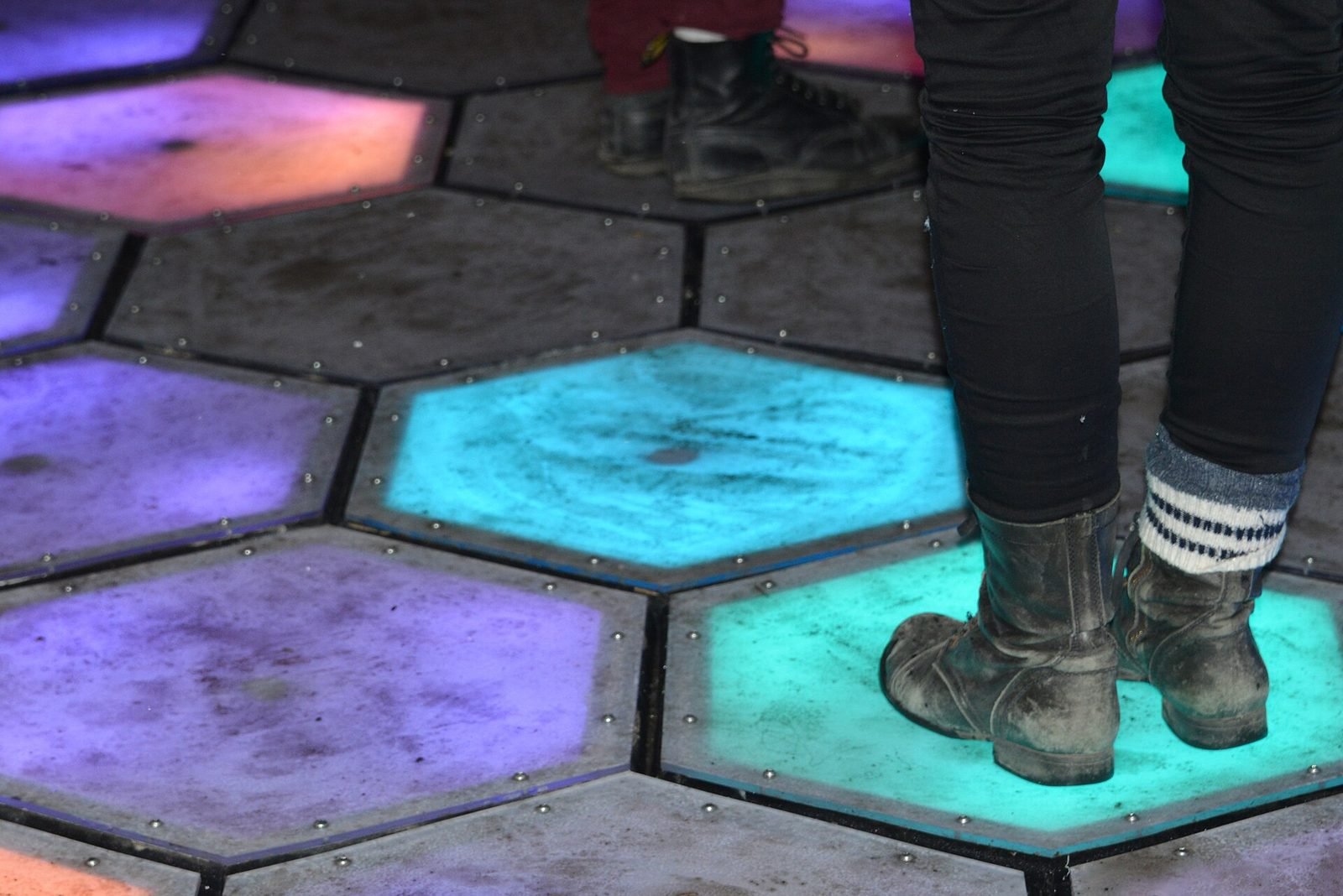
Presence Field: a body-reactive projection installation
A wall-scale particle field driven by a depth camera, where bodies displace and attract points and lines and several people create interference patterns.
- Unity
- C#
- Depth cameras
- Hand & body tracking
02AI, XR·Studio prototype, 2026
Spatial Guide: an AI agent that answers questions about what you are looking at
A headset prototype where a visitor looks at an object, asks a question by voice and gets an answer grounded only in a curated knowledge base, pinned to the object.
- Unity
- C#
- OpenXR
- Meta Quest SDK
Keep reading
How to design an AR experience
A practical process for designing AR: define the job of the AR layer, choose anchoring, guide attention, handle uncertainty and test in real conditions.
Unity vs Unreal Engine for XR development
Unity and Unreal Engine compared for XR: platform support, mobile AR, visual fidelity, scripting, licensing, standalone headset performance and team skills.
What is spatial UX? Designing interfaces for spatial computing
Spatial UX is the design of interfaces that live in the 3D space around a user. How it differs from 2D UX, and the principles that keep it comfortable.