AR/By Erfan Soleymanzadeh//6 min read
How to design an AR experience
A practical process for designing AR: define the job of the AR layer, choose anchoring, guide attention, handle uncertainty and test in real conditions.
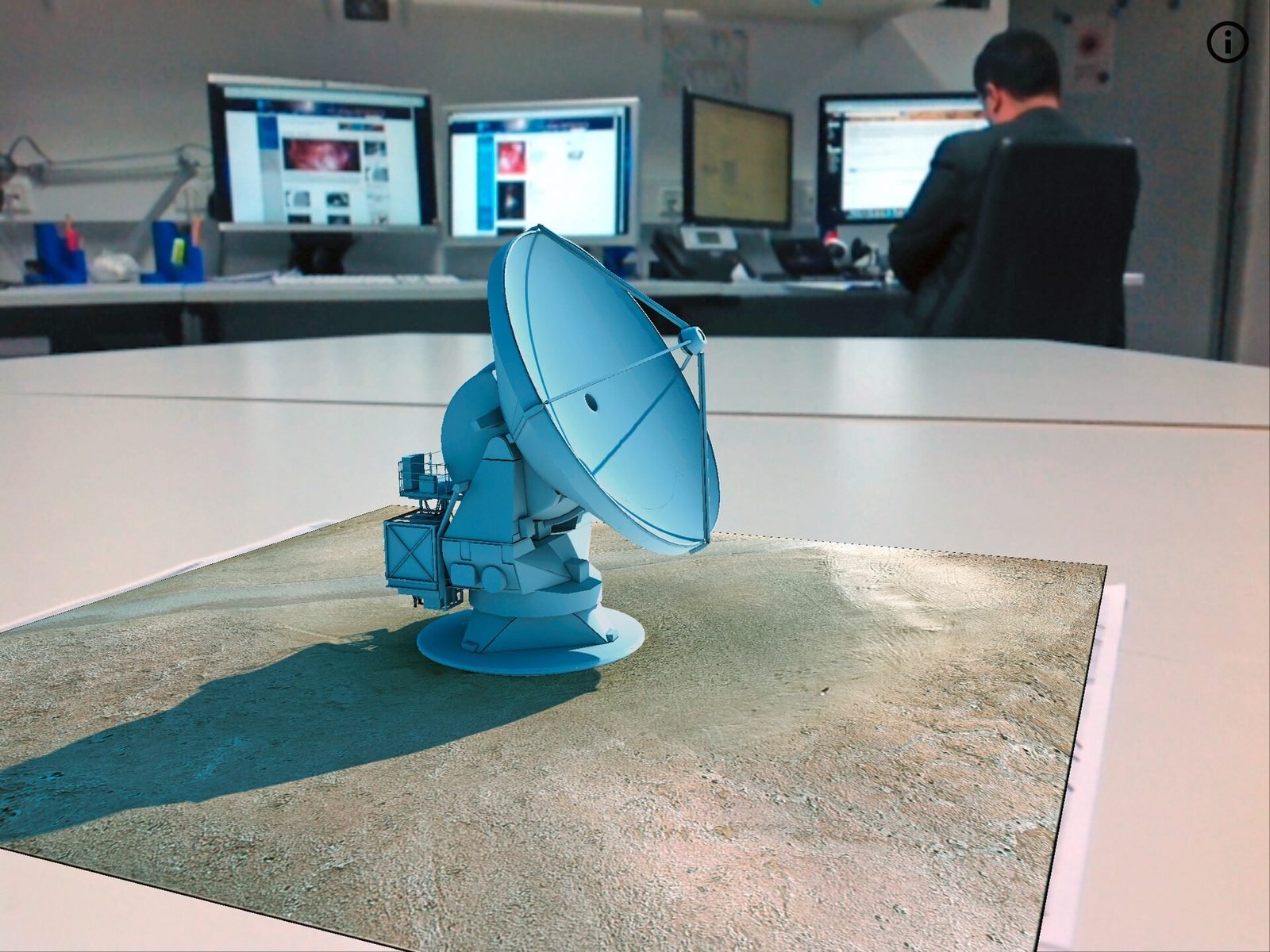
Designing an AR experience means deciding what the digital layer is for, how it attaches to the real world, how people find it, and what happens when the technology is uncertain. Most failed AR projects did not fail on rendering; they failed because the layer had no clear job, content floated where nobody looked, or the first real-world test happened a week before launch. The process below is the one we follow at VeleStudio across phone and headset projects, from geospatial AR on city streets to passthrough guides beside museum objects.
If you are not yet sure AR is the right medium, start with AR vs VR vs mixed reality.
Job and anchoring
1. Define the job of the AR layer
Write one sentence: the AR layer lets a person see or do X, at Y, which they could not from a screen. If the sentence does not mention the place or the object, the AR layer has no job yet.
Good jobs are specific: show the demolished loggia from the pavement where it stood; show the next assembly step on the real part; show the route on the actual street. Weak jobs are generic goals such as bringing the exhibition to life, and they lead to floating 3D models that people glance at once.
2. Pick the anchoring strategy
Anchoring is the technical choice that shapes everything else. The main options:
- Surface anchors (planes): content sits on the floor or a table. Simple, works indoors, but not tied to a specific place.
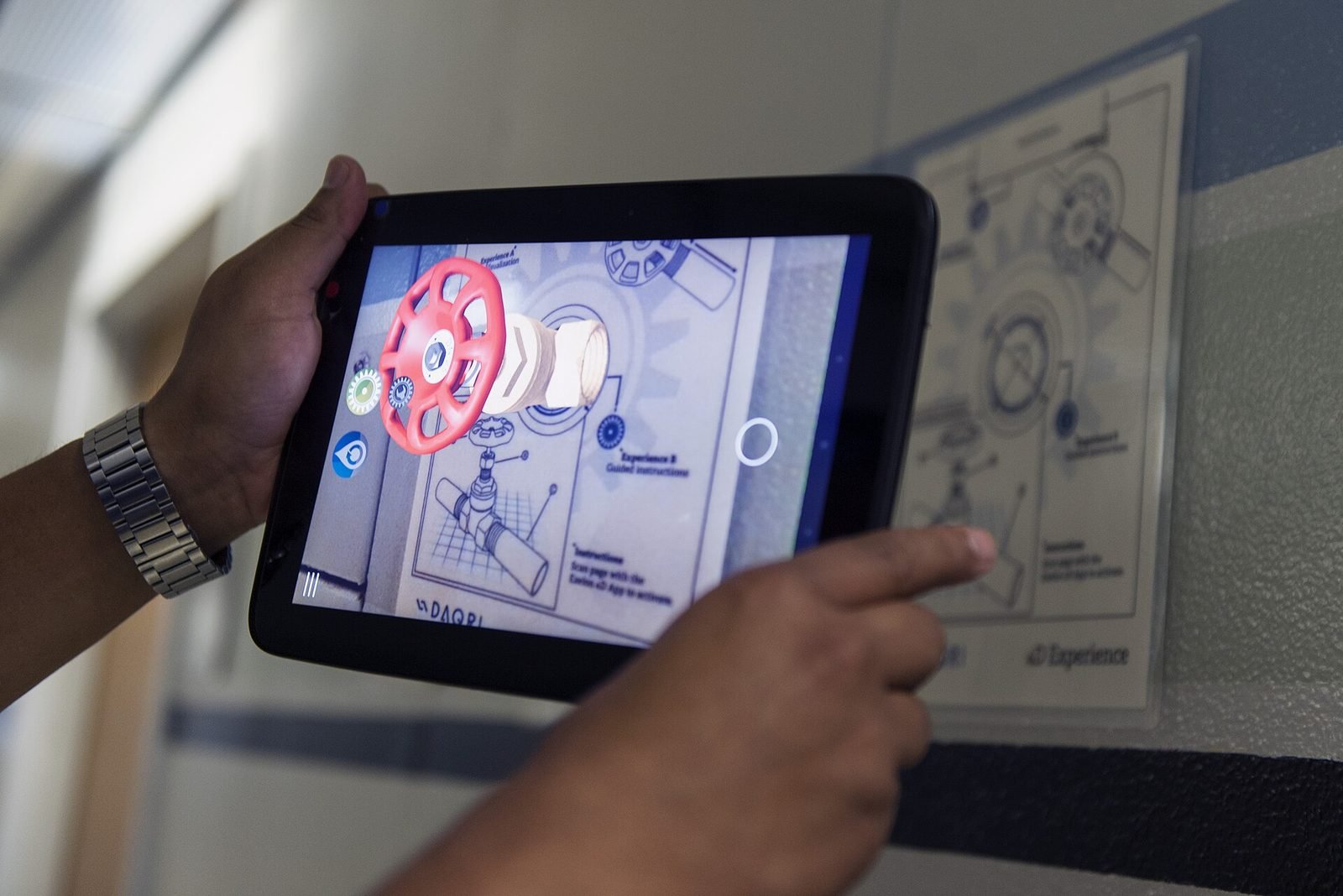
- Image and object anchors: content attaches to a recognised poster, label, artefact or machine. Precise indoors; limited to spots where the target is visible.
- Spatial maps and scene meshes: on headsets and LiDAR phones, content is placed in a scanned room and persists. Good for exhibitions and workplaces.
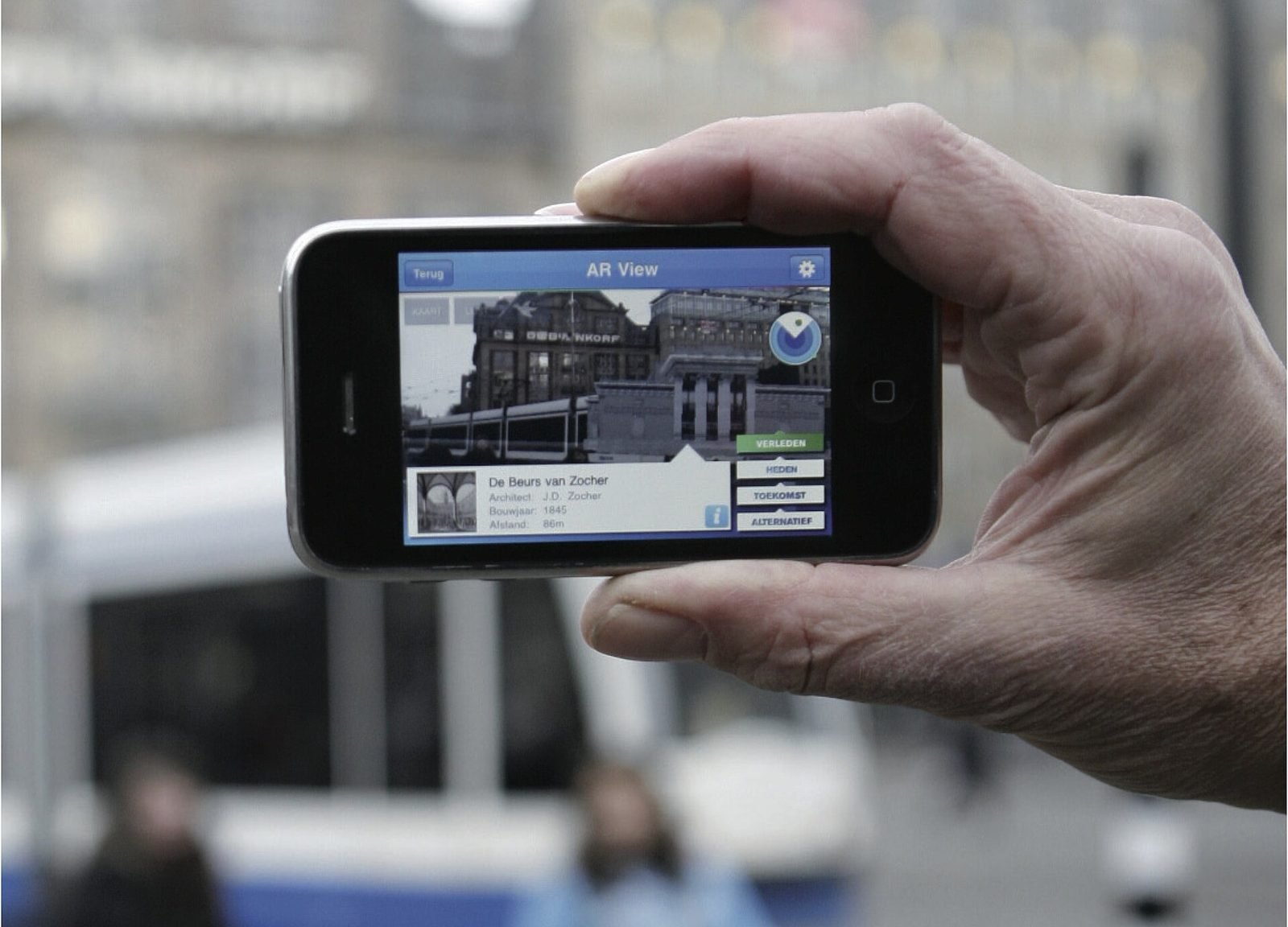
- Geospatial anchors: content at latitude, longitude and altitude through the ARCore Geospatial API. The only option that scales to streets and sites; see how geospatial AR works for the mechanics and limits.
Hybrid approaches are common: geospatial anchors outdoors, image anchors inside the building, with an explicit handover between them.
Attention and uncertainty
3. Guide attention: where to look
Nothing in AR is on screen by default. People decide where the camera points, and rarely point it where the content is. Design the guidance explicitly:
- Give a target before the content: face the cathedral, with a direction arrow or an edge-of-screen indicator.
- Use spatial audio or a soft sound to pull the head toward content outside the view.
- Place the first piece of content where people naturally look: eye height, straight ahead from the obvious standing spot.
- Keep content within comfortable neck range. Looking up more than about 30 degrees for long is tiring; looking down at a phone while walking is dangerous.
- Reduce clutter. One anchored object with one clear affordance beats five hotspots.
4. Handle uncertainty
Tracking fails. Lighting is bad, surfaces are blank, GPS drifts, VPS has no coverage under the arcade. Design for three states:
- Not yet localised: show a clear instruction (what to point the camera at, where to stand), never a bare spinner.
- Localised but uncertain: show robust content that tolerates error, such as a direction cue, an audio layer or a large-scale silhouette, and hide fine detail.
- Localised with good accuracy: show the full experience.
Set thresholds from site measurements, not defaults. Always provide a non-AR path, such as a card, a photo overlay or audio, so people who cannot get tracking to work still get the story.
Comfort and onboarding
5. Comfort and ergonomics on phones
- Arm fatigue sets in after two or three minutes of holding a phone up. Design AR moments to last 30 to 90 seconds, separated by heads-down or screen-off stretches.
- Thermal throttling and battery drain hit hard on sustained camera plus rendering workloads; keep scenes light and let the camera pause between stops.
- Sunlight makes screens hard to read; use high-contrast UI and avoid thin white text over the camera feed.
- Safety: never ask people to walk while looking through the camera. Outdoors, stop points with content arranged around a safe standing position are a design requirement.
- One-handed use matters when the other hand holds a bag, a child or a railing. Keep controls in the lower third of the screen.
Headsets have different constraints (weight, heat, field of view) but the same principle: the body sets the budget.
6. Onboarding
The first 20 seconds decide whether people persist.
- Explain the single gesture required, with a short animation, before the camera opens.
- Ask for camera and location permissions with a sentence that says why, at the moment they are needed.
- Get something anchored and visible quickly, even a simple marker, so people see that it works.
- In public spaces, staff or signage at the first stop do more than any in-app tutorial.
Pipeline and testing
7. Content pipeline
AR content is 3D, placed and site-specific, so it is expensive to change if the pipeline is an afterthought.
- Store content as data (coordinates, altitude, anchor type, assets, text, fallback) separate from the application, so editors can move a point of interest without a rebuild.
- Optimise models for mobile: polygon budgets, texture sizes and draw calls matter on a phone that is also running camera tracking.
- Use open formats such as glTF and USD so assets outlive the engine version.
We often build a small web tool on Firebase so curators can maintain content; see Unity for XR development for how the application side is typically structured.
8. Test in real conditions
Testing AR on a desk tells you the build runs, not whether the experience works.
- Test at the real site, at the times visitors come, in the weather they come in.
- Test with people who have not seen the project.
- Measure: time to first anchored content, how often people lose tracking, how far content sits from where it should, how long people hold the phone up.
- Iterate placement first, content second, code third. Most fixes move the standing spot or the anchor by a couple of metres.
The checklist
- One-sentence job for the AR layer, naming the place or object.
- Anchoring strategy chosen per location, with handovers defined.
- For each piece of content: standing spot, viewing direction, duration under 90 seconds.
- Attention guidance designed: off-screen indicators, audio cue, first content at eye level.
- Three tracking states designed, with a non-AR fallback.
- Accuracy thresholds set from site measurements.
- Permissions and first gesture explained before the camera opens.
- Content stored as editable data, assets optimised for mobile.
- Safety review: no walking while viewing, no road-side stop points.
- Two site tests with new users, at different times, before the content is finalised.
How VeleStudio works
VeleStudio designs and develops AR experiences in Unity with AR Foundation, ARKit, ARCore and the ARCore Geospatial API. Our AR development and interaction design services cover the full process above, and our self-initiated prototypes, such as the geospatial AR city layer, are where we test these principles on real streets before applying them for clients. To talk through an idea, get in touch.
FAQ
Common questions
01How long should an AR experience be?
02What is the most common mistake in AR design?
03Do I need an app, or can AR run in the browser?
Related work
01AR, Geospatial·Studio prototype, 2026
City Layer: a geospatial AR prototype for historic streets
A self-initiated prototype that anchors reconstructed facades, period photographs and narrated stops along a route in a historic Italian city centre.
- Unity
- C#
- AR Foundation
- ARCore Geospatial API
02Mixed Reality, Cultural Heritage·Studio prototype, 2026
Object Stories: a mixed reality guide prototype for museum collections
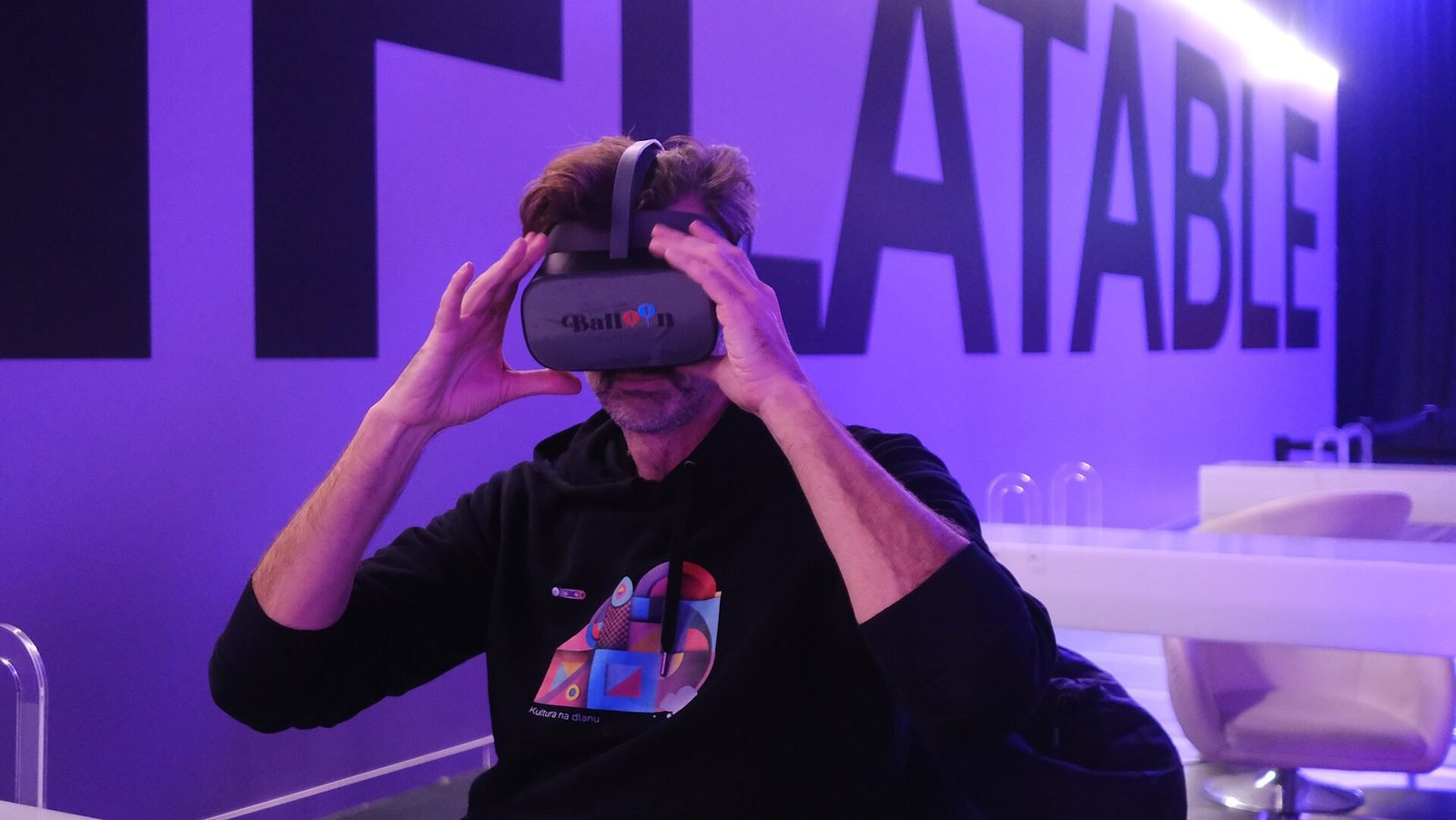
A Quest 3 passthrough prototype that recognises museum objects and anchors stories, exploded views and provenance to each one, tested in the studio with replicas.
- Unity
- C#
- Meta Quest SDK
- OpenXR
Keep reading
How does geospatial AR work?
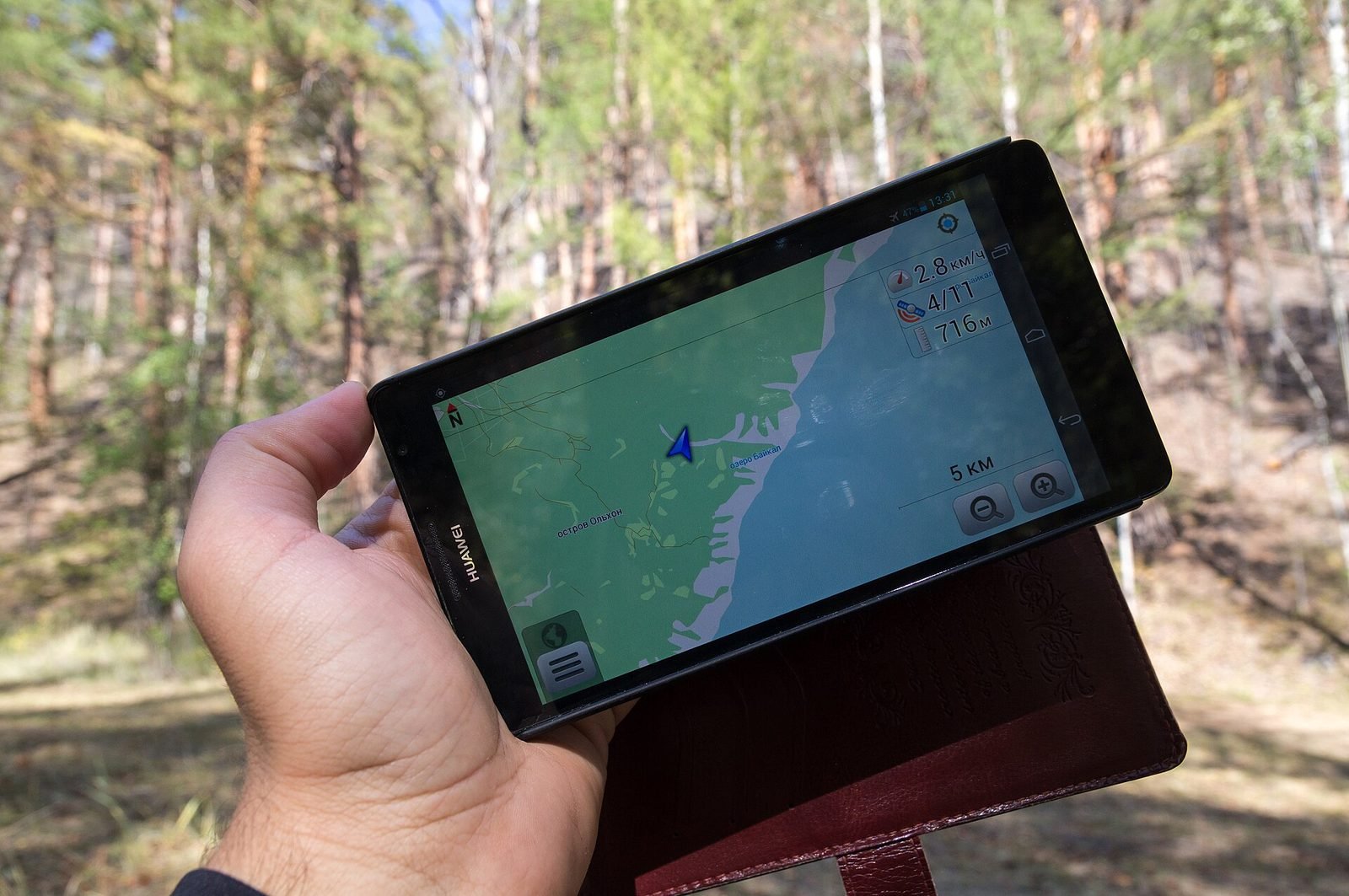
Geospatial AR fuses GPS, motion sensors and visual positioning against a map of real streets to place content at exact coordinates. Each step explained.
How to prototype an XR experience
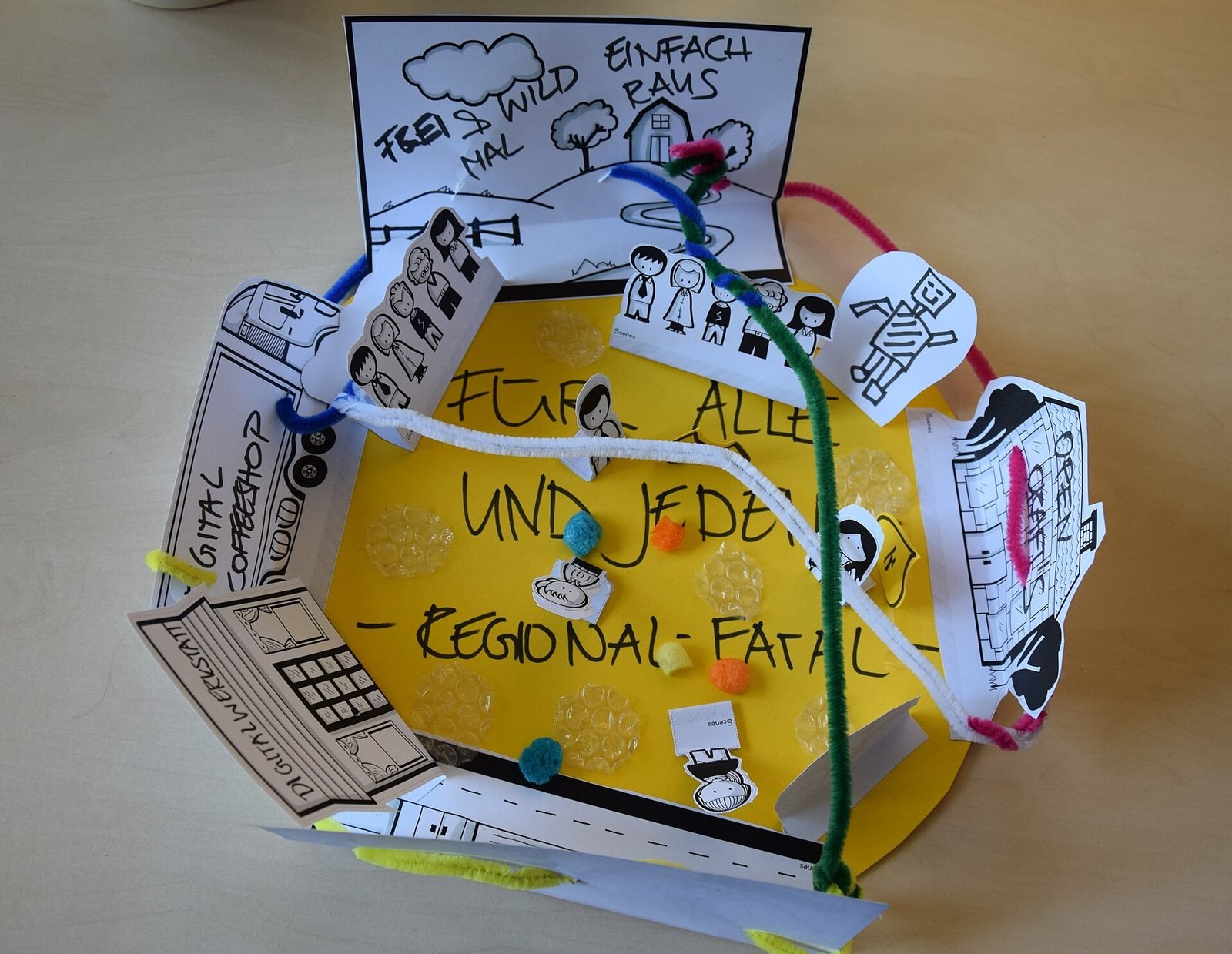
Why XR projects start with a prototype: a fidelity ladder from bodystorming to on-device slice, what to test at each stage and how to reach production.
What is spatial UX? Designing interfaces for spatial computing
Spatial UX is the design of interfaces that live in the 3D space around a user. How it differs from 2D UX, and the principles that keep it comfortable.