Unity/By Erfan Soleymanzadeh//6 min read
How Unity is used for XR development
How Unity is used for AR, VR and mixed reality: AR Foundation, XRI, OpenXR, URP and PolySpatial, performance budgets, and where it is the wrong tool.

Unity is used for XR development as the common layer between an application, written once in C#, and the many devices it must run on. A Unity project can target iPhone and Android through AR Foundation, Meta Quest, PC VR and enterprise headsets through OpenXR, and Apple Vision Pro through PolySpatial, sharing the same scene content, logic and most of the interaction code. That breadth, plus a large ecosystem of packages and people who know it, is why Unity remains the default engine for most AR and VR work, including ours at VeleStudio.
This article covers the toolchain, the architecture of a typical XR application, the performance budgets that make or break it, and the cases where we would not choose Unity.
Why Unity dominates XR
Three practical reasons:
- Platform reach. Every major XR platform ships an official Unity integration early: ARKit and ARCore through AR Foundation, Quest through OpenXR and the Meta XR SDK, visionOS through PolySpatial, HoloLens and Magic Leap through OpenXR.
- Iteration speed. C#, a mature editor and play mode let small teams prototype on device within days, which matters in XR because so much has to be tested physically. See how to prototype an XR experience.
- Ecosystem. Interaction toolkits, hand-tracking samples, spatial audio, analytics and asset pipelines exist and are maintained. Unreal Engine is the stronger choice for high-end visuals, and we compare the two in Unity vs Unreal for XR.
The main packages
AR Foundation
AR Foundation is Unity's abstraction over ARKit on iOS and ARCore on Android. It exposes plane detection, image and object tracking, anchors, meshing, occlusion, light estimation and camera access through one API. ARCore Extensions adds the Geospatial API, Cloud Anchors and Streetscape Geometry, which is the basis of our geospatial AR work.
OpenXR
OpenXR is the Khronos standard for headset input and rendering. Unity's OpenXR plugin lets one build run on Quest, PC VR headsets, HoloLens 2 and Magic Leap 2, with vendor extensions for hand tracking, passthrough and eye tracking. Vendor SDKs, notably the Meta XR SDK, add device-specific features on top.
XR Interaction Toolkit
XRI provides the interaction vocabulary: interactors (ray, direct, poke, gaze), interactables (grab, socket, UI), locomotion (teleport, continuous move, turn) and input bindings through the Input System. It saves months of plumbing and gives a consistent base a design team can tune.
Universal Render Pipeline
URP is the rendering pipeline suited to XR: single-pass instanced stereo rendering, foveated rendering on supported headsets, and scaling from phones to PC. Shader Graph and renderer features cover most needs; the High Definition pipeline is rarely appropriate for standalone headsets.
Sentis
Sentis, renamed Inference Engine in recent Unity versions, runs neural networks inside the engine on CPU or GPU. For XR this means object recognition, pose estimation, speech or small language models on device, without a server round trip.
PolySpatial
PolySpatial translates Unity scenes into RealityKit content on visionOS, so a Unity project can run as a shared-space or fully immersive app on Apple Vision Pro. It supports a defined subset of Unity rendering and requires visionOS-specific input handling (gaze plus pinch), so existing projects need adaptation rather than a straight port.
Typical architecture of an XR app
A well-structured Unity XR project usually separates five concerns.
- Platform layer: XR plugin management, provider settings, permissions and capability checks (does this device support meshing, hand tracking, geospatial localisation).
- Tracking and anchoring: a service that owns session state (not tracking, limited, tracking), anchors and reported accuracy, and exposes them as events the rest of the app reacts to.
- Interaction: XRI or a custom layer, mapped per device so a pinch on Vision Pro, a trigger on Quest and a tap on a phone call the same logic.
- Content and data: points of interest, assets and text loaded from data (Addressables, remote JSON, a Firebase backend) rather than hard-coded in scenes, so editors can change content without a rebuild.
- Experience logic: a state machine for onboarding, stops, fallbacks and completion, kept independent of rendering so it can be tested in the editor.
Scenes stay thin and behaviour lives in prefabs and services, which also makes the app testable at a desk with simulated tracking.
Performance budgets
XR is unforgiving about frame rate because dropped frames cause discomfort, not just stutter. Budgets we plan against:
- Frame rate targets: 72 Hz as the floor on Meta Quest, with 90 Hz where the content allows; 90 Hz on Apple Vision Pro; 60 frames per second for phone AR, with 30 acceptable for heavy scenes. At 72 Hz the budget is under 14 milliseconds per frame for everything, including tracking overhead.
- Draw calls: keeping them in the low hundreds per frame is a well-established norm on Quest-class hardware. Static batching, GPU instancing and texture atlases are the first tools.
- Geometry and textures: mobile GPUs are fill-rate and bandwidth bound, so fewer, larger meshes with compressed (ASTC) textures beat many small objects with uncompressed ones.
- Shaders and post-processing: avoid full-screen effects on standalone devices. A single transparent overlay across a passthrough feed can cost a large share of the frame.
- Thermal budget: a phone running camera tracking plus rendering throttles after a few minutes. Plan for sustained performance rather than peak, and give the device idle moments between AR stops.
- Memory: Quest and phones terminate apps that exceed their limits without warning; stream content and unload scenes.
Device testing
Unity's XR Device Simulator is useful for logic, but every milestone needs on-device testing because tracking, thermal behaviour and input feel cannot be simulated.
- Keep a device matrix: at least one recent iPhone, one mid-range Android and the target headset. Mid-range Android is where phone AR usually breaks first.
- Automate builds so a device build is a button press rather than a day.
- Test in the real environment for anything location-dependent.
- Log session state and accuracy during field tests so problems can be analysed later.
Where Unity is not the right tool
We choose something else when:
- Nothing can be installed. Browser-based AR for a campaign or a one-off visit is better served by WebXR, Three.js or 8th Wall. Unity's web export is heavy for mobile browsers and does not expose device AR tracking.
- Visual fidelity is the whole brief. For cinematic VR, architectural walkthroughs or large environments where Nanite and Lumen matter, Unreal Engine is stronger.
- The app is mostly 2D. A visionOS app that is windows and text with a little 3D is better written natively in SwiftUI and RealityKit, and a small AR feature inside an existing iOS app is better served by ARKit directly than by a second runtime.
- Installations with heavy media routing. TouchDesigner or native pipelines sometimes beat Unity for projection and sensor-driven installations, though Unity remains strong when 3D interaction is central.
Unity at VeleStudio
VeleStudio uses Unity with C#, AR Foundation, OpenXR and URP as its primary engine for AR, VR and mixed reality applications and installations. Our Unity development service covers everything from prototype to store release, and self-initiated R&D such as the museum mixed reality guide prototype is where we validate architecture and performance choices on real headsets before client work. To discuss a Unity XR project, contact us.
FAQ
Common questions
01Is Unity good for AR development?
02Does Unity support Apple Vision Pro?
03What frame rate does an XR app need?
Related work
01AR, Geospatial·Studio prototype, 2026
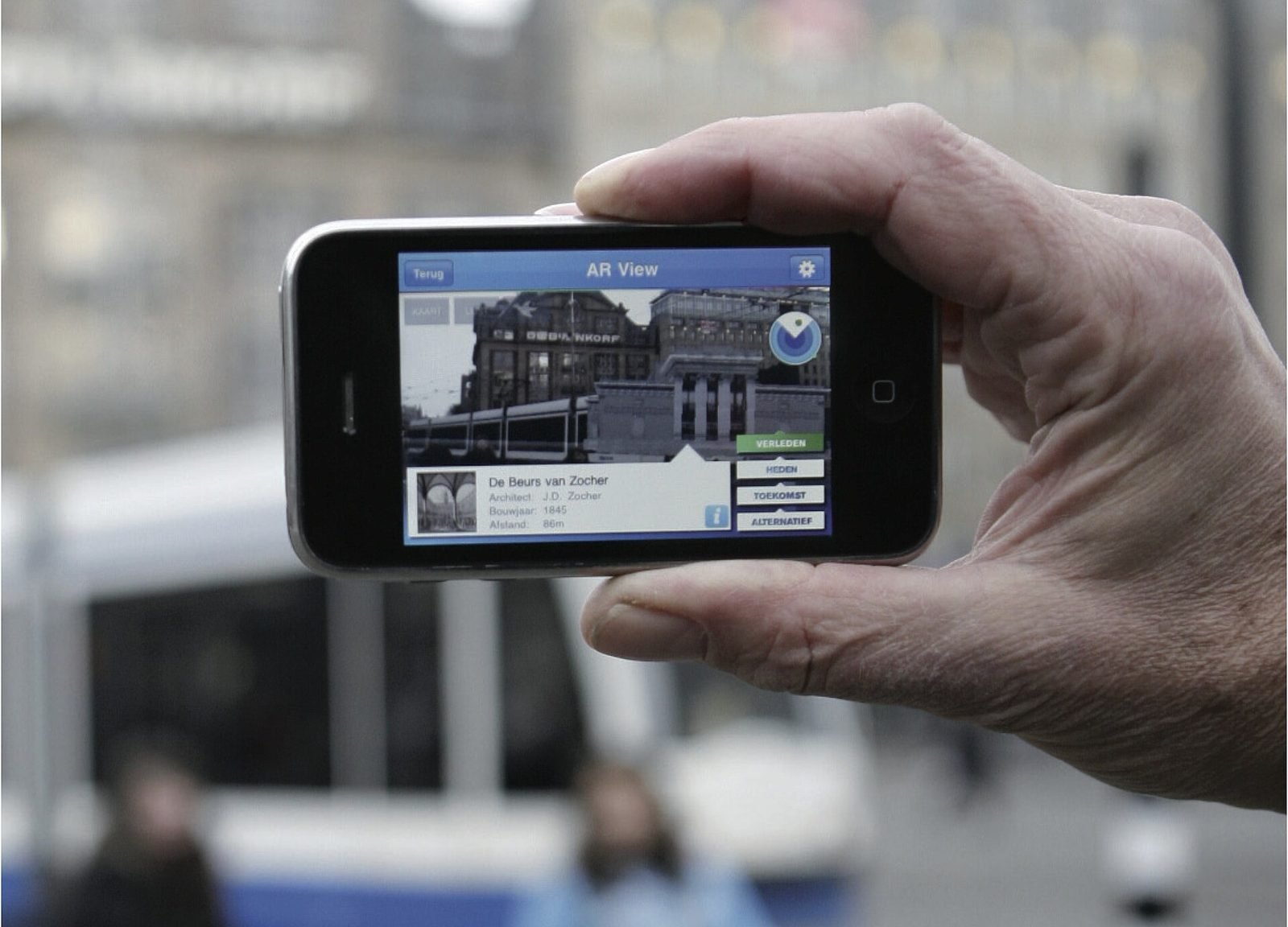
City Layer: a geospatial AR prototype for historic streets
A self-initiated prototype that anchors reconstructed facades, period photographs and narrated stops along a route in a historic Italian city centre.
- Unity
- C#
- AR Foundation
- ARCore Geospatial API
02Mixed Reality, Cultural Heritage·Studio prototype, 2026
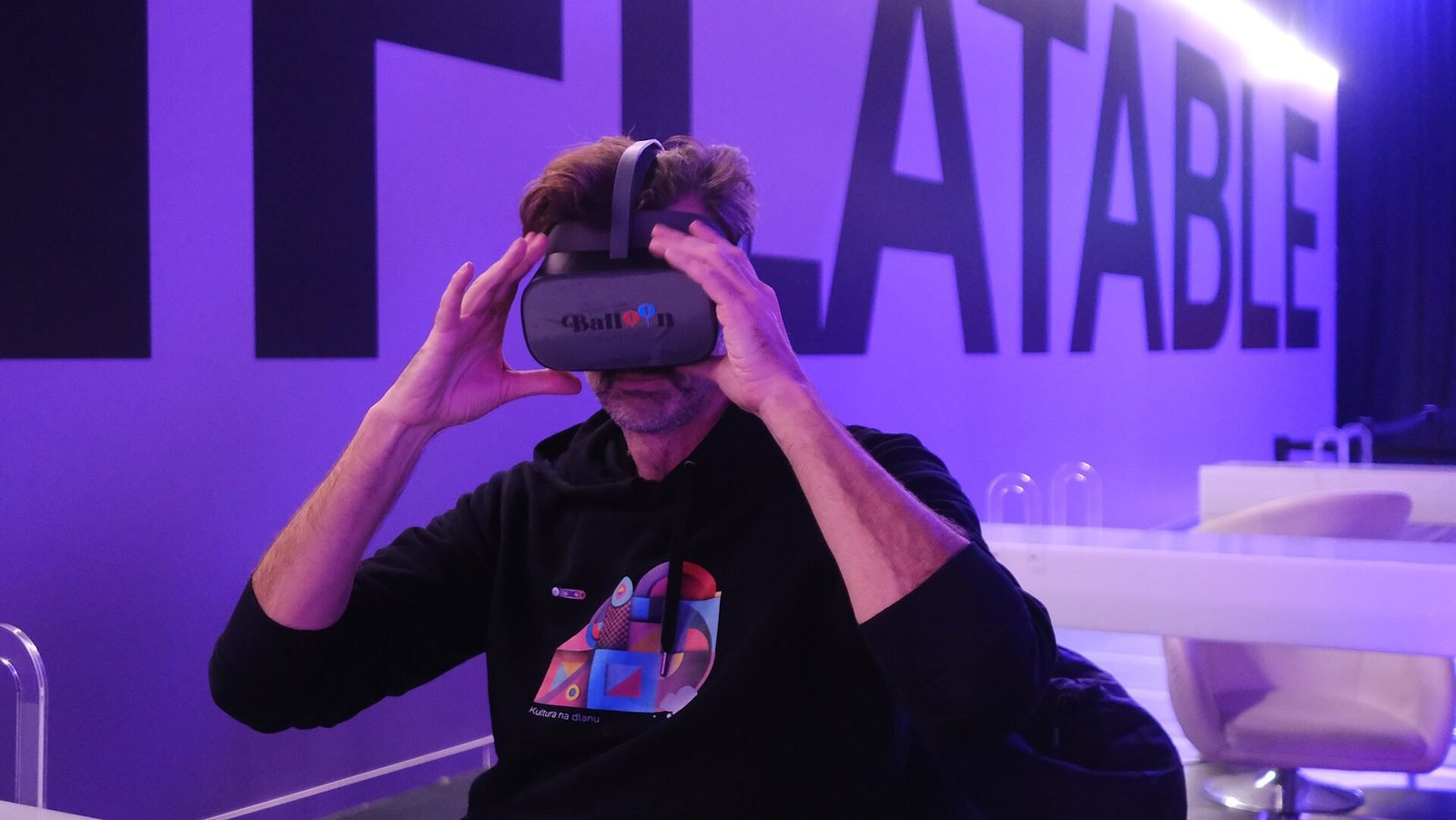
Object Stories: a mixed reality guide prototype for museum collections
A Quest 3 passthrough prototype that recognises museum objects and anchors stories, exploded views and provenance to each one, tested in the studio with replicas.
- Unity
- C#
- Meta Quest SDK
- OpenXR
Keep reading
How does geospatial AR work?
Geospatial AR fuses GPS, motion sensors and visual positioning against a map of real streets to place content at exact coordinates. Each step explained.
How to prototype an XR experience
Why XR projects start with a prototype: a fidelity ladder from bodystorming to on-device slice, what to test at each stage and how to reach production.

Unity vs Unreal Engine for XR development
Unity and Unreal Engine compared for XR: platform support, mobile AR, visual fidelity, scripting, licensing, standalone headset performance and team skills.