Geospatial/By Erfan Soleymanzadeh//6 min read
How does geospatial AR work?
Geospatial AR fuses GPS, motion sensors and visual positioning against a map of real streets to place content at exact coordinates. Each step explained.
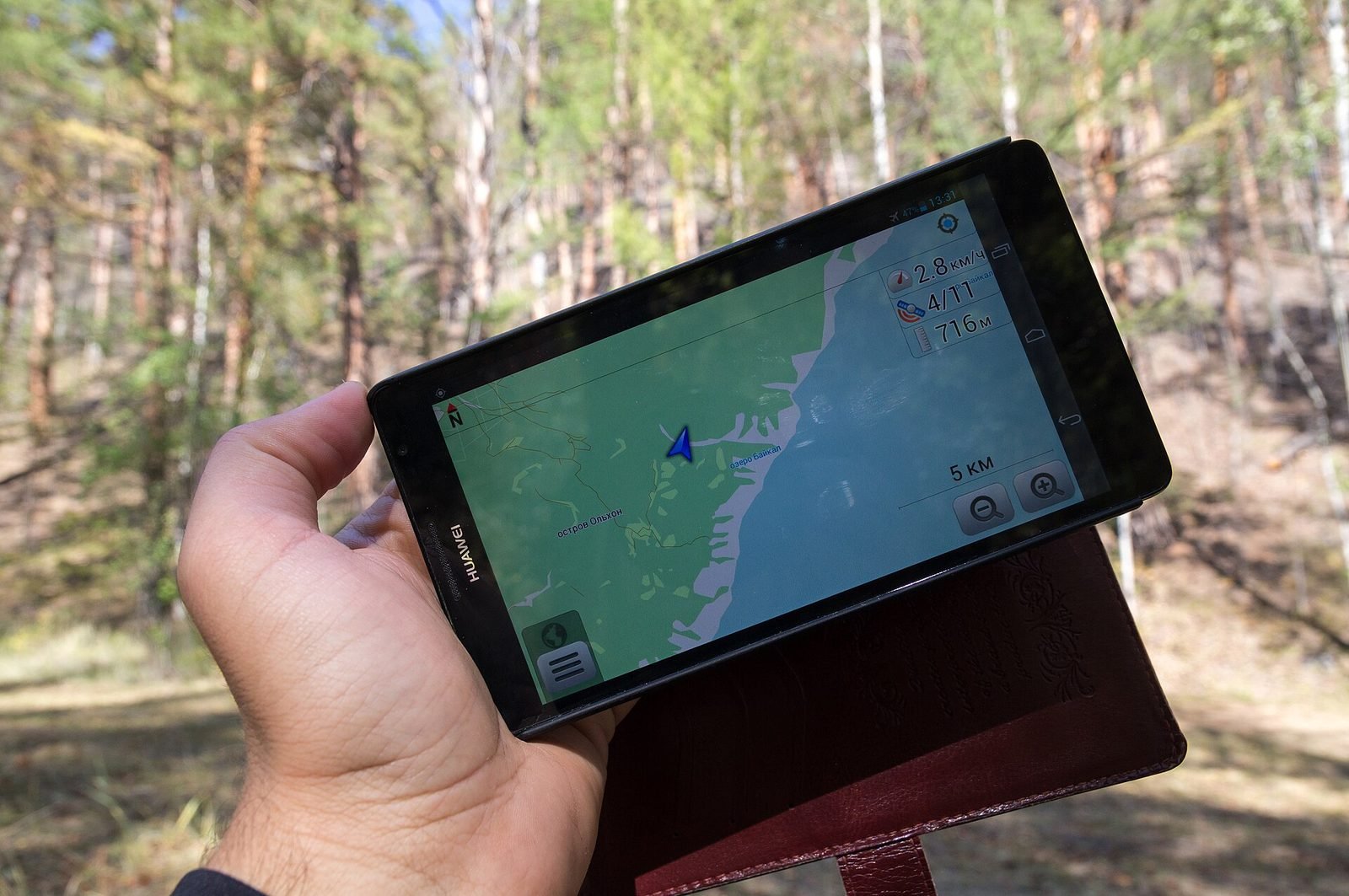
Geospatial AR works by giving a phone or headset an accurate answer to two questions: exactly where am I on the planet, and exactly which way am I facing. GPS alone answers them to within several metres and many degrees, which is useless for anchoring a reconstruction to a façade. Geospatial AR adds a second source. The device's camera compares what it sees against a pre-built visual map of the area, a Visual Positioning System (VPS), and corrects the GPS estimate down to roughly a metre in position and a few degrees in heading. Content stored as latitude, longitude and altitude can then be drawn in the right place, and it stays there as you walk.
The dominant implementation is Google's ARCore Geospatial API, available in Unity through AR Foundation and ARCore Extensions, and built on the imagery that powers Street View. This article explains the pipeline, the anchor types, where it does not work, and what that means for design.
The localisation pipeline
Step 1: GPS and the IMU give a rough pose
Every smartphone carries a GNSS receiver (GPS, Galileo, GLONASS, BeiDou), a magnetometer for heading, and an inertial measurement unit (IMU) with accelerometers and gyroscopes. Together they give a coarse pose:
- Position typically within 3 to 10 metres under open sky, and far worse between tall buildings where signals bounce, the urban canyon effect.
- Heading from the magnetometer, disturbed by cars, steel structures and the phone's own electronics, often by tens of degrees.
- Altitude from GNSS, usually the least reliable component, often off by several metres.
This is enough to know you are in the right square, not enough to know which doorway you are looking at.
Step 2: Visual-inertial tracking keeps the pose smooth
ARCore and ARKit run visual-inertial odometry: they track feature points through camera frames and fuse them with IMU readings to estimate how the device moves from frame to frame, at 30 or 60 frames per second. This is what makes ordinary phone AR possible. It is precise over short distances but drifts over time, and it has no idea where it is in the world, only how far it has moved since it started.
Step 3: VPS localises the device against a global map
The Visual Positioning System closes the gap. The device sends compact descriptors of camera frames to Google's servers, which match them against a model of the area built from Street View imagery and return a corrected global pose. In practice:
- Localisation takes a few seconds and needs the camera pointed at distinctive, static structure: buildings rather than sky, trees or crowds.
- Once localised, the API reports horizontal, vertical and heading (yaw) accuracy in metres and degrees, so the application can decide whether the pose is good enough to show content.
- Local tracking carries the pose between VPS updates, so the experience continues even when the phone is briefly pointed at the ground.
ARCore Geospatial API concepts
Geospatial anchors
A geospatial anchor is a fixed point defined by latitude, longitude, altitude and a rotation in the WGS84 coordinate system. You create it once; ARCore keeps the attached content aligned as the pose estimate improves. Altitude is the hard part: an anchor two metres too high floats above the pavement.
Terrain anchors
Terrain anchors solve the altitude problem for ground-level content. You supply latitude and longitude plus a height above the terrain, and the API resolves the altitude from Google's terrain model.
Rooftop anchors
Rooftop anchors resolve altitude relative to the top of the building at those coordinates, using Google's building models, and suit content on or above a roofline, such as a reconstructed upper storey or a sign.
Streetscape Geometry
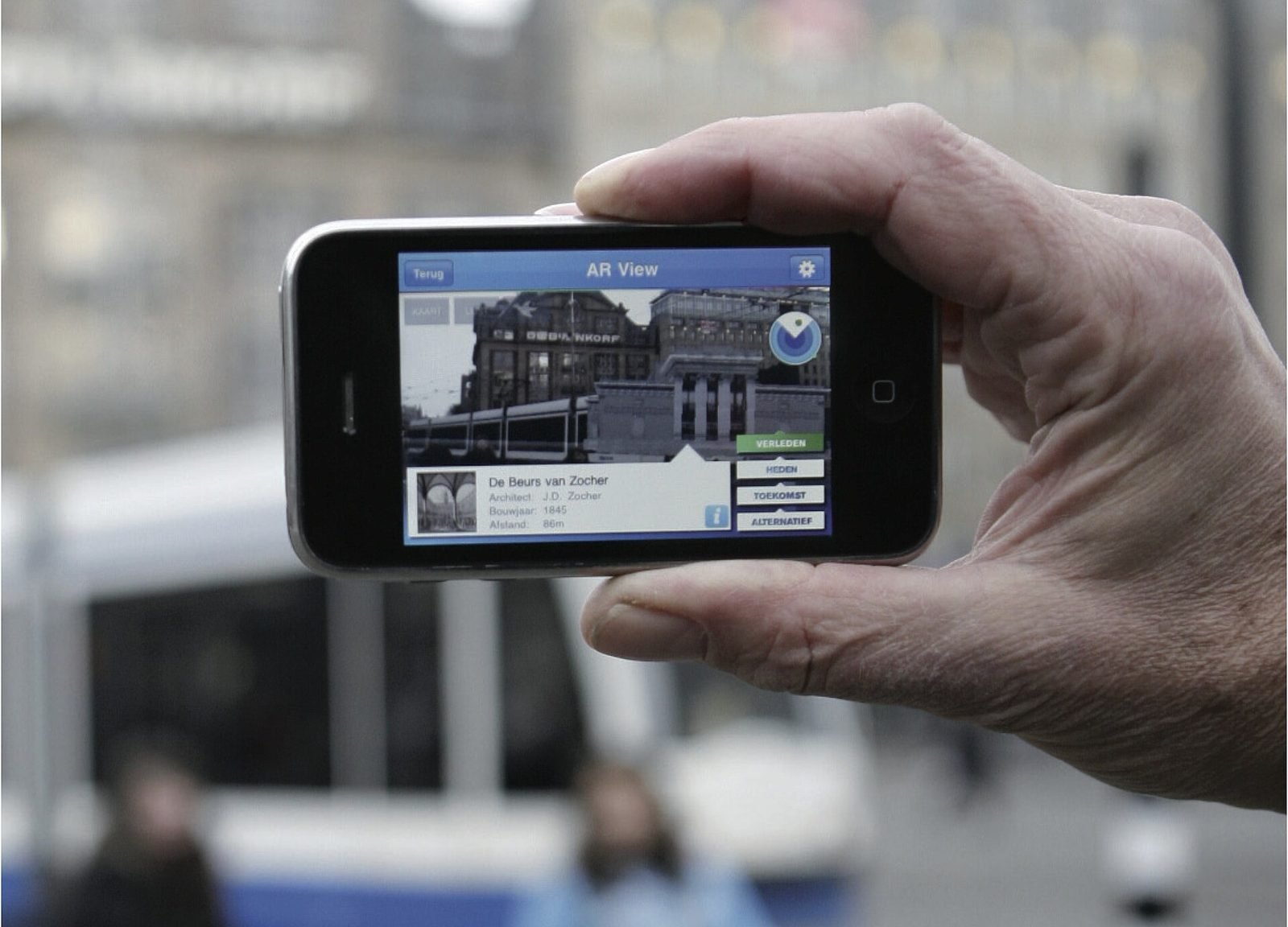
The API can also return simplified meshes of nearby buildings and terrain. This enables occlusion (a virtual carriage disappearing behind a real corner), physics against walls, and hit-testing so a user can tap a building to attach content. Streetscape Geometry is what moves geospatial AR from floating labels toward mixed reality outdoors.
Localisation accuracy and availability
An app can check VPS availability at the user's position before starting, and read accuracy values continuously during a session. Well-designed experiences show rich content only within a threshold tested on site, and simpler direction-based content when accuracy is poor.
Coverage and limits
Geospatial AR depends on a visual map, and the map has edges.
- Coverage follows Street View. Dense in most European and North American cities, patchy in villages, rural areas and recently rebuilt districts.
- Indoors and under cover, VPS cannot localise. Courtyards, arcades and tunnels are frequent trouble spots in historic centres.
- Night, heavy rain, snow and seasonal foliage reduce matching quality.
- Scaffolding, new buildings and festival structures change the scene after it was mapped.
Apple's ARKit offers comparable Location Anchors in a limited set of cities, so for European sites the ARCore Geospatial API, which also runs on iOS through ARCore Extensions, is usually the practical choice.
Design implications
Because accuracy is a range rather than a fact, the design has to absorb it.
- Design content to tolerate about a metre of position error and a few degrees of heading error. A building-scale reconstruction tolerates this; a label on a specific window may not.
- Guide the camera toward distinctive structure during localisation, and tell people why. A short on-screen prompt pointing at the façade opposite works better than a spinner.
- Use terrain anchors for anything on the ground, so altitude mistakes do not make content float or sink.
- Define a fallback for each point of interest: a compass-style direction cue, an audio layer or a 2D card when VPS is unavailable.
- Plan the route so people localise at good spots and arrive at content already localised.
We go deeper in how to design an AR experience.
How to test accuracy on site
A checklist we use at VeleStudio before committing a concept to a place.
- Check VPS availability at every point of interest during planning, with the API's availability check or a test build.
- Visit at least twice, at different times of day and in different weather.
- At each point, record time to localise and the reported horizontal, vertical and heading accuracy after 30 seconds.
- Place a test anchor on a measurable feature, such as a doorway corner, and photograph the offset from three viewpoints.
- Walk 20 to 30 metres away and return, noting whether content has drifted.
- Test on at least one recent iPhone and one mid-range Android device, since camera and GNSS quality differ.
- Note obstructions: trees, awnings, scaffolding, parked vehicles and crowds at peak hours.
- Record network signal strength, since localisation needs connectivity.
- Write the results into the content map so each anchor carries its measured accuracy and fallback.
Where VeleStudio fits
VeleStudio develops location-aware AR with Unity, AR Foundation and the ARCore Geospatial API, from site survey through anchor placement to field testing. Our geospatial AR service describes the process, and the geospatial AR city layer prototype documents what we built and learned as studio R&D. If you have a place with a story that is invisible on site, tell us about it.
FAQ
Common questions
01How accurate is geospatial AR?
02Does geospatial AR need an internet connection?
03Can geospatial AR work indoors?
Related work
Keep reading
AR vs VR vs Mixed Reality: what is the difference?
AR overlays content on the real world, VR replaces it, and mixed reality lets virtual and real objects interact. A practical guide to choosing between them.
How museums can use AR and XR: a practical guide for cultural heritage
How museums and heritage sites use AR, VR and mixed reality: use cases, phones versus loan devices, curatorial constraints, content pipelines and pilots.
How to design an AR experience
A practical process for designing AR: define the job of the AR layer, choose anchoring, guide attention, handle uncertainty and test in real conditions.