HCI/By Erfan Soleymanzadeh//6 min read
What is Human-Computer Interaction (HCI)?
Human-Computer Interaction is the study and design of how people use computing systems. What it covers, how it differs from UX, and why it matters for XR.

Human-Computer Interaction (HCI) is the discipline that studies how people use computing systems and designs those systems so they fit human bodies, minds and situations. It sits between computer science, cognitive psychology, design and the social sciences, and it produces three kinds of output: knowledge about how people perceive, think and act with technology; methods for observing and evaluating use; and new interaction techniques and devices. When a gesture feels natural on a headset, when a menu is found without thought, or when a public installation is understood by a child in two seconds, HCI research is usually behind it.
The field matters to a studio like VeleStudio because XR and spatial interfaces have no established conventions to lean on. Every project must answer, with evidence rather than taste, how a person should point, select, move, read and rest in a space that is partly real and partly rendered.
A short history
HCI grew up with interactive computing itself.
- 1960s: Ivan Sutherland's Sketchpad (1963) showed direct manipulation of graphics with a light pen, and Douglas Engelbart's 1968 demonstration introduced the mouse, windows and hypertext to a public audience.
- 1970s: Xerox PARC developed the graphical user interface, the desktop metaphor and WYSIWYG editing that shipped in the Xerox Star and, later, the Macintosh.
- 1980s: HCI became a named field. The first CHI conference was held in 1982, and Card, Moran and Newell's The Psychology of Human-Computer Interaction (1983) brought cognitive models such as GOMS to interface design. Don Norman's work on affordances and mental models reached a wide audience later in the decade.
- 1990s: Jakob Nielsen's usability heuristics gave practitioners a cheap evaluation method. Mark Weiser's vision of ubiquitous computing (1991) and Hiroshi Ishii's tangible bits (1997) pushed the field beyond the desktop and into rooms and objects.
- 2000s onward: Paul Dourish's Where the Action Is (2001) framed embodied interaction. Touch, mobile, voice and now spatial interfaces each reopened basic questions about input and attention.
HCI vs UX vs interaction design
The terms overlap but are not the same thing.
- HCI is a research discipline. It asks general questions (how fast can people select targets of a given size, how does latency affect the sense of presence) and answers them with experiments and field studies. Its outputs are models, principles and techniques.
- User experience (UX) is a professional practice concerned with the overall quality of a person's encounter with a product or service. UX borrows HCI methods and findings and adds business and content concerns.
- Interaction design is the craft of shaping the moment-to-moment behaviour of a system: what happens when you press, drag, look, speak or step. It is the part of UX that HCI research informs most directly, and the craft we apply to spatial and physical systems.
A rough analogy: HCI is to interaction design what materials science is to architecture.
Core methods
HCI's lasting contribution to practice is a set of methods for finding out what people actually do, rather than what they say or designers assume.
Contextual inquiry
Observing and interviewing people where the activity happens: in the workshop, on the gallery floor, in the street. For spatial projects this is irreplaceable, because the environment is part of the interface.
Prototyping at several fidelities
Paper, cardboard, bodystorming (acting out an interaction in the real space with props), video prototypes, Wizard of Oz studies where a human simulates the system, and finally working software on the target device. Each level answers different questions at a different cost. We describe our approach in how to prototype an XR experience.
Usability studies
Structured sessions in which representative people attempt realistic tasks while observed, measuring task completion, time, errors and self-reported effort. Five to eight participants per round find most serious problems; several small rounds beat one large one.
Heuristic evaluation
Experts review a system against established principles (visibility of system status, match with the real world, error prevention, recognition over recall) to find problems cheaply before testing with people. For XR we add comfort, safety and spatial-attention heuristics that desktop lists lack.
Quantitative and physiological measures
Fitts's law for pointing, reaction and completion times, head and gaze tracking, and questionnaires for presence, workload and simulator sickness. These make comparisons between design alternatives defensible.

Why HCI matters more for XR and spatial interfaces
Desktop and mobile interfaces have decades of conventions. Spatial interfaces do not, and they add difficulties that make research non-optional.
Embodiment
In XR, the body is the input device. Reach, height, handedness, the weight of a headset, the fatigue of holding a phone up and the social awkwardness of gesturing in public all shape what people can and will do. HCI research on embodied interaction, proxemics and gesture gives a vocabulary and findings to design from.
Input without conventions
Should selection be a pinch, a dwell of the gaze, a voice command, a controller button or a tap on a phone? Each has measured strengths: gaze is fast but imprecise and tiring to hold; pinch is reliable but needs hands visible to cameras; voice is powerful but fails in noisy galleries and embarrasses people in quiet ones. Choosing without evidence is guessing.
Comfort and safety
Latency, frame rate, vergence-accommodation conflict, field of view and locomotion technique all affect whether people feel sick or strained, and HCI and human-factors research has measured these effects for thirty years. An interface that ignores them is not merely unpleasant; it can make a person fall or walk into traffic.
Attention in an unbounded display
There is no screen edge. HCI work on peripheral awareness, notification and spatial audio tells us how to draw attention without startling or overloading. This is the heart of what we call spatial UX.
How a studio applies HCI research in commercial projects
HCI is sometimes seen as academic and slow. Applied well, it prevents the expensive mistake of building the wrong thing. At VeleStudio we fold it into projects in four ways.
- Research framing. Each project starts with the question the experience must answer for people, and a short review of what is already known; published findings on comfort, input or wayfinding often settle debates in an afternoon.
- Early field observation. A day on site watching how people move, pause, look and hold their phones, before any concept is fixed.
- Prototype-and-measure loops. Low-fidelity prototypes in the real place, then device prototypes, each tested with a handful of people and a few agreed measures. Our human-computer interaction service describes this cycle.
- Self-initiated R&D. We run studio prototypes to study questions clients cannot afford to explore on their timelines. The presence field installation prototype investigates how people respond when a space reacts to their position and movement; the spatial conversational guide explores how a voice assistant should behave when it can see what the person sees. Both feed directly into client work.
The result is not a report but a set of design decisions with evidence behind them: where content sits, which gesture selects it, how long a session should run and what happens when things fail.
If you are planning an interface that lives in a physical space and want it grounded in how people actually behave, talk to us.
FAQ
Common questions
01What is the difference between HCI and UX?
02Why is HCI important for virtual and augmented reality?
03What methods does HCI use?
Related work
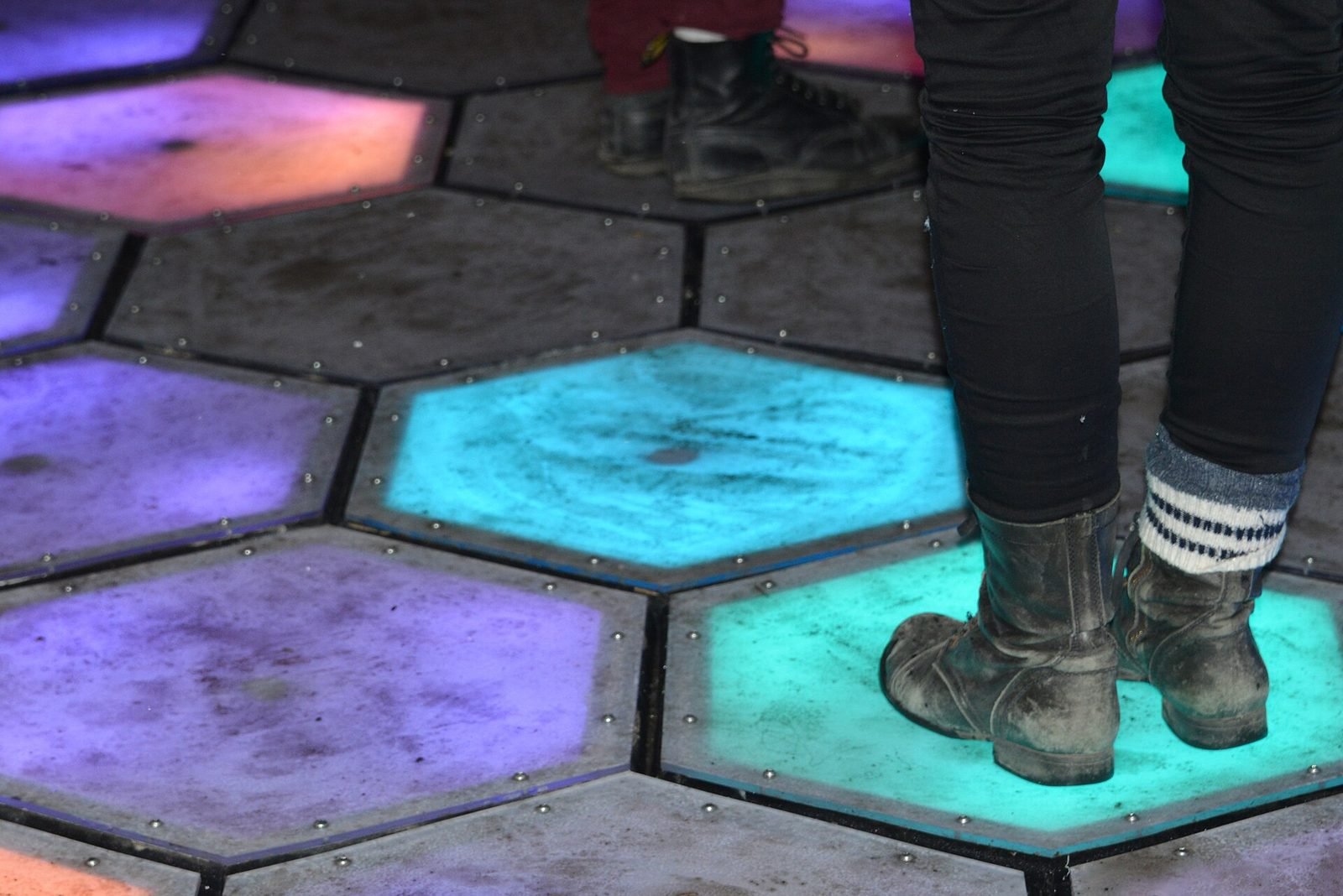
01Interactive Installation, HCI·Studio prototype, 2025
Presence Field: a body-reactive projection installation
A wall-scale particle field driven by a depth camera, where bodies displace and attract points and lines and several people create interference patterns.
- Unity
- C#
- Depth cameras
- Hand & body tracking
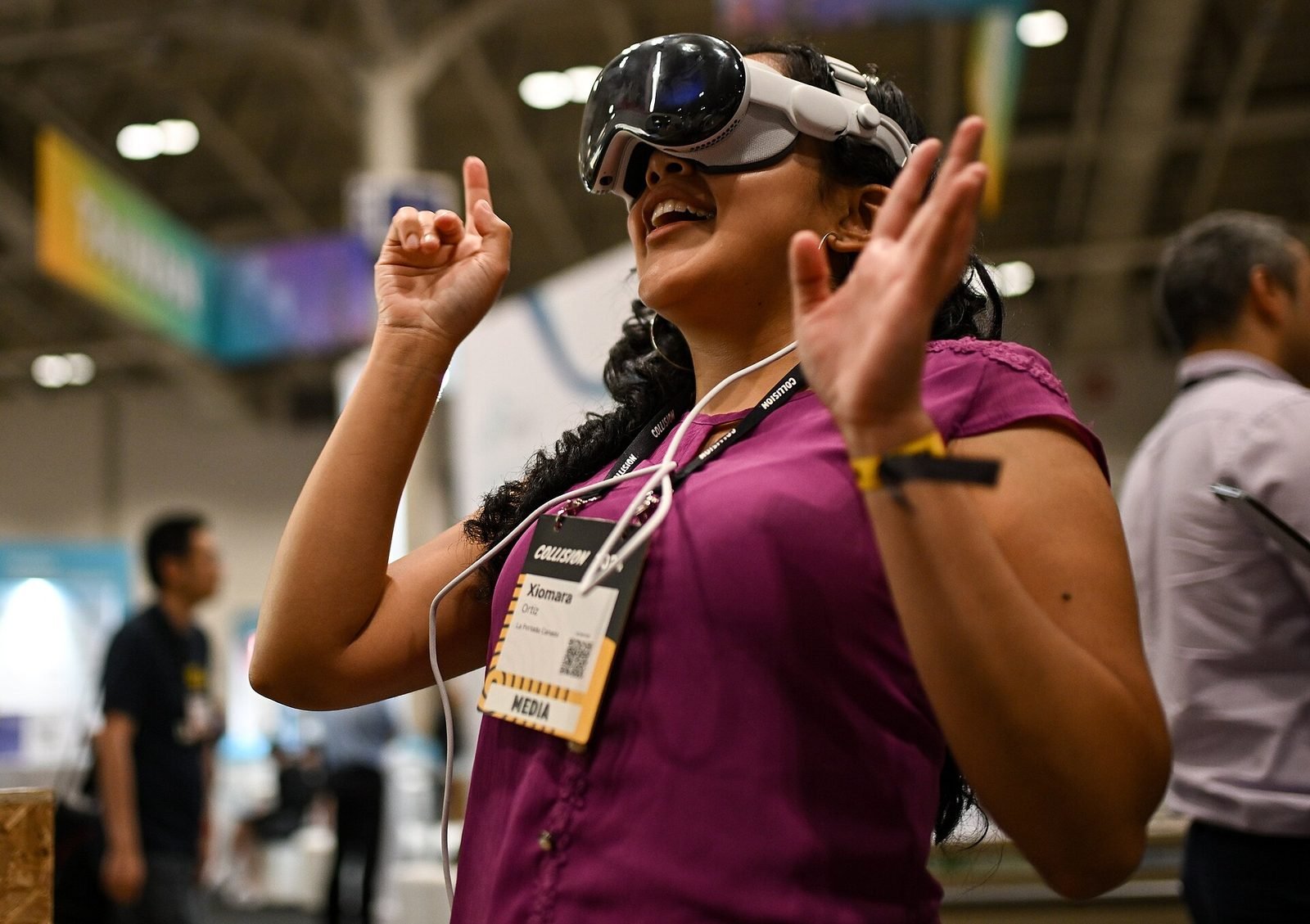
02AI, XR·Studio prototype, 2026
Spatial Guide: an AI agent that answers questions about what you are looking at
A headset prototype where a visitor looks at an object, asks a question by voice and gets an answer grounded only in a curated knowledge base, pinned to the object.
- Unity
- C#
- OpenXR
- Meta Quest SDK
Keep reading
How to design an AR experience
A practical process for designing AR: define the job of the AR layer, choose anchoring, guide attention, handle uncertainty and test in real conditions.
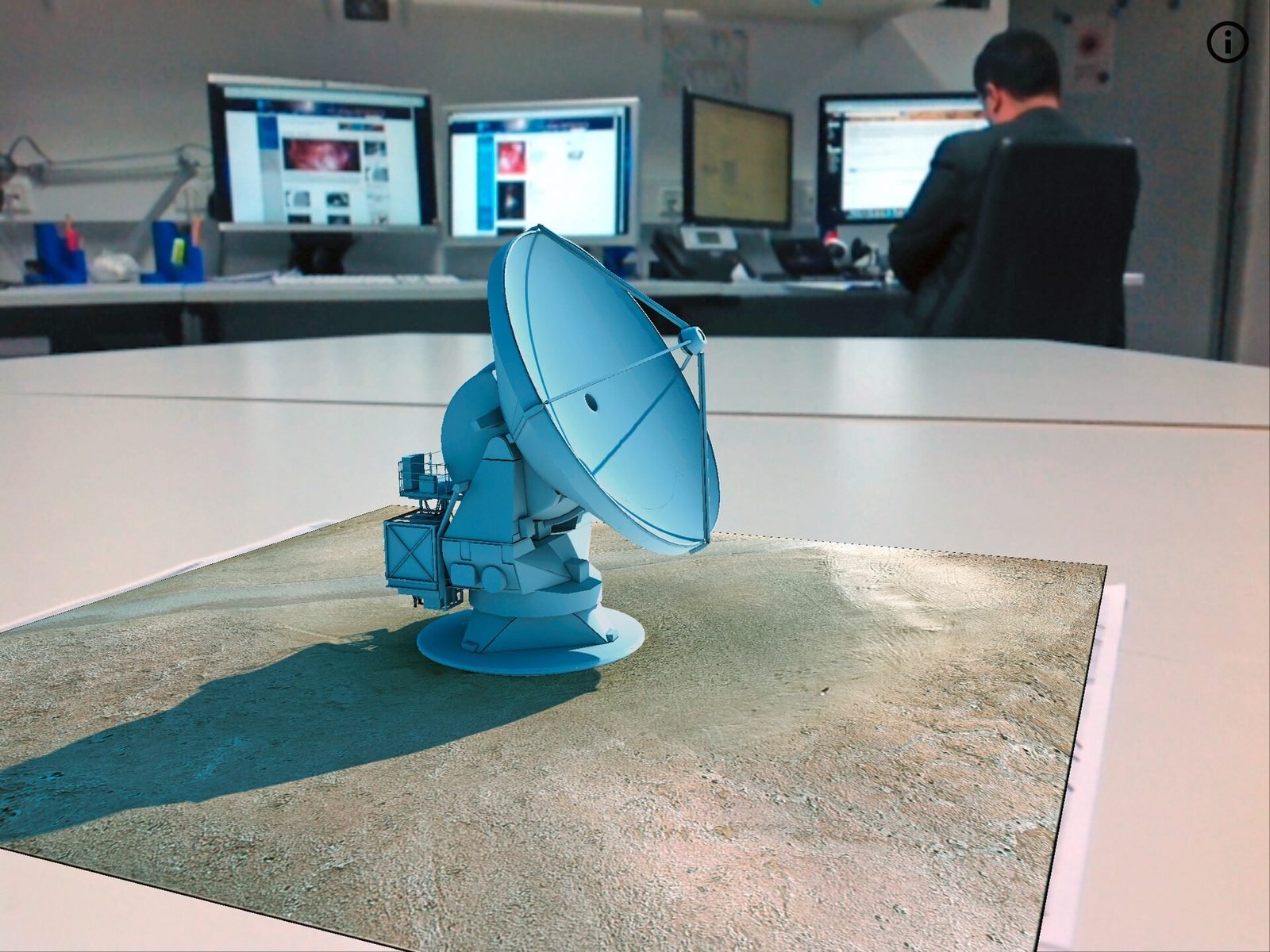
How to prototype an XR experience
Why XR projects start with a prototype: a fidelity ladder from bodystorming to on-device slice, what to test at each stage and how to reach production.
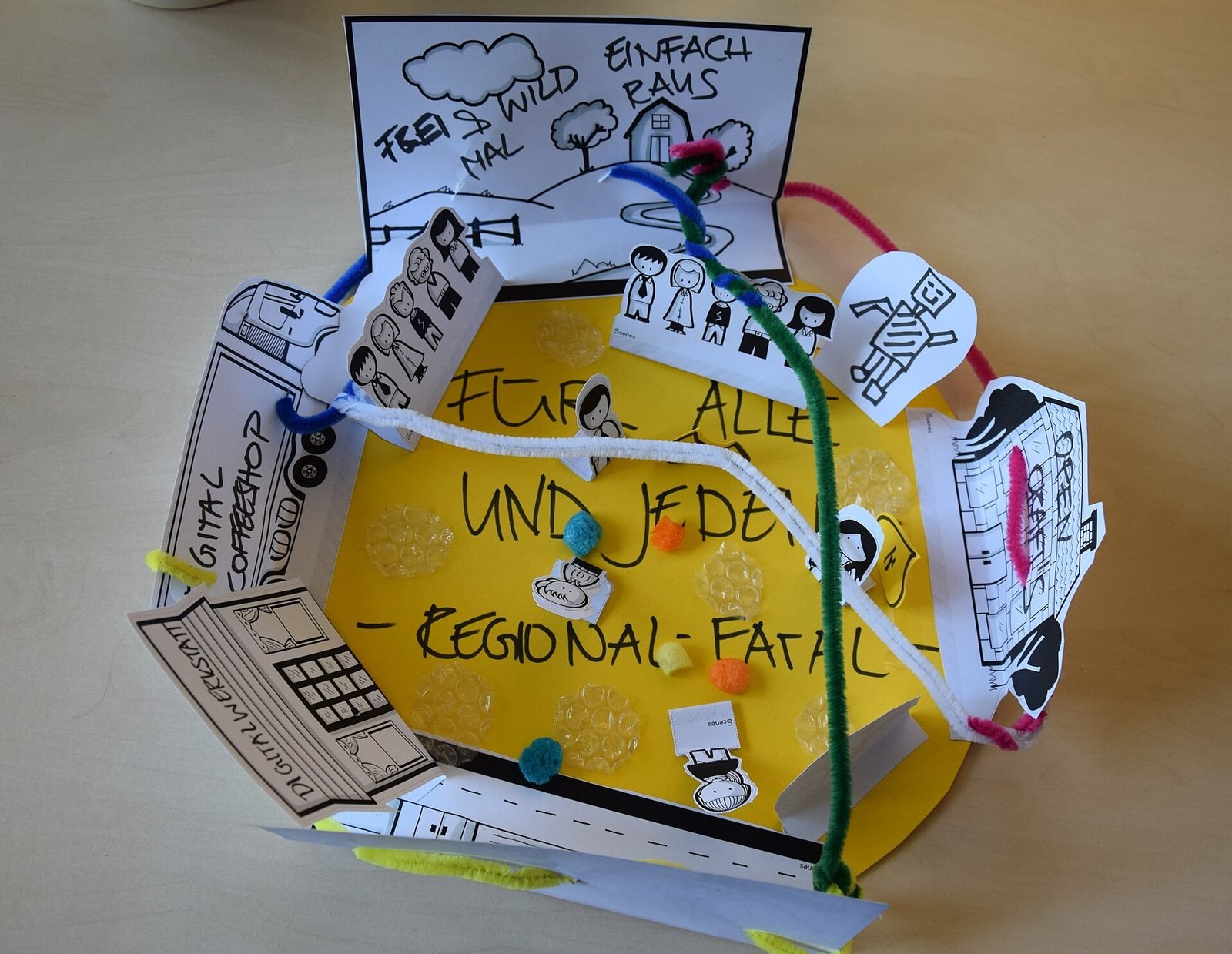
What is spatial UX? Designing interfaces for spatial computing
Spatial UX is the design of interfaces that live in the 3D space around a user. How it differs from 2D UX, and the principles that keep it comfortable.