Interaction Design/By Erfan Soleymanzadeh//7 min read
How to build an interactive installation
A practical guide to interactive installations: concept, sensing, software, hardware, calibration, robustness when unattended, and what drives cost.
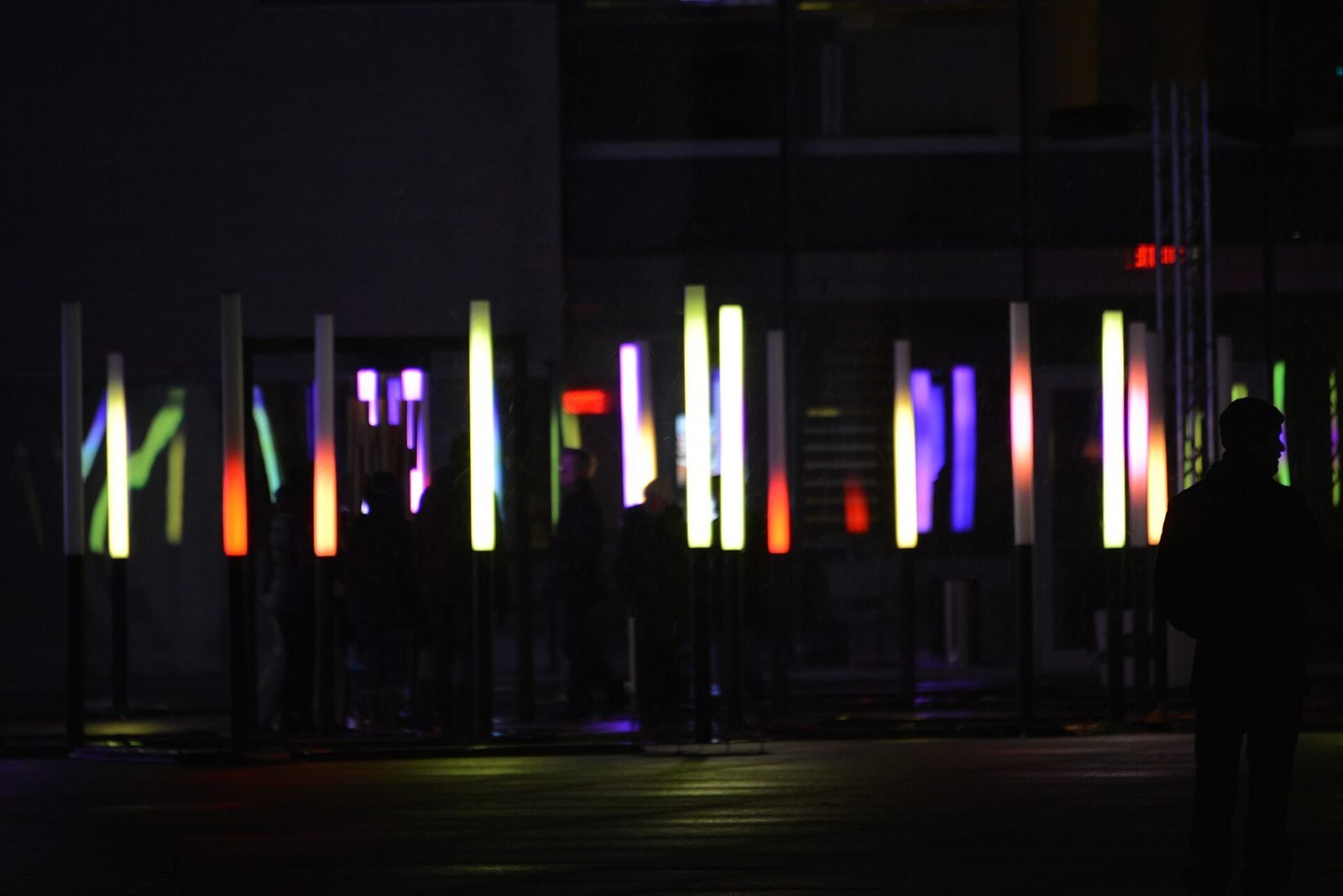
Building an interactive installation means designing one clear interaction, choosing sensors that can detect it reliably in the real room, writing real-time software that turns sensor data into image, light or sound, and then engineering the whole thing to run on its own for months. The creative idea is usually the quickest part; most of the work and most of the risk lie in sensing, calibration and keeping the piece alive without a technician beside it.
This guide follows a typical project from brief to opening, in the order we approach it at VeleStudio when we build interactive installations for museums, exhibitions, brands and public spaces.
Start with the one interaction that matters
An installation is experienced in seconds by people who did not read a manual. It should be clear within a moment what the piece responds to and that it is responding to you. The concept phase therefore ends with a single sentence of the form "when a person does this, the space does that"; everything else is layering.
Good interactions are legible (a person can tell their action caused the response), immediate (the response begins within about a tenth of a second) and social (they still work, or improve, when several people are present). Weak ones rely on precise gestures, instructions, or a single person standing in exactly the right spot. Our self-initiated Presence Field prototype was built around one such sentence: a field of light and sound that reorganises itself around where people stand and how they move.
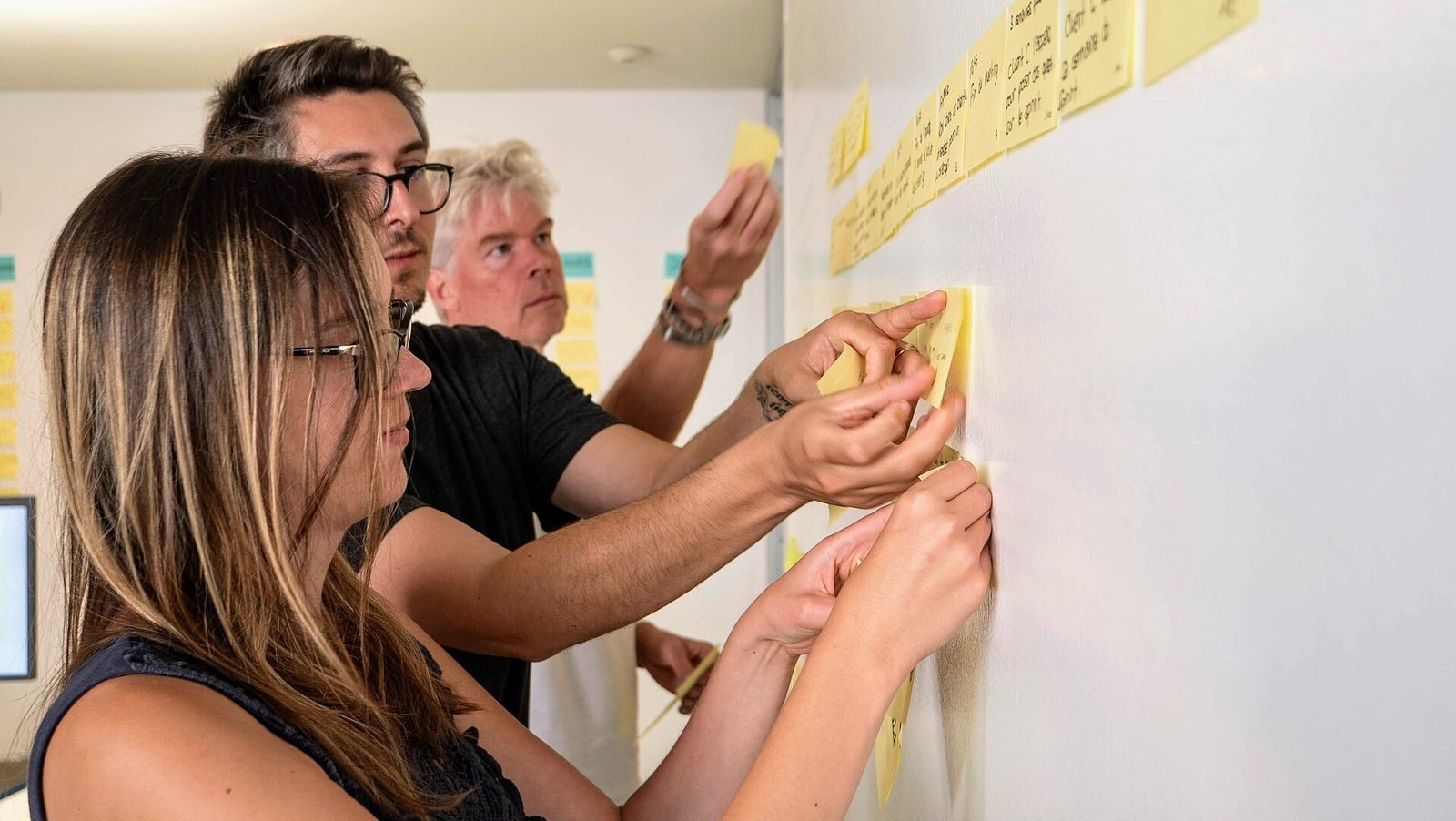
Before any hardware is chosen, rehearse the interaction with cardboard, bodies and a projector in a room. If it is not compelling as a rehearsal, no technology will save it.
Choosing how the installation senses people
Sensing is the decision that most constrains everything else. The question is not which sensor is best but which detects the chosen interaction reliably under the venue's actual lighting, crowd and architecture.
| Sensing method | Detects | Strengths | Watch out for |
|---|---|---|---|
| Depth cameras (Azure Kinect, RealSense, LiDAR) | Bodies, skeletons, distance | Works in low light; gives 3D positions; mature body tracking | Range of a few metres; interference between units; sunlight |
| RGB cameras with computer vision | People, poses, objects | Cheap; long range; flexible with modern models | Needs light; privacy obligations; variable accuracy |
| 2D lidar scanners | Positions on a plane, touch on walls | Precise; large areas; unaffected by light | No height information; occlusion by crowds |
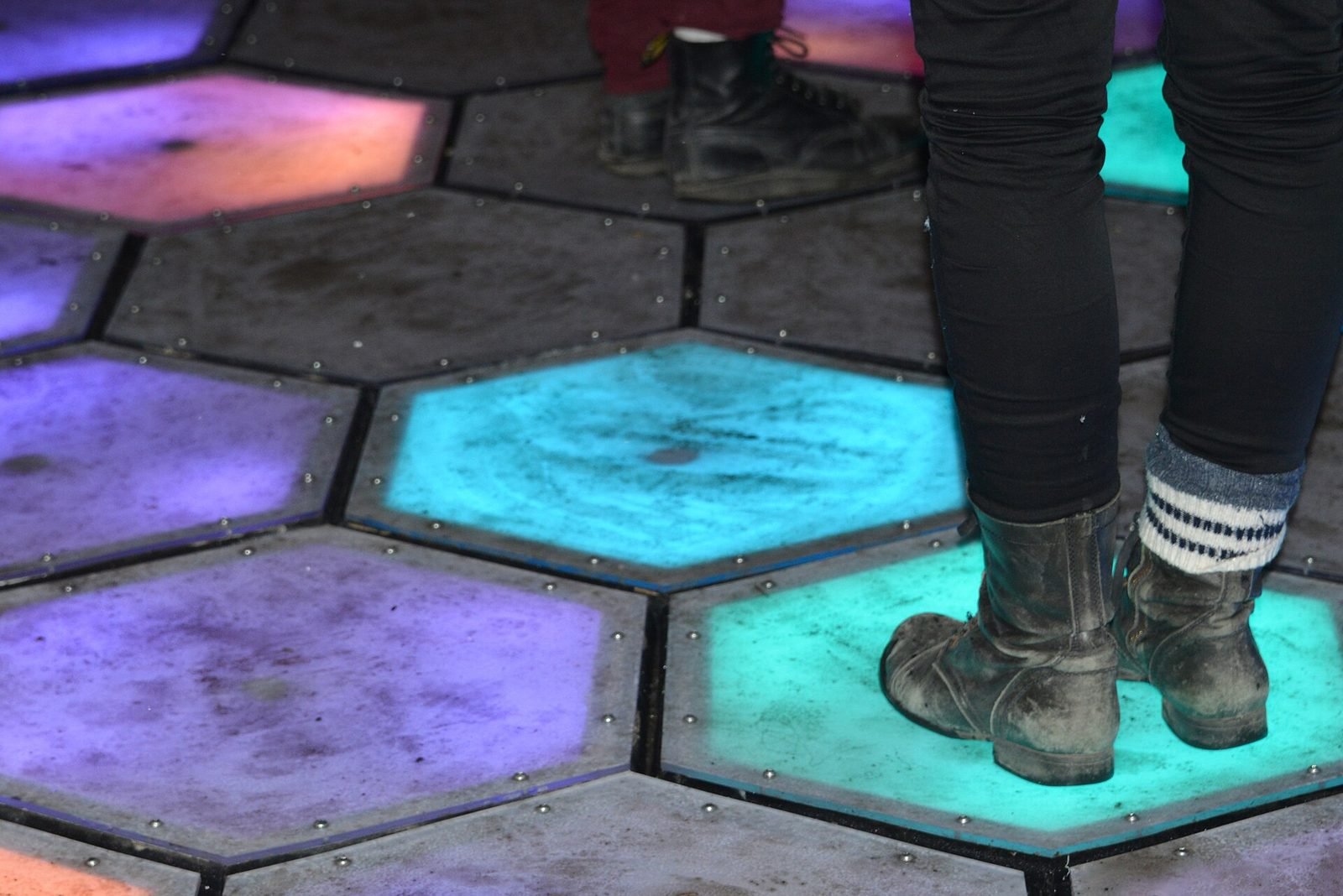
| Floor sensors and pressure mats | Footsteps, presence per tile | Invisible; robust; simple data | Installation cost; coarse resolution |
| Capacitive and proximity sensors | Touch, near-touch on objects | Tangible interfaces; very reliable | Only works at the object itself |
Depth cameras are the default for body-driven pieces indoors; lidar is the workhorse for large interactive walls and floors. Combining two methods, for example lidar for position and a camera for pose, often costs less than forcing one sensor to do everything. Whatever you choose, record real sensor data at the venue early and build against it.
Software: real-time engines and media pipelines
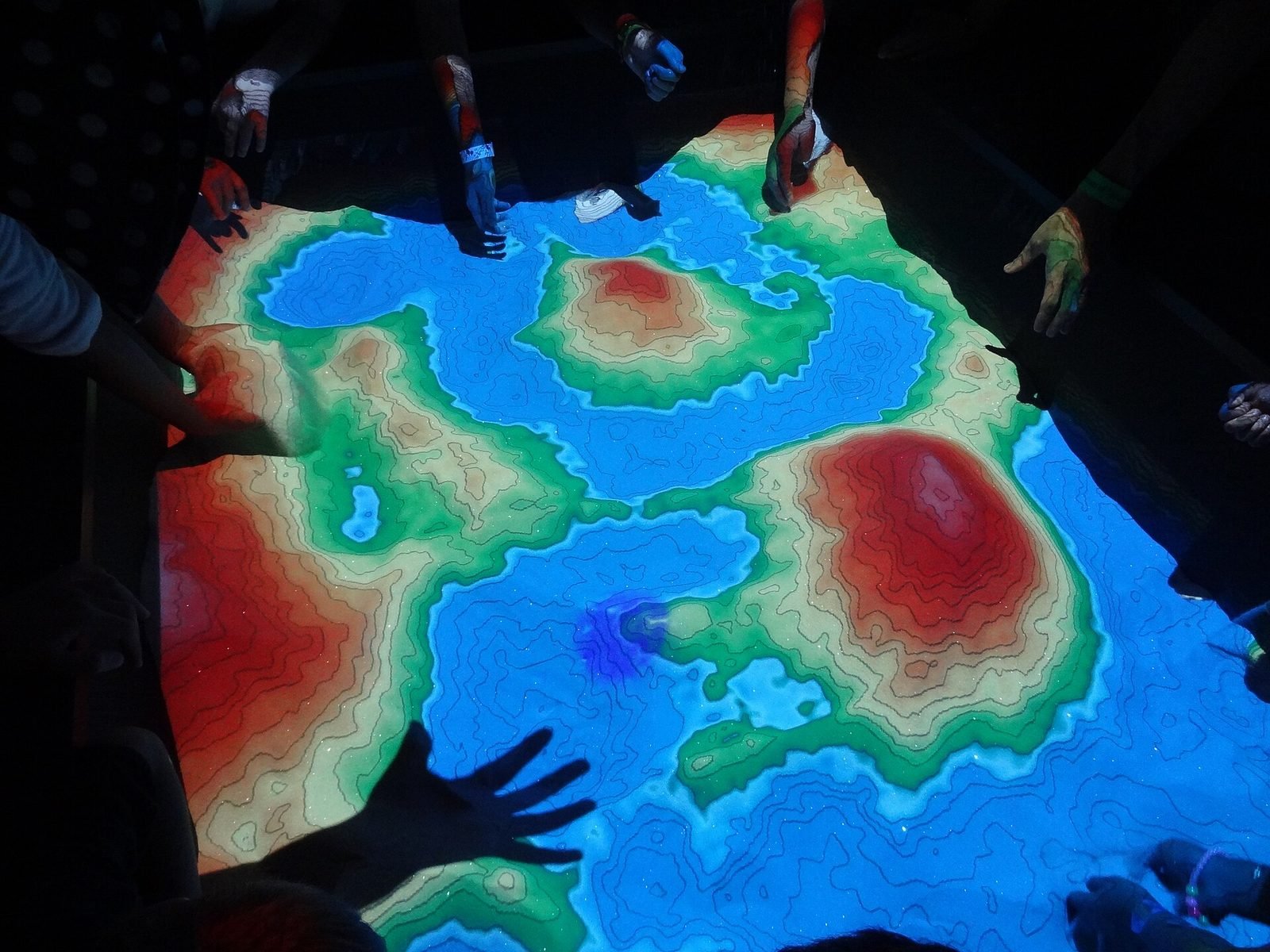
Two tools cover most installations. Unity suits pieces with 3D content, simulation, complex state or game-like logic, and teams that program in C#. TouchDesigner suits media pipelines, generative visuals, projection mapping and fast iteration with sensor signals, because its node-based environment lets you tune behaviour live in the room. Many pieces use both: TouchDesigner handles sensor fusion and output mapping, Unity renders the world, and they exchange data over OSC or MQTT.
Whatever the engine, separate three layers: sensing (turning raw data into people at positions), behaviour (what the piece does with that) and output (how it is drawn and sent to displays). This lets you swap a sensor or a projector without rewriting the experience.
Hardware, projection and calibration
Projection gives large images on architecture at reasonable cost, but needs darkness, throw distance and periodic lamp or laser maintenance; brightness should be specified against the ambient light of the actual room. LED walls are bright enough for daylight, modular and long-lived, but cost more per square metre and show their pixel pitch up close. Audio is often an afterthought and should not be: directional speakers and a proper amplifier do more for presence than extra resolution.
The computer should be a dedicated machine with a GPU specified for the output resolution, a reliable power supply and nothing installed except the installation itself. Budget for spares of anything that can fail: cables, power supplies, one sensor.
Calibration
Every installation needs calibration between sensor space, physical space and output. A depth camera's coordinates must be mapped to the floor; a projector's image must be warped onto the wall; multiple sensors must agree. Build calibration as a tool inside the software, with a procedure a venue technician can follow from a one-page guide, because it will need redoing after cleaning, after a bump, and after the seasonal change in sunlight nobody predicted.
Running unattended
An installation runs eight to twelve hours a day with nobody watching it. The engineering for this is unglamorous and essential.
- Auto-start: the machine boots straight into the installation after a power cut, with no login screen, update prompts or visible desktop.
- Watchdog: a separate process restarts the application if it freezes or stops drawing frames, and reboots the machine if that fails.
- Scheduling: power-on and power-off follow the venue's hours so projectors and LEDs are not aged needlessly.
- Remote monitoring: the system reports a heartbeat, frame rate, sensor status and temperatures to a dashboard someone checks each morning, with alerts when it goes silent.
- Logging: enough to diagnose a problem from the office without a site visit.
- Operating-system hygiene: automatic updates disabled or scheduled, screen savers and sleep off, network access restricted.
Maintenance after opening
Agree before opening who does daily checks (usually front-of-house staff with a one-page routine), who responds remotely and who travels on site for hardware. Lamps, filters and dust are predictable; sensor drift and unexpected sunlight are the usual surprises. A first-year maintenance agreement with a defined response time protects both the venue and the studio.
Budget drivers and timeline
Costs follow from a few decisions rather than from the size of the idea: the number and type of sensors; the output surface (a wall of LED costs far more than a single projector); whether the piece needs 3D content and simulation or can be generative; the degree of custom hardware; the robustness required (a weekend event and a permanent gallery piece are different products); and on-site time for installation and calibration. Content production, particularly 3D modelling and sound design, is often underestimated. When VeleStudio is asked for a cost we explain these drivers and propose a scope rather than quoting a number.
The shape of the timeline
A typical project moves through concept and rehearsal, a technical prototype of the sensing and core interaction, content production and software build in parallel, a soak test, installation and calibration on site, and a short tuning period once real visitors arrive. The on-site phase is always shorter than people hope, so the prototype and soak test carry most of the risk reduction.
Pre-opening checklist
- The one interaction works for a first-time visitor without instructions.
- Sensing has been tested at the venue at the darkest and brightest times of day.
- Calibration is documented and repeatable by venue staff.
- Auto-start, watchdog and scheduled power have been tested by pulling the plug.
- Remote monitoring is live and someone is named to look at it.
- Spares are on site and labelled.
- Front-of-house staff have the one-page daily routine and a contact number.
- Accessibility has been considered: height of interaction, wheelchair access, alternatives to sound.
If you are planning an installation and want to talk through sensing or scope, get in touch. For the research side of how people behave around responsive spaces, see what is human-computer interaction.
FAQ
Common questions
01What software is used for interactive installations?
02How do interactive installations detect people?
03How much does an interactive installation cost?
Related work
01Interactive Installation, HCI·Studio prototype, 2025
Presence Field: a body-reactive projection installation
A wall-scale particle field driven by a depth camera, where bodies displace and attract points and lines and several people create interference patterns.
- Unity
- C#
- Depth cameras
- Hand & body tracking
Keep reading
How museums can use AR and XR: a practical guide for cultural heritage
How museums and heritage sites use AR, VR and mixed reality: use cases, phones versus loan devices, curatorial constraints, content pipelines and pilots.
How to prototype an XR experience
Why XR projects start with a prototype: a fidelity ladder from bodystorming to on-device slice, what to test at each stage and how to reach production.
What is Human-Computer Interaction (HCI)?
Human-Computer Interaction is the study and design of how people use computing systems. What it covers, how it differs from UX, and why it matters for XR.